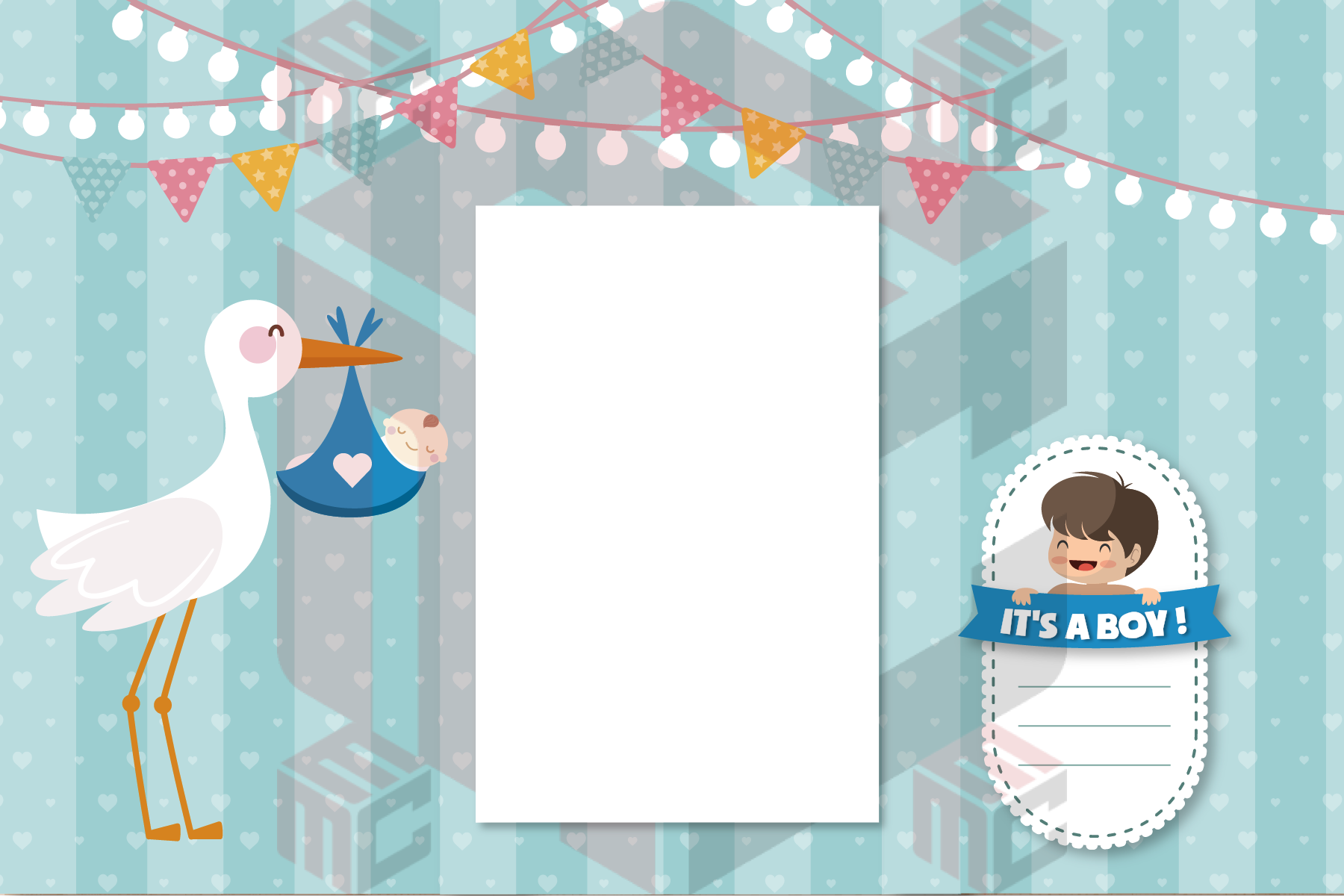
A baby shower photo booth template works best when the finished print feels like a keepsake rather than an invitation squeezed around tiny photographs. Start with the shower theme and the actual output format, then choose a layout that gives guests plenty of space for their pictures. Neutral colors, bold typography and a short message are all options; no design has to rely on one conventional pink-or-blue palette.
Plan for the photos guests will take
Will the booth mostly capture couples and families, or a quick series of individual poses? The answer affects the photo openings. A wide layout may suit group pictures, while a strip tells a short story through several frames. Confirm the camera crop and printer setup before selecting the design; resizing a layout after the event artwork is finished can disturb its alignment.
Pick a theme that remains readable at print size
Use the event palette as a starting point, but keep names and dates easy to distinguish from the background. Small pale lettering over a patterned area can vanish once printed. If the host wants a themed illustration, allow the artwork to frame the image openings rather than sit over faces. Browse the baby shower photo booth templates collection for examples of how different design styles balance decoration with photographs.
Choose the wording with care
A simple event name, date or welcoming message is usually sufficient. Confirm spelling and the host’s preferred wording before the design is finalized, especially when a baby’s name has not been announced. If the event is a surprise, keep the print design consistent with what guests are meant to know. Avoid long sentences on narrow photo strips.
Make a physical sample before guests arrive
Ask the operator to capture a test photo with the live settings. Check text size, photo-slot crops, borders and trimming. Print with the actual paper and printer, then save the approved artwork and a separate editable copy. If you use more than one booth, test each setup rather than assuming the same print settings will be identical.
A short host checklist
Before approving a baby shower template, check whether a date, name or short message should appear on every print. Ask whether the main guest groups will be families, couples or single guests. Confirm the booth’s final photo count and the printer output with the operator. These details prevent a design that looks lovely on a laptop from feeling cramped when relatives pose together.
If you plan to place printed keepsakes in a guestbook or favor bag, compare the actual paper size with the space available. A larger print can accommodate handwriting; a narrow strip may suit a small envelope. The best format is the one that fits the event activity as well as the photo booth itself.
Explore the available layouts and adapt one to your event in the MyMirrorClub baby shower template gallery.