
For conventions and conferences
Use layouts for exhibitor booths, association meetings, fan conventions, conference halls, networking events and multi-day attendee experiences.
Create editable branded graphics for convention floors, conference booths, exhibitor spaces, sponsor activations and product launches. MyMirrorClub helps photo booth owners and event teams build the visual experience; it does not provide local booth rental service.
A convention photo booth template is an editable branded layout used on attendee photos, videos, photo strips, mirror booth screens or 360 booth content. It gives every guest takeaway a consistent event identity while protecting the main photo area and keeping logos, sponsors and calls to action easy to see.
Use layouts for exhibitor booths, association meetings, fan conventions, conference halls, networking events and multi-day attendee experiences.
Create branded booth graphics for product demos, vendor showcases, industry expos, sponsor activations and lead-generation campaigns.
Turn each capture into an event-ready photo or video that can be printed, shared, emailed or posted with the campaign identity attached.
The strongest design supports the event goal without covering the guests. Build the hierarchy before adding decoration.
Include the convention, conference or expo name, event date and a visual style that matches the show branding.
Give the host or exhibiting brand the clearest logo position and keep enough contrast around it for clean viewing.
Reserve organized areas for presenting sponsors, partners or exhibitors instead of scattering logos across the guest image.
Add a booth number, product name, campaign line or activation title when it helps attendees remember where the experience came from.
Leave a clean, high-contrast area for a QR code that can point to a product page, offer, gallery, signup or event microsite.
Keep faces, full-body poses and product props clear by placing important text and logos inside safe edge zones.
Start with the event requirements, then use the editor to turn one suitable layout into a coordinated branded asset.
Choose the correct print, overlay, 360, mirror booth or screen format before designing so the canvas matches the booth software.
Collect approved logos, sponsor names, brand colors, fonts, event copy, booth number and the final QR destination.
Start with a template that leaves enough room for the expected pose, attendee group size, products, props and background.
Use the online photo booth editor to adjust available text, images, colors, logos and animation layers.
Check logo readability, photo-safe areas, QR-code size and mobile sharing before using the design on the convention floor.
Pair the main template with animations, overlays and 360 booth graphics for a consistent campaign.
A convention photo booth can attract traffic, create branded keepsakes, support sponsors or extend a campaign beyond the exhibit floor. The template should make that purpose clear.
Use clear product branding, booth numbers and a simple call to action when the activation is designed to start conversations around an exhibit.
Create balanced logo zones for presenting sponsors, event partners, associations and conference organizers without overwhelming the guest photo.
Choose layouts that support costumes, groups, props and themed event artwork while keeping the convention identity visible.
Use QR-code areas and campaign messaging to direct attendees toward a signup, offer, product page, survey or branded gallery.
Match the template with branded digital overlays and animations so event content remains recognizable after attendees share it.
Build one visual system that can be reused across sessions, sponsor moments, booth activities and different output formats.
A MyMirrorClub member asked our Custom Requests service to prepare a coordinated set of branded assets for a Great Lakes Water Authority 10-year anniversary event project. The package shows how one corporate visual identity can carry across landscape, portrait and animated photo booth formats without losing the event branding.
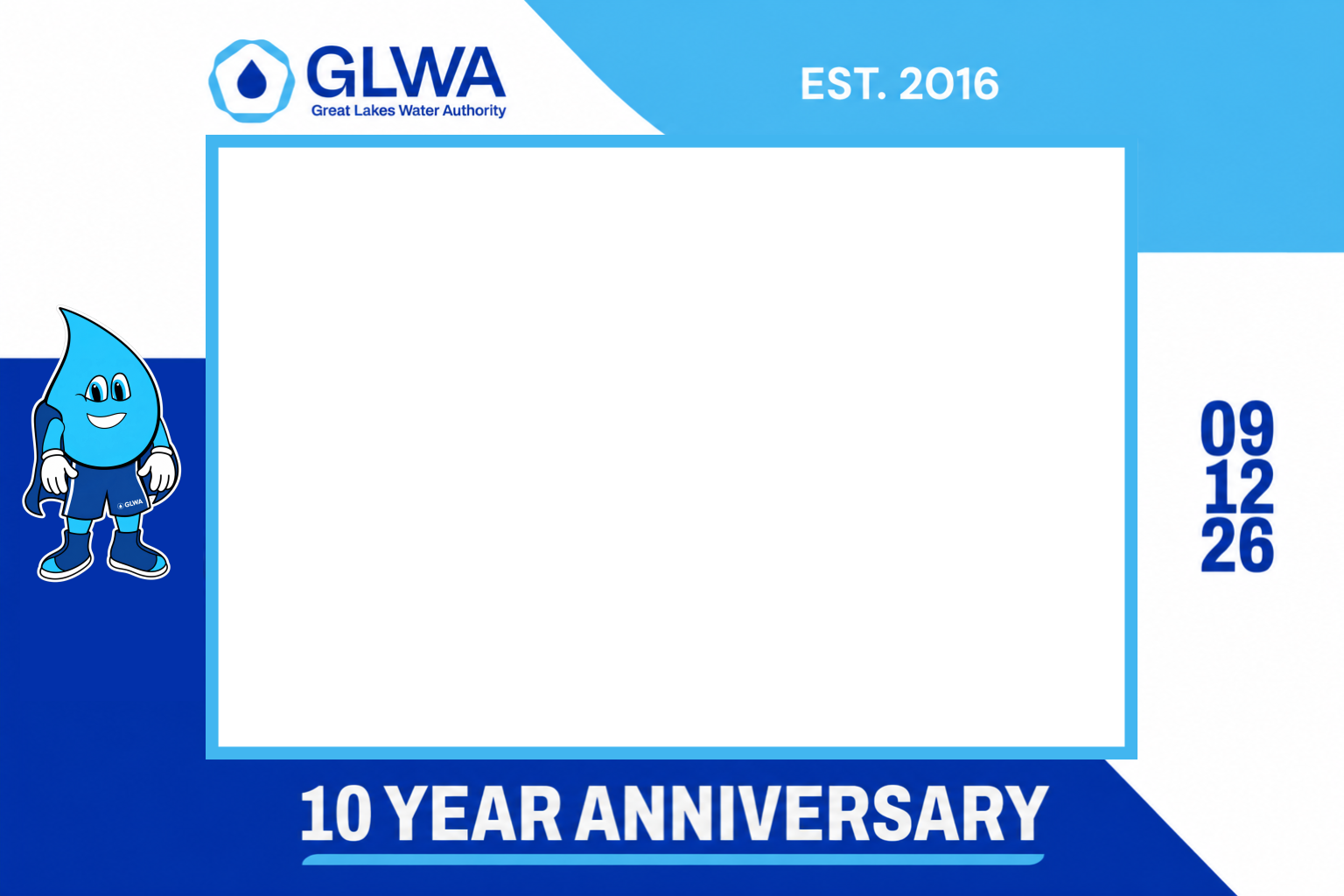
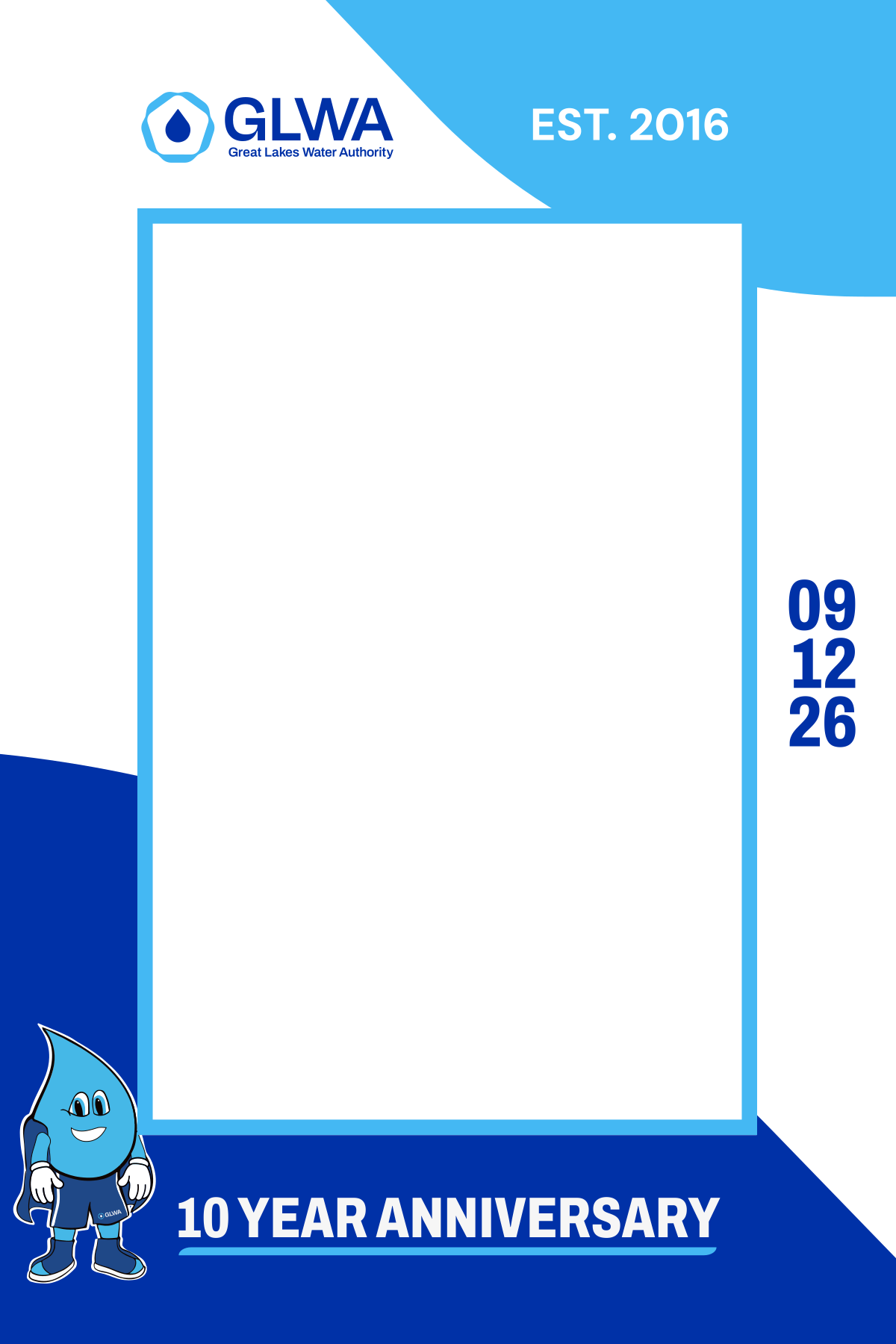
Corporate photo booth work often needs more than a single print. A strong package can repeat the same logo hierarchy, colors, campaign message and recognizable visual elements across multiple outputs. That makes the booth feel like part of the event brand instead of a separate add-on.
Shown as an example of MyMirrorClub design work prepared through a member Custom Request. Company names and marks remain the property of their respective owner.
Convention bookings often need more than one print layout. Connect the main design with the other creative pieces used before, during and after the attendee capture.
Build full-page layouts or photo strip templates with event names, sponsor visibility and clear guest-photo areas.
Use corporate overlays, 360 templates and 360 overlays for shareable branded content.
Match welcome screens, prompts and countdowns with photo booth animations and mirror booth templates.
Use this page for convention, conference, expo and trade show intent. Use the related pages when the request is broader corporate branding, a specific overlay format or general event design.
It is an editable layout or overlay used to apply event branding to attendee photos, videos, photo strips, 360 booth content or mirror booth screens at conventions, expos and conferences.
Start with the event name, approved brand colors, clear logo hierarchy, sponsor placement, safe guest-photo space and an optional booth number or QR-code call to action.
Yes. Customize available layers with company and sponsor logos, campaign messaging, event colors, booth details, hashtags and a readable QR-code area.
Yes. Coordinate print templates, overlays, 360 booth graphics, animations, mirror screens and backgrounds around one event campaign.
No. MyMirrorClub provides editable digital templates, overlays, animations and online design tools for photo booth owners and event teams.
Match the output format, guest pose, sponsor requirements, brand hierarchy and campaign goal. The event template choice guide can help compare options.
Browse the MyMirrorClub library, choose the right format and build branded photo booth templates, overlays, 360 graphics, animations and mirror screens for conventions, trade shows and expos.