Choosing the right photo booth template is easier when you start with the event goal instead of only the design style. A wedding layout, a birthday layout, a corporate sponsor layout, a 360 overlay, and a mirror booth screen can all look beautiful, but they solve different problems for the client.
MyMirrorClub gives photo booth owners a practical way to browse by event, format, and style, then edit the final design online. Start with the Search Library when you already know the theme, or use the main photo booth templates hub when you are still comparing options.
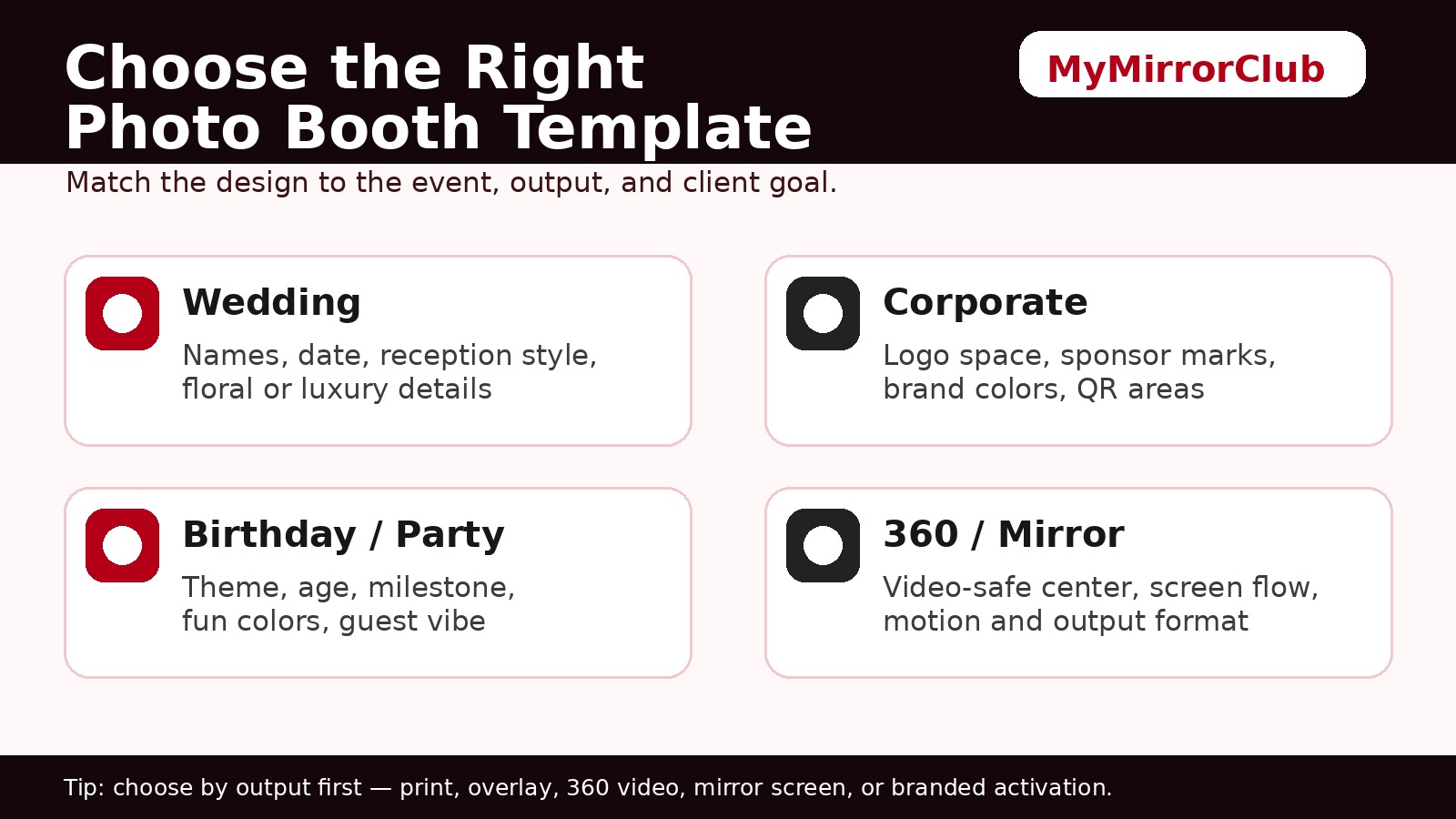
Start with the event type
The fastest way to choose a template is to ask what the client is really booking the booth for. Is the design supposed to feel romantic, fun, polished, branded, kid-friendly, seasonal, or sponsor-ready? Once the event type is clear, the page choice becomes much easier.
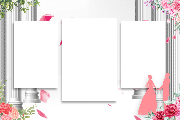
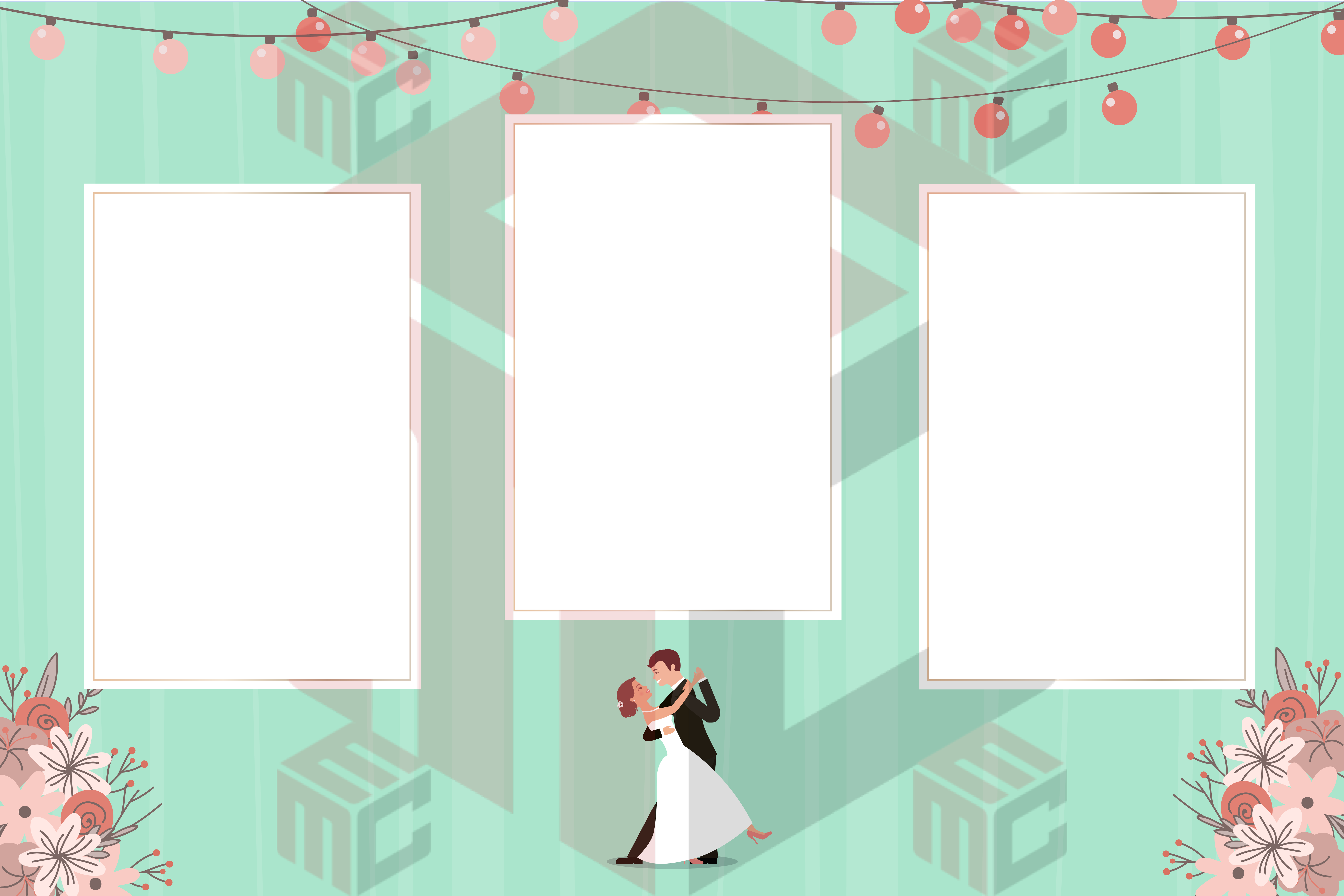
- Weddings: use wedding photo booth templates or wedding overlays for names, dates, monograms, reception wording, and elegant styling.
- Corporate events: use corporate photo booth templates when the event is business-focused but not necessarily a sponsor activation.
- Branded activations: use branded photo booth templates when logos, campaign messaging, QR areas, sponsor visibility, and brand colors are central to the job.
- Parties: use party photo booth templates for broad celebrations such as graduations, anniversaries, showers, nightlife, family events, and social gatherings.
- Birthdays: use birthday photo booth templates when the age, name, milestone, or birthday theme is the main focus.
- Kids and school events: use kids photo booth templates or school photo booth templates when the design needs to be playful, safe, family-friendly, or school-friendly.
Then confirm the output format
After the event type is chosen, confirm what the guest will receive or see. The same theme may need a different layout depending on whether the booth delivers a printed strip, a 4x6 print, a shareable overlay, a 360 video, or a mirror booth screen flow.
- Classic prints: compare photo strip templates and standard template layouts.
- Photo overlays: start with photo booth overlays when the client wants a framed final photo or social share graphic.
- 360 events: use 360 photo booth templates or 360 overlays for video-first layouts.
- Mirror booth events: use mirror booth templates and mirror booth animations when the design needs to support guest prompts and screen moments.
If size or layout is the confusing part, use the supporting guide: What size should photo booth templates be? It explains strips, overlays, 360 layouts, mirror booth screens, and output-first decisions.
Match the design to the client conversation
A good template should make the client feel like the design was made for their event. Before editing, collect the names, date, venue, event theme, preferred colors, logo files, sponsor requirements, QR destination if needed, and the final output format.
For weddings, ask whether the couple wants romantic, modern, floral, minimal, luxury, black-and-white, or photo-strip styling. For corporate work, ask whether the design is for employees, a trade show, a product launch, a sponsor activation, or a public-facing brand event. For birthdays and parties, ask about the exact theme, age, color palette, and tone.
Use page intent to avoid choosing the wrong layout
Many template pages can look related, but each one has a different purpose. The broad event photo booth templates page is best when the event type is still open. The party page is better for celebrations. The birthday page is better when the age and name matter. The branded page is better when logos and sponsors matter.
This is important for photo booth owners because the wrong page can lead to extra edits later. A client asking for sponsor visibility usually needs branded or corporate overlay guidance, not a generic party template. A couple asking for a reception print usually needs wedding templates or overlays, not a broad event layout.
Choose editable templates when the client may change details
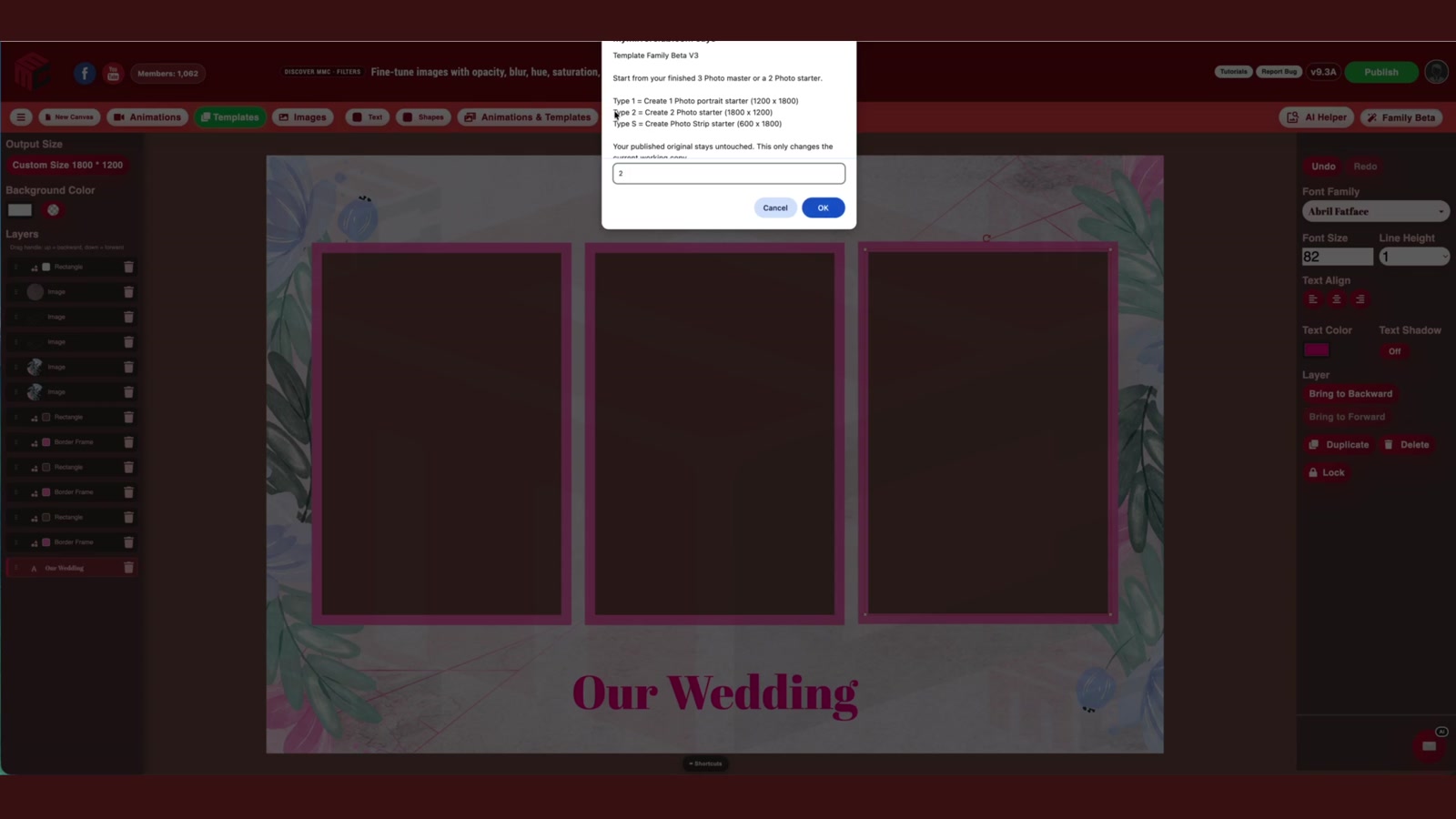
Clients often change names, dates, colors, venue wording, logos, sponsors, or QR destinations close to the event. Editable online templates make those changes easier than flat files because text and layout elements can be adjusted. The proof article Are photo booth templates editable online? shows a real MyMirrorClub editable template open in the editor with visible layers, plus AI Helper finding editable templates.
Fast checklist before you pick a template
- Confirm the event type and client mood: elegant, fun, branded, seasonal, kid-friendly, corporate, or luxury.
- Confirm the booth output: strip, 4x6 print, overlay, 360 video, mirror booth screen, or branded activation.
- Choose the most specific MyMirrorClub page for the job instead of starting from a generic design.
- Collect names, dates, logo files, colors, QR links, venue wording, and sponsor requirements before editing.
- Use the Search Library to narrow by event, format, and style once the direction is clear.
- Use the template-size guide if the output dimensions or safe-zone question is unclear.
FAQ: What is the best photo booth template for a wedding?
The best wedding template usually includes the couple's names, the date, reception wording, and a style that matches the wedding theme. Start with wedding photo booth templates or wedding overlays instead of a broad party template when the event is clearly wedding-focused.
FAQ: Should corporate events use corporate templates or branded templates?
Use corporate templates for general business events, team celebrations, conferences, and company parties. Use branded templates when logos, sponsors, campaign wording, product launches, QR codes, or brand colors are the most important part of the design.
FAQ: Are birthday and party photo booth templates the same?
They overlap, but they are not the same intent. Party templates are broad celebration layouts. Birthday templates should make room for the person's name, age, milestone, birthday theme, and sometimes character or color preferences.
FAQ: When should I choose a 360 photo booth template?
Choose a 360 template or overlay when the final output is a video activation. The layout should keep the subject visible, leave the center area clean, and keep logos or event wording readable inside a moving clip.
FAQ: When should I use mirror booth templates or animations?
Use mirror booth templates when you need layouts for the final guest output. Use mirror booth animations when the guest experience includes welcome screens, tap-to-start prompts, countdowns, idle screens, or motion-based prompts.
FAQ: Where should I start if I am still not sure?
Start with the Search Library or the main photo booth templates page. Then narrow the choice by event type, output format, and client goal. If the question is about size, print format, or safe zones, use the template-size guide before editing.