Photo booth template size depends on the final output: a printed strip, a 4x6 print, a square 360 video overlay, a mirror booth screen, or a branded event layout. The safest answer is to start with the exact output your booth software, printer, or sharing workflow needs, then choose the MyMirrorClub format that matches it.
MyMirrorClub gives photo booth owners a faster way to start from the right creative direction, then edit names, dates, colors, logos, QR areas, and event wording inside the online editor. If you are still comparing formats, start with the main photo booth templates hub, then narrow the job by output type.
Start with the final delivery
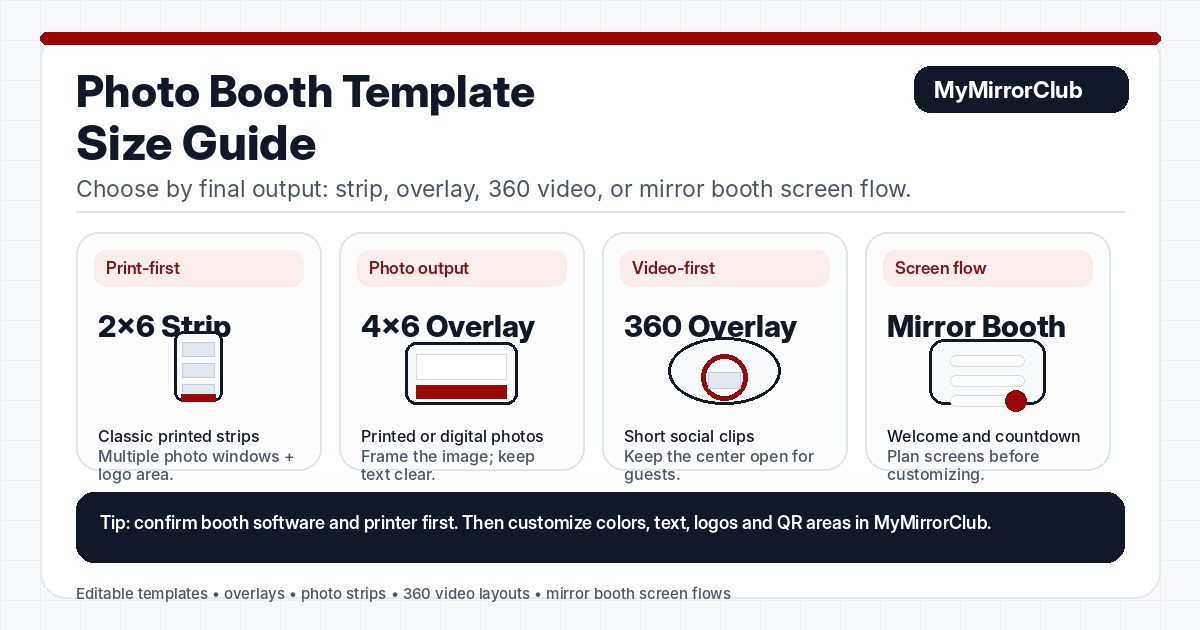
Before choosing a design, ask one simple question: what will the guest receive or see? A print layout needs different spacing than a 360 video frame. A mirror booth welcome screen needs different text size than a wedding overlay. A branded sponsor activation needs room for logos and campaign messaging.
- Print-first jobs: start with photo strip templates or standard print templates.
- Photo overlay jobs: start with photo booth overlays, then choose wedding, corporate, party, or branded intent.
- 360 video jobs: start with 360 photo booth templates or 360 photo booth overlays.
- Mirror booth jobs: start with mirror booth templates or mirror booth animations.
- Logo-heavy jobs: use branded photo booth templates or corporate event photo booth overlays.
Common photo booth template formats
Different operators use different software and printer settings, so the best template size is always the one that matches your booth system. These common format groups are useful when choosing the right MyMirrorClub page.
Photo strip templates
Photo strips are usually vertical, print-focused layouts. They need enough room for multiple captured photos, an event name, a date, and sometimes a small logo or monogram. Choose photo strip templates when the final output is a classic strip-style print.
Standard photo booth overlays
Overlays are usually designed around a final photo or shareable image. They may be wedding-focused, birthday-focused, corporate-focused, or branded. Choose the broad photo booth overlays page for general overlay browsing, then use the dedicated pages when the event intent is clear.
360 photo booth overlays
360 overlays are video-first. The design should leave the subject visible, keep logos readable, and avoid blocking the center of the clip. Use 360 photo booth overlays when the client is booking a video activation instead of a print-first booth.
Mirror booth templates and screens
Mirror booth designs often need to work as part of a screen flow. Guests may see a welcome screen, countdown, prompt, final preview, and print layout. Use mirror booth templates for final layouts and mirror booth animations for motion screens.
What details should you collect before editing?
The right size matters, but the client details matter just as much. Before editing, collect the event name, date, venue, output format, booth type, print size or video ratio, logo files, brand colors, QR destination if needed, and any wording that must appear on the final design.
For wedding work, check wedding photo booth overlays and wedding photo booth templates. For corporate or sponsor work, compare corporate photo booth templates, corporate event overlays, and branded templates.
Why editable templates are safer than flat files
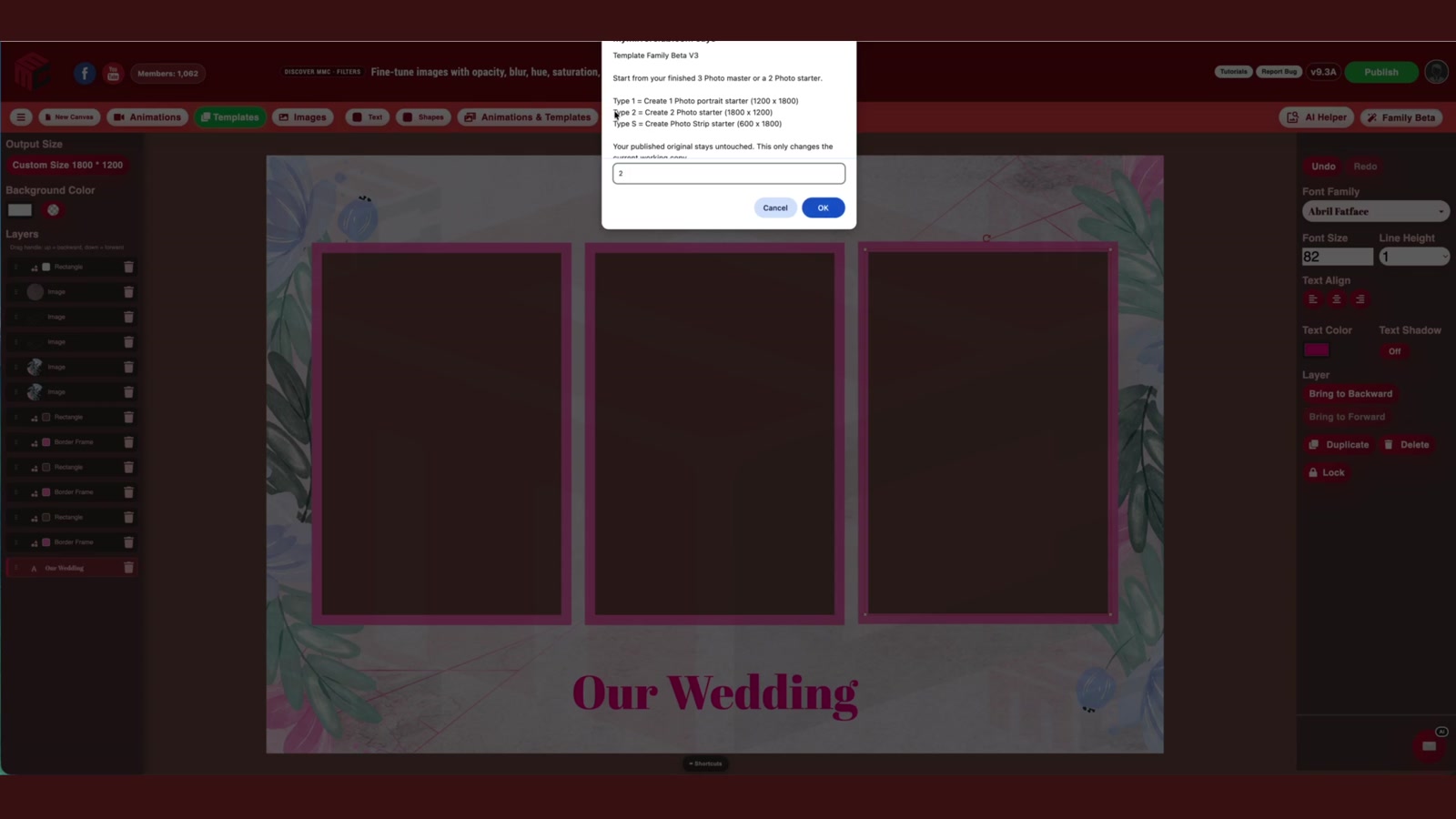
A flat image can be fast, but it is harder to adjust when the client changes a name, date, logo, color, or layout request. Editable templates give the operator more control. MyMirrorClub's proof article shows a real editable template open in the editor with visible layers, plus AI Helper finding editable wedding templates: Are photo booth templates editable online?
That workflow matters because most photo booth changes happen close to the event. When layers, text, and visual areas can be adjusted, the operator can prepare client-ready artwork without rebuilding the design from scratch.
Fast format checklist
- Confirm whether the output is print, photo overlay, 360 video, mirror booth screen, or branded activation.
- Match the output to the right page before choosing a design.
- Keep faces and important guest areas clear.
- Leave safe space for logos, names, dates, QR codes, and sponsor marks.
- Use the Search Library when you already know the theme, event, or format.
- Use the editable-template proof article when a client asks if online designs can be customized.
FAQ: What size should a photo booth template be?
The best size is the size required by your booth software, printer, or sharing workflow. Choose the format first, such as print strip, standard overlay, 360 video overlay, or mirror booth screen, then edit the design to match that output.
FAQ: Are 360 photo booth templates the same as regular photo booth templates?
No. 360 templates and overlays are usually video-first, while regular photo booth templates are often print or photo-output focused. A 360 design should keep the subject visible and make logos readable inside a moving clip.
FAQ: Should I use photo strips or overlays for a client event?
Use photo strips when the client wants a classic printed strip. Use overlays when the client wants a framed photo, branded share image, wedding layout, corporate graphic, or social-ready design.
FAQ: Can I edit names, dates, colors, and logos online?
Yes, editable MyMirrorClub templates are designed so photo booth owners can customize event names, dates, colors, wording, and many layout details online. The editable-template proof article shows the editor and layers in action.
FAQ: Where should I start if I am not sure which format I need?
Start with the MyMirrorClub Search Library or the main photo booth templates page. Search by event, style, or format, then move to a dedicated page such as photo strips, 360 overlays, mirror booth templates, wedding overlays, or branded templates.