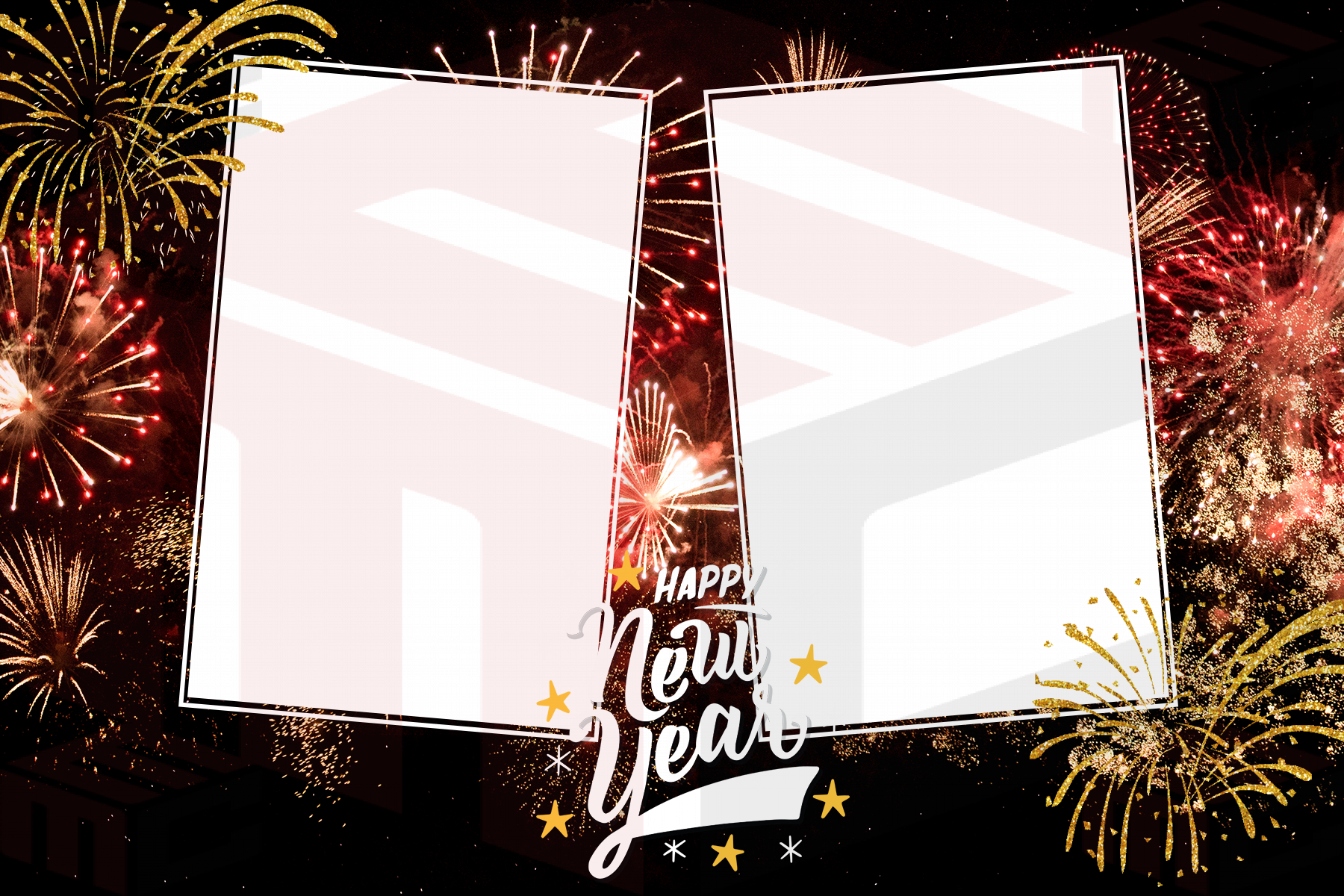
A corporate holiday party needs a different balance than a family Christmas gathering. The print should feel festive enough for the celebration while still respecting the company’s brand and the tone of the event. Holiday party photo booth templates work best when seasonal artwork, company identity and guest photographs each have a clear role.

Decide how much branding the event really needs
Some clients want the company logo on every print. Others prefer a holiday message with subtle brand colors. Ask whether the event is primarily an employee celebration, client event, fundraiser or public activation. That answer determines whether the logo should be a small signature or a more visible part of the design.
Compare both corporate photo booth templates and Christmas photo booth templates. Often the best result borrows structure from a corporate layout and seasonal personality from a holiday design.
Use seasonal color without losing brand recognition
A company with blue branding does not need to abandon its identity for red and green. Winter blues, silver accents, gold details or neutral holiday graphics can keep the print seasonal while still feeling connected to the organization. If brand standards are strict, request the approved logo and color values before customizing the layout.
Give group photographs enough space
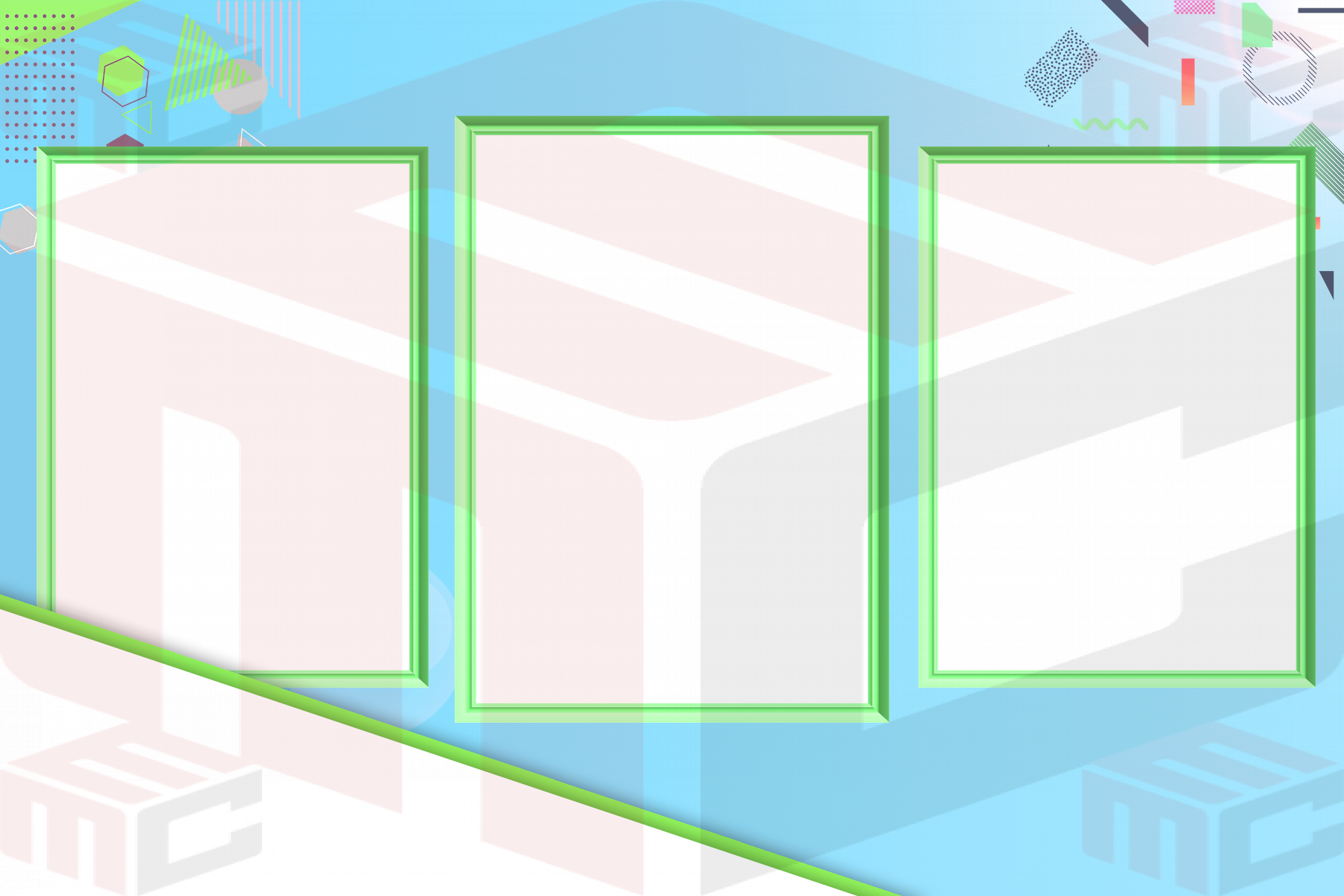
Office parties create teams, departments and large friend groups. Prioritize larger photo openings over decorative filler. If the booth uses a multi-photo sequence, test a group in every frame size. The same crop that looks fine for two people may cut off a six-person team.
Keep sponsor and event information organized
If the event includes multiple sponsors, do not scatter their logos throughout the artwork. Reserve a clear brand area and agree on relative logo sizes before the design is approved. Keep the event title and date short. Fine legal copy or long sponsor lists belong on event signage, not on a small guest keepsake unless they are truly required.
Plan sharing and digital delivery too
Corporate clients often care about both printed keepsakes and digital sharing. Make sure the print design remains recognizable when viewed on a phone. If the booth also creates digital assets, coordinate the visual identity so the guest receives the same event look whether they leave with paper or share the image online.
Approve a real printed proof
Send a visual proof, but also print one on the actual booth printer. Check the logo, dark backgrounds, metallic effects, trim and photo crops. Once approved, save a locked event-ready version and keep the editable file separate for emergency corrections.
A prepared library makes these jobs faster. MyMirrorClub members can begin with real corporate and holiday templates, then customize the design around the client instead of rebuilding the layout under deadline pressure.