A photo booth is more engaging when guests understand what is happening before the camera takes the picture. Photo booth animations can turn a static screen into part of the entertainment by welcoming guests, guiding them into position, counting down to the capture and keeping the experience visually connected from the first tap to the finished print.
Use animation to guide, not confuse
The most useful motion has a purpose. A welcome animation can attract attention from across the room. A start screen can tell guests where to begin. A countdown can prepare the group for the capture. A short transition can make the wait between photos feel intentional. If every screen moves constantly, however, the booth can become harder to follow.
Browse photo booth animations with the guest flow in mind. The goal is not simply to add movement; it is to make the booth feel polished and easy to use.
Match the motion to the event
A formal wedding may call for slower, elegant motion and understated colors. A birthday can handle brighter, more playful transitions. Corporate events may need clean branding and a controlled palette. New Year’s Eve can support more dramatic countdown energy. Choose animation styles that support the event rather than forcing the same sequence into every booking.
Coordinate animations with print templates
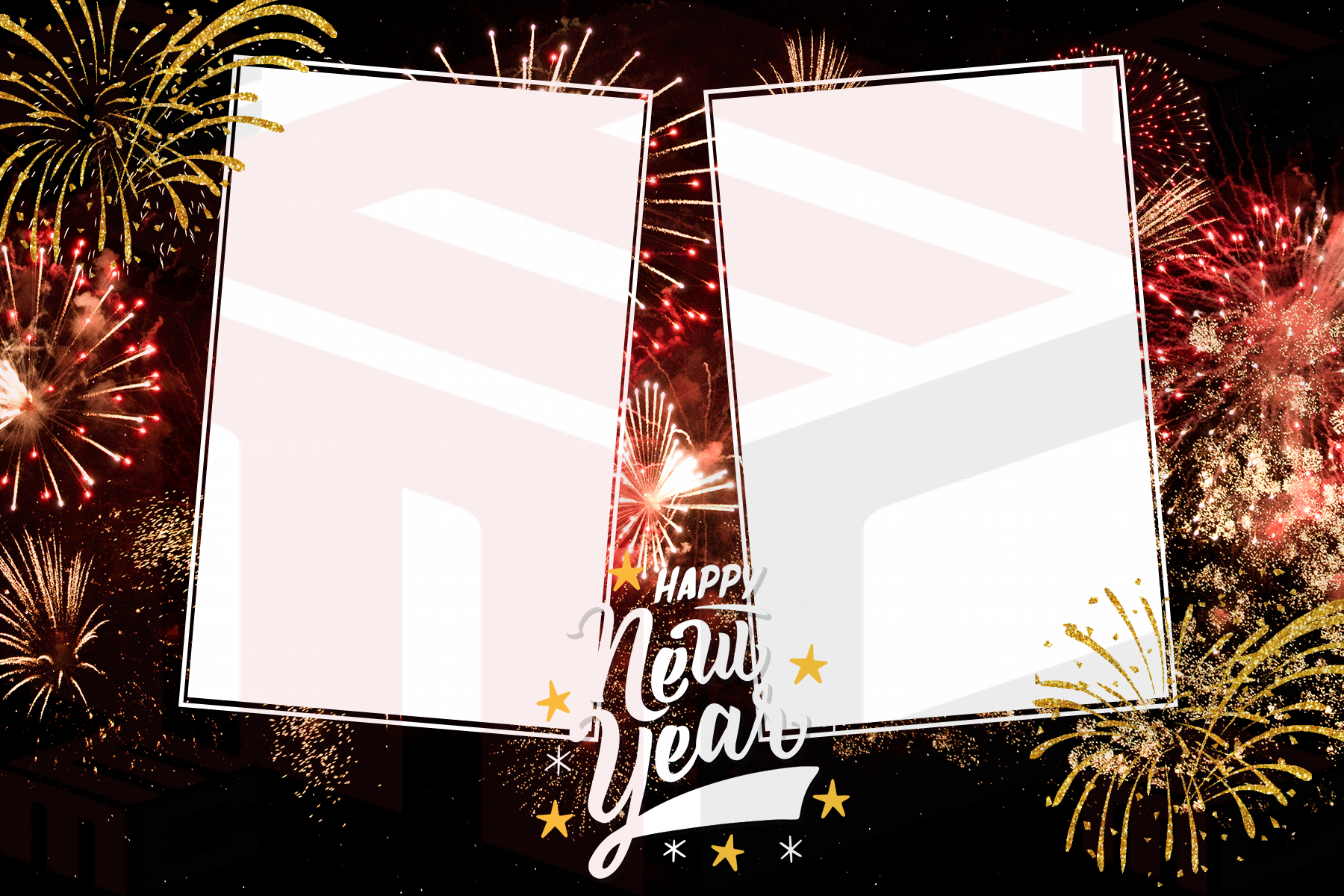
The on-screen experience and the printed keepsake do not need to be identical, but they should feel related. Use compatible colors, type styles and event wording so guests experience one visual system from screen to print. If a booth uses a gold-and-black New Year template, a completely unrelated pastel countdown can make the setup feel assembled from separate parts.
Keep text large and timing simple
Guests often see the booth from several feet away. Short phrases such as “Touch to Start,” “Get Ready” and a clear numerical countdown are more useful than paragraphs of instructions. Allow enough time for a group to react before each photo. Very fast motion may look exciting in a preview but can frustrate guests who are still arranging themselves.
Test the entire sequence at the venue
Run the booth from welcome screen to final share screen under the same display brightness and lighting conditions planned for the event. Watch for text that becomes difficult to read, motion that feels too fast, or screens that do not match the print experience. If audio is involved, confirm that it is appropriate for the venue and does not compete with the DJ or announcements.
Build reusable animation sets
Operators can save time by preparing coordinated sets for common event types: wedding, birthday, corporate, holiday, graduation and luxury black-and-gold. MyMirrorClub’s animation and countdown tools can provide a starting point, while the photo booth template library can supply matching print directions.
When animation supports the guest flow and matches the event visually, it does more than decorate the screen. It helps make the booth itself feel like an experience rather than simply a camera and printer.