Christmas events can range from an elegant company dinner to a family party, school celebration or winter wedding. A strong Christmas photo booth template should make the season obvious without allowing ornaments, snowflakes, gifts or holiday typography to overpower the photographs. The best starting point is the event itself: who is attending, what will be printed, and how formal or playful should the finished keepsake feel?
Choose the holiday tone before choosing the artwork
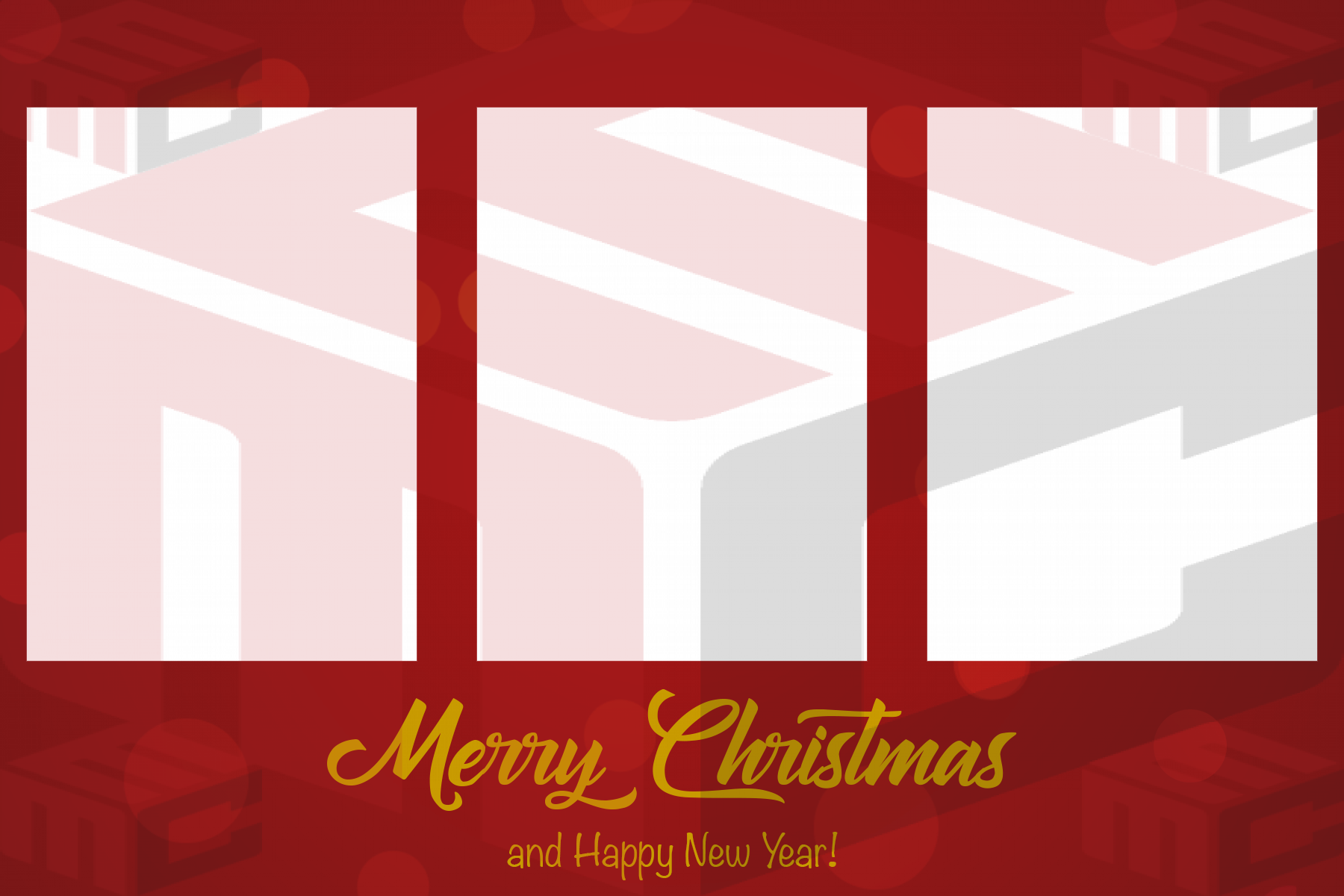
Christmas does not have to mean one visual style. Traditional red, green and gold can feel warm and familiar. Black and gold can work for a formal holiday gala. Icy blue, silver and white can create a winter look that feels more modern. Before editing a design, confirm the event palette, venue style and whether the host wants Christmas wording, a general holiday message or simply a seasonal look.
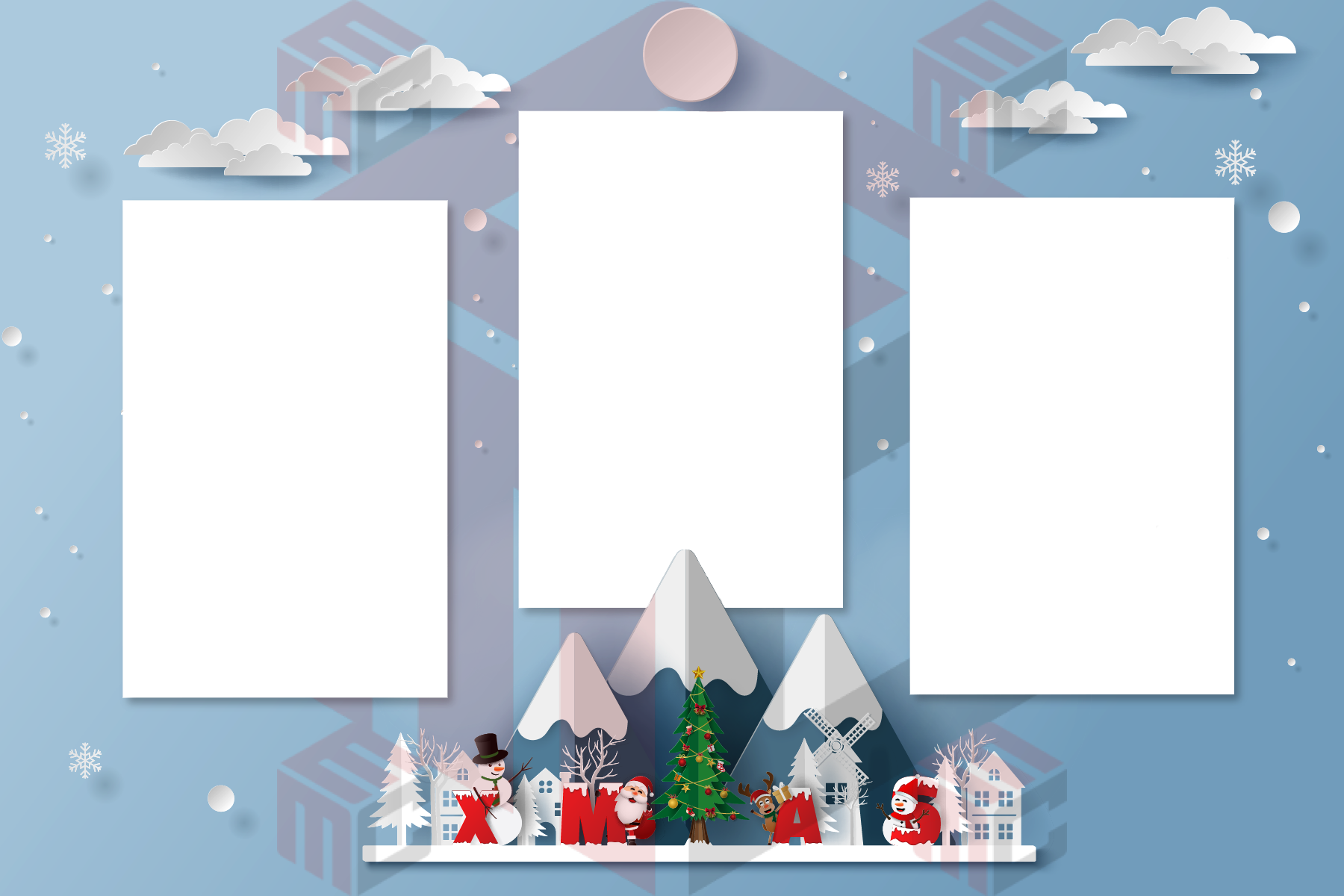
Browse the Christmas photo booth templates collection with the final event in mind. Look beyond the decorations and pay attention to the number, size and orientation of the photo openings. A design only works when those openings match the booth software and the way guests are likely to pose.
Leave enough room for groups, sweaters and holiday props
Holiday photo booths often attract groups. Coworkers may pile into one frame at an office party, while families may pose in matching sweaters or hold oversized props. A border that looks harmless around a sample image can cut into hats, antlers or faces once a real group steps in. Keep decorative artwork outside the important portrait area and test with several people before the event.
Keep personalized wording short
An event name, company name, family name and date are usually enough. On a small print, long greetings compete with the photographs. If a client wants a phrase such as “Merry Christmas” or “Happy Holidays,” make sure it remains legible at actual print size. Thin script that looks beautiful on a large monitor can become difficult to read after printing.
Design for the real printer output
Confirm whether the booth produces a 4×6 print, two 2×6 strips, a vertical print or another format. Match the template to that output rather than resizing a finished design at the last minute. Check bleed, trim and safe areas, and make one physical sample using the same printer and paper planned for the event.
Use seasonal variety to serve more clients
Photo booth operators benefit from having more than one Christmas look ready. A corporate client may prefer understated branding, while a birthday held in December may want brighter decorations. A winter wedding may need a design that feels seasonal without looking like a company Christmas party. Keeping several real layouts available makes it easier to respond quickly when a client asks for options.
MyMirrorClub members can start with real designs from the Christmas template library, customize the event details and prepare a print that fits the booth workflow instead of starting from a blank canvas every time.