Halloween photo booth templates can be spooky, playful, elegant or family-friendly. The right direction depends on the event guests and the finished print, not on how many pumpkins or cobwebs fit around the frame. For a school party or family event, a clear, lighthearted design may be appropriate; for an evening themed celebration, stronger contrast and darker decoration may be a better fit.
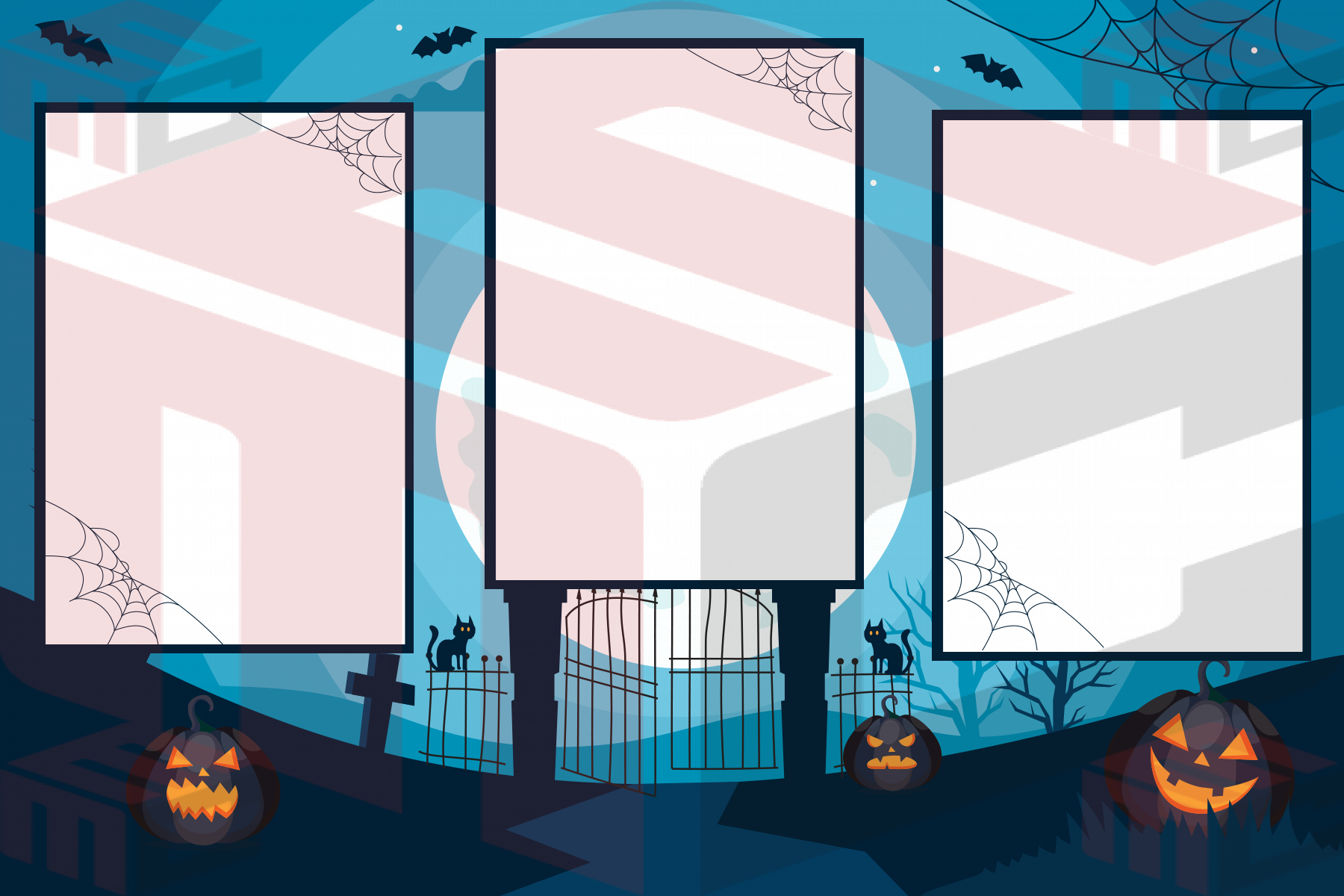
Choose the tone before choosing artwork
Ask whether the event has a specific costume theme, color palette or age group. An orange-and-black print communicates Halloween quickly, but purple, green or neutral palettes can also work. Keep the event name and date concise. If guests arrive in detailed costumes, allow the photo area enough space that hats, wigs and props will not be cut off.
Think about groups and props
Halloween booth sessions often include groups of friends or families holding props. A narrow multi-photo strip may suit a sequence of funny poses, while a wider layout may make a group costume easier to appreciate. Compare options in the Halloween photo booth templates collection and check the booth’s actual capture size before editing decorative borders.
Keep the mood, preserve readability
A dark background can look dramatic, but black lettering and thin orange script may be difficult to read once printed. Use a clear contrast for event details and avoid putting spiders, bats or other graphics over faces. On a narrow strip, one short phrase and the event date are usually enough; save longer messages for the event signage.
Print with the actual booth setup
Test photographs featuring dark costumes and bright props, then print with the same paper and settings planned for the event. Check faces, crop margins, contrast, lettering and the cut edges. Make final edits before the event, and keep a separate backup of the approved print design.
Prepare for the lighting and costumes
A Halloween party often has dim ambient lighting, dark costumes and bright themed props. Test a photograph under similar conditions before finalizing a dark template. The booth flash may keep faces clear, but a nearly black border and black clothing can blend together in the printed result. Compare your sample print in ordinary room light, not only under the editor’s bright screen.
For events with children, favor clear photo openings and simple decorative elements that will not be mistaken for parts of a costume or cover small faces. Make a separate print test with a group wearing tall hats, masks or costume accessories, then adjust the photo crops if needed. Retain one approved working copy once the layout is ready.
See actual examples in the MyMirrorClub Halloween template collection.