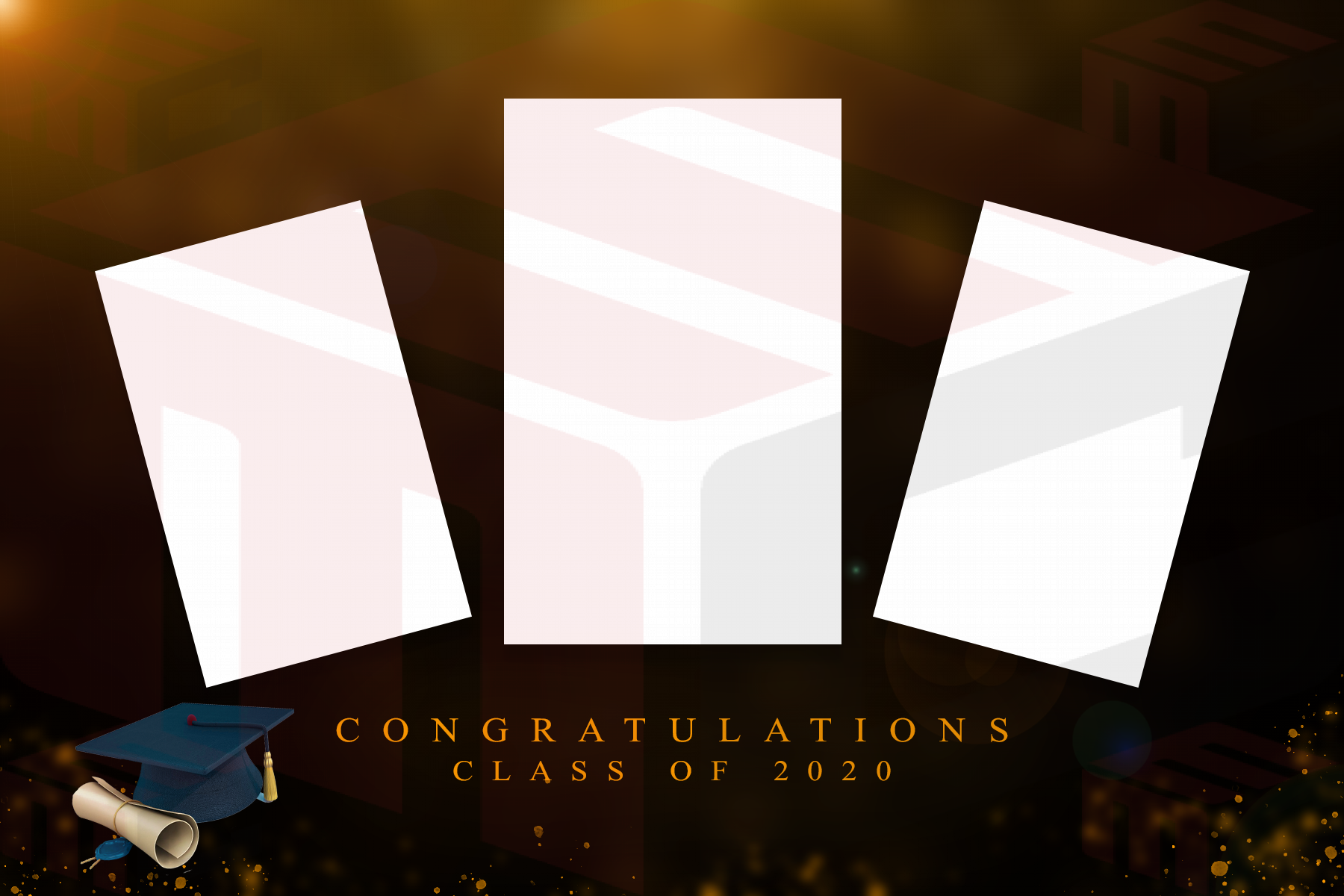
Graduation photo booth templates need to work for more than one type of photograph. Some guests will pose alone in cap and gown; others will bring parents, classmates or an entire friend group into the frame. The print layout should accommodate those moments while keeping the graduate’s achievement visible in the design.
Start with the school or celebration details
Decide whether the print should say the school name, graduation year, class or an individual graduate’s name. Confirm the exact wording and whether the school has rules for using its logo or colors. A shared school event may need general wording, while a private family celebration can be more personal. Keep the message short enough to be readable on the finished print.
Choose a layout for real group photos
A landscape print often leaves more room for groups. A photo strip can capture a series of playful poses but may not flatter a crowded group in each opening. Check your booth’s capture ratio and print size, then browse the graduation photo booth templates collection. Evaluate the frame positions, not just the cap-and-gown decorations.
Balance celebratory art and the photographs
Graduation caps, diplomas and year numerals make the theme immediately clear, but large decorations can squeeze the guest portraits. Position the artwork in the margins or beside the photo area and preserve a safe distance from trim edges. A simple bold heading usually performs better on a small print than several overlapping decorative fonts.
Plan a quick approval and print check
Print one sample using a test group in the same booth and lighting conditions. Verify that no face is cropped, the year and school name are correct, the logo is clear and important text survives cutting. Once the design is approved, save its editable version separately from the print-ready copy. A last-minute correction should not erase the tested file.
Coordinate a graduation event with many participants
At a school-wide celebration, choose a design that does not assume every guest is the same graduate. A common year and school message makes the print usable for friends and family; personal names can be reserved for private parties. If different classes or schools share the event, agree on a neutral version before creating multiple variants. Keep a consistent crop area so operators do not need to learn new photo framing for every group.
For an outdoor ceremony, test under brighter ambient light and check how the resulting pictures look against dark template art. Guests in black gowns can blend into a very dark background; a light boundary around the photo opening may help keep the photo distinct. Always confirm the effect with an actual test image rather than assuming it will print the same way as the editor preview.
Compare design options in the MyMirrorClub graduation template collection.