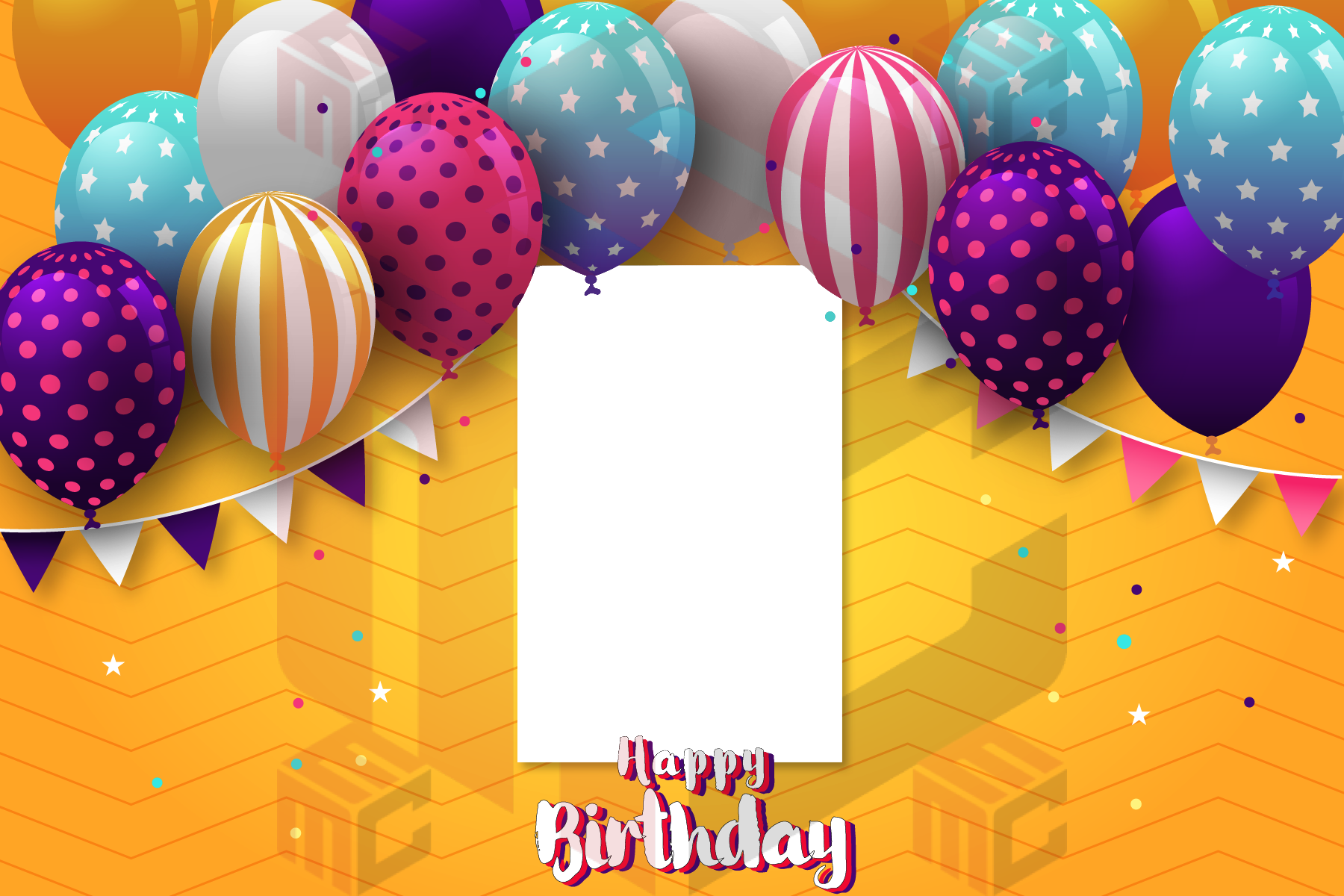
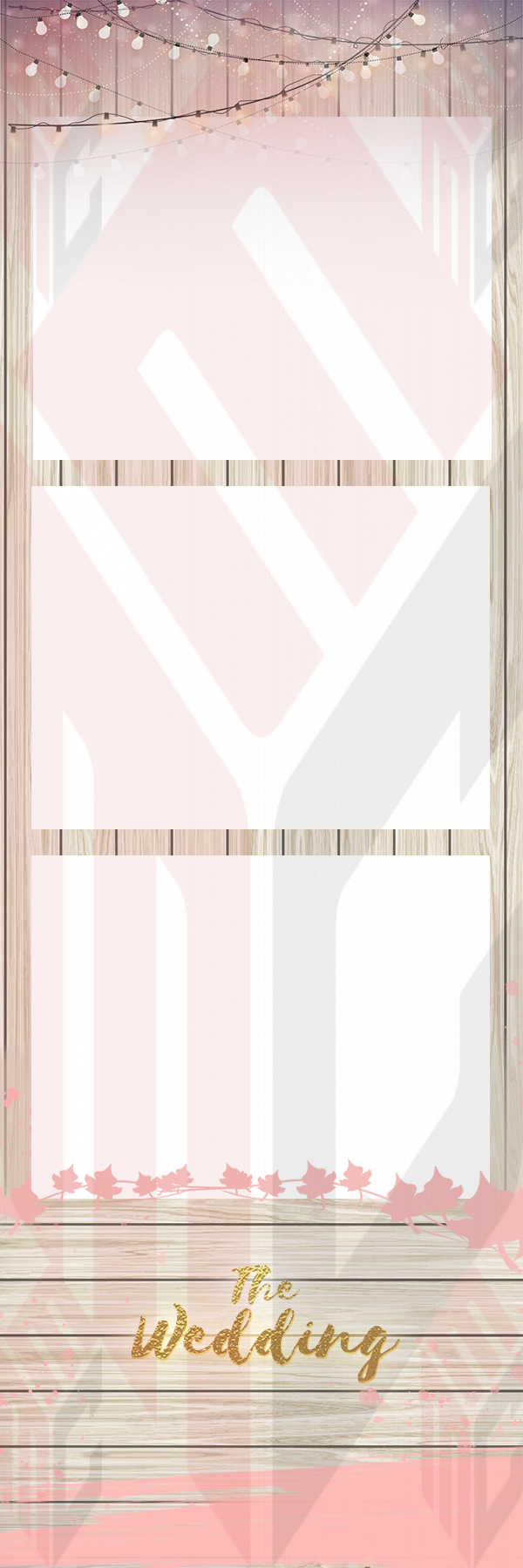
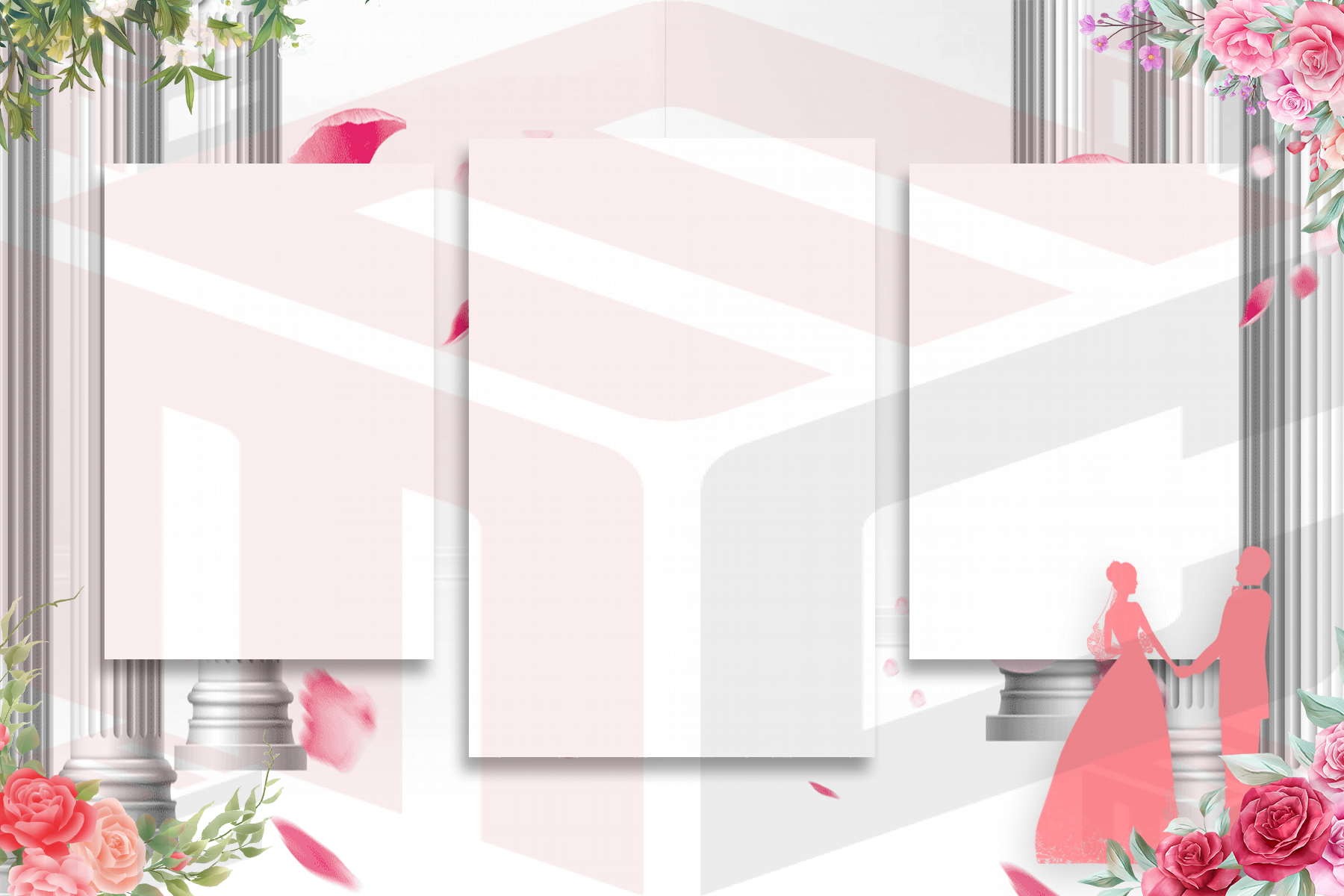
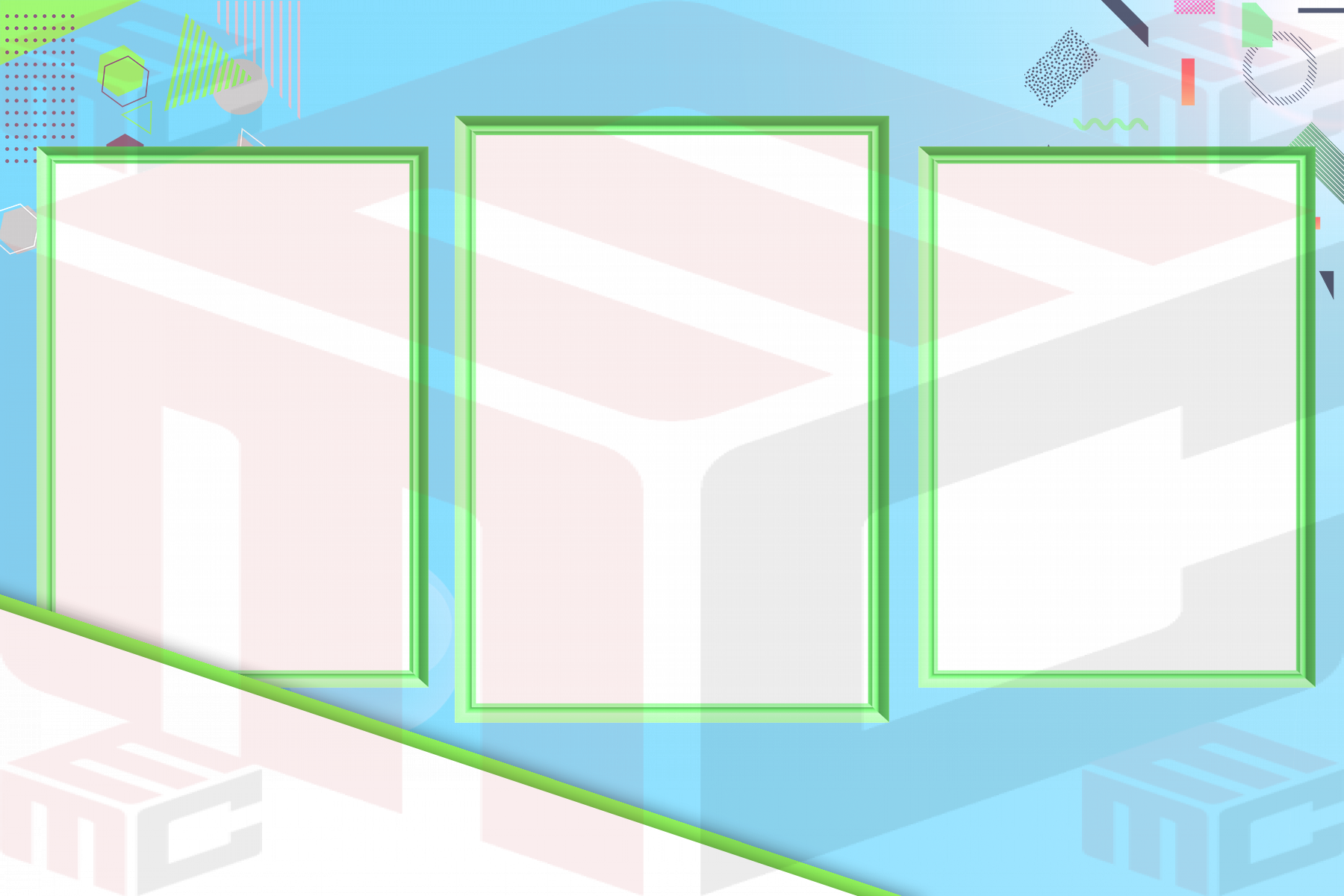
A corporate photo booth print can do two jobs at once: provide guests with a keepsake and show the event identity without making every photo look like a flyer. A useful corporate photo booth template starts with the number of photographs the booth captures, the printer format and the brand details the organizer actually needs. Choose those constraints before debating fonts or decorative effects.
Build a brief around the event, not the logo file
Ask whether this is an employee celebration, trade show, launch or client appreciation event. A busy show floor may call for a compact print with one recognizable brand area; a company anniversary may benefit from the event title and date. Agree on approved logo artwork, colors and any mandatory sponsor names. Keep the brief short enough that the design still has room for the guests.
Choose a print format that suits the guest experience
A 2×6 strip can capture several poses and leave a small, consistent branding area. A wider 4×6 print can fit larger group photographs or a longer event message. Before choosing either, confirm the actual printer setup and the software’s photo-slot count. A layout that looks attractive on screen may crop faces when the capture ratio or printer output differs. Compare existing examples in the corporate photo booth templates collection and the photo strip designs.
Make branding legible without covering faces
Place the approved mark in a predictable area, away from photo openings and the trim edge. Check the contrast against both the print background and the supplied transparent logo. If two sponsors must appear, agree on their relative sizes before the event. Test the design at its real physical dimensions: fine print and thin letterforms that read well at 200% zoom can disappear on paper.
Use one realistic proof before launch
Capture a group photo under event lighting and print a sample on the actual printer. Confirm faces, safe margins, logo resolution, brand colors, event name and date. Have the event contact approve the physical proof, not just a screenshot. Save a separate final copy so a last-minute spelling change cannot overwrite the approved version.
Questions to settle with the organizer
Will every photo need a sponsor mark, or is one event logo sufficient? Who signs off on logo placement and any required legal wording? Is the print meant to be a guest keepsake, a promotional handout, or both? These answers change the balance between photo area and branding. Write down the exact approved copy before opening the editor so multiple stakeholders are not requesting contradictory last-minute changes.
If the event includes different sponsors at different stations, label the approved files clearly and test each station with the matching print design. Keep a print-ready version and an editable working copy so that a request for a new logo does not unexpectedly affect the rest of the event.
For a starting point, compare real designs in the MyMirrorClub corporate photo booth template library.