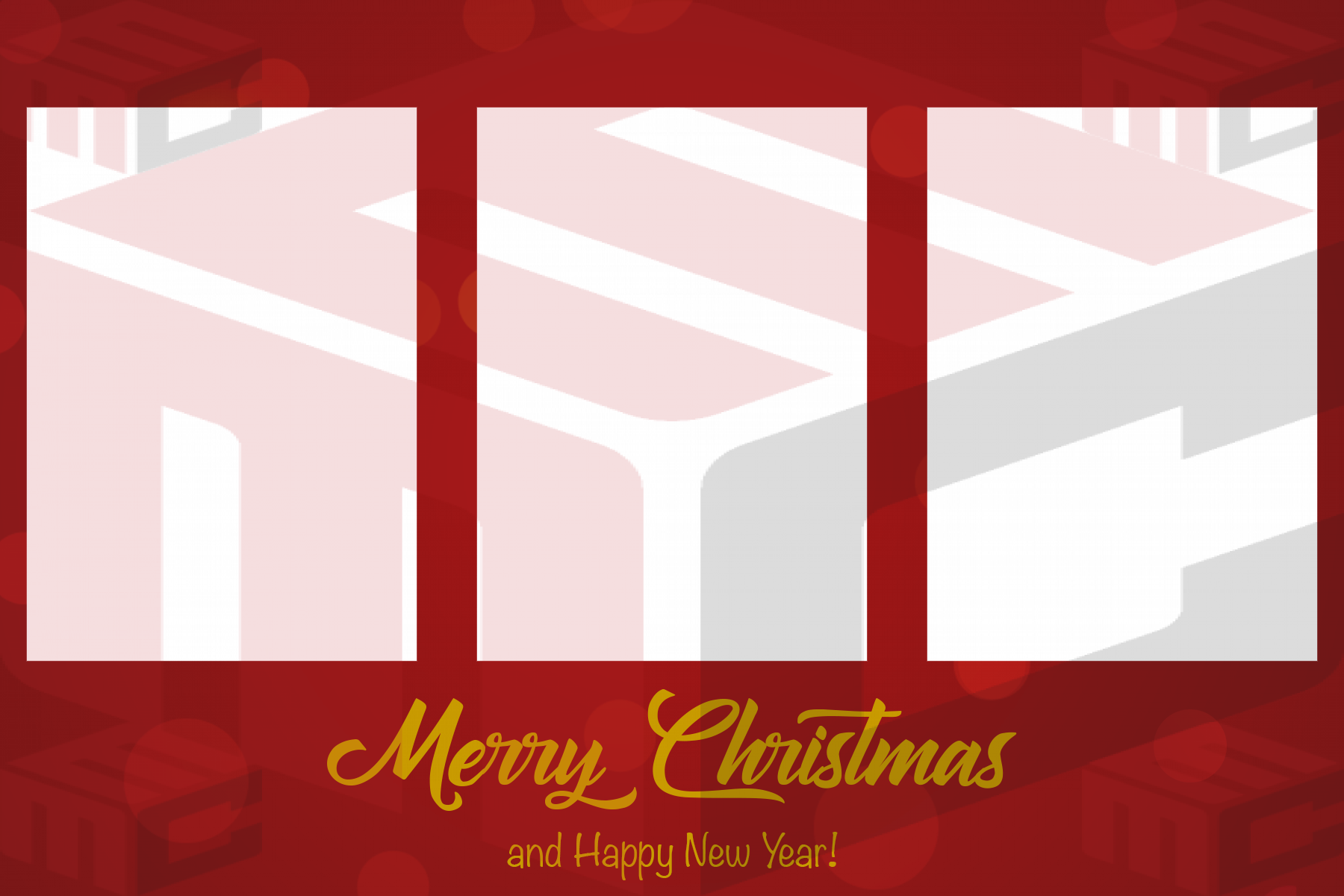
New Year’s Eve is one of the easiest events to overdesign. Gold confetti, clocks, champagne graphics, fireworks and large year numerals can quickly fill every empty area of a print. A successful New Year’s Eve photo booth template keeps the celebration visible while still making the guests the main attraction.
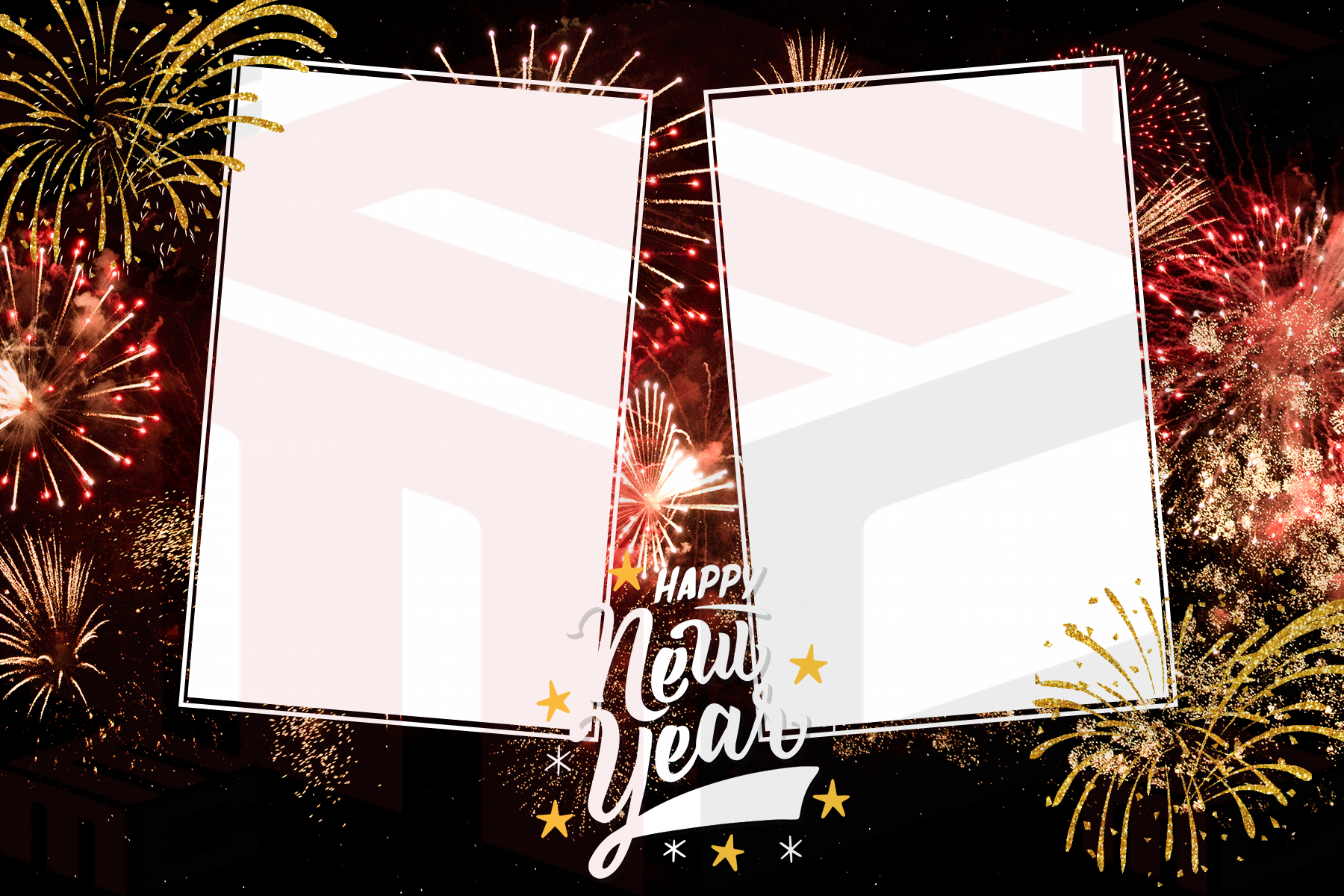
Start with the event style
A nightclub countdown, hotel gala, private house party and corporate New Year celebration may all need different artwork. Black and gold creates an immediate evening feel, but silver, white, rose gold or bold color can work just as well. Ask the organizer whether the booth should match the invitation, room décor or event branding before choosing a template.
The New Year’s photo booth templates collection is a useful starting point because you can compare several layouts before committing to one direction.
Be careful with the year
The year is often the most visible piece of text on a New Year print, which also makes it the easiest mistake to notice. Confirm the exact year before final approval and keep the editable working file separate from the final print-ready version. If the booth will operate across midnight, the event may begin in one calendar year and celebrate the next, so agree on the wording in advance.
Design for groups and energetic posing
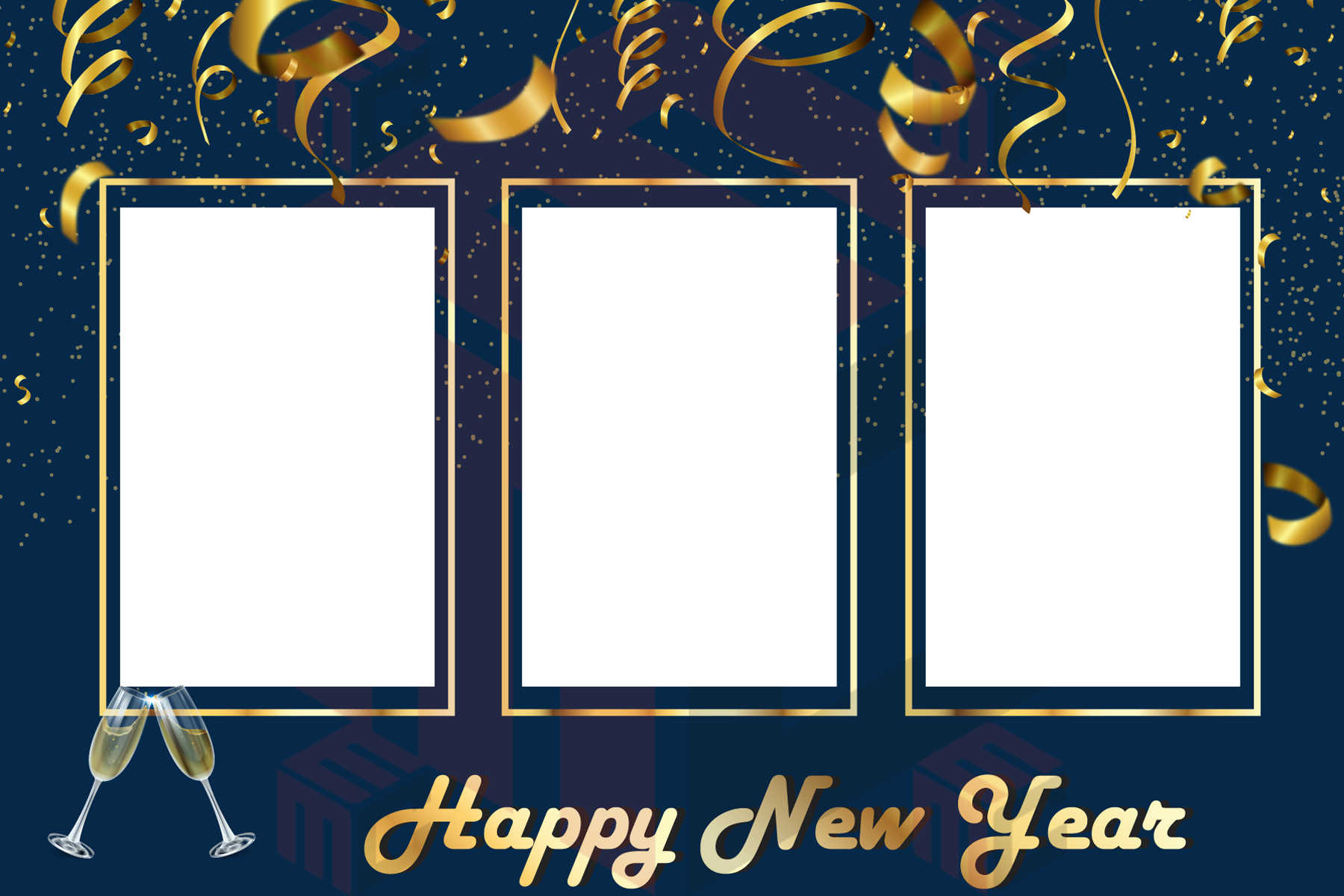
New Year parties tend to produce larger groups, hats, glasses and props. Give the photo openings enough breathing room for guests to lean in without losing faces at the edges. If the booth captures multiple photographs, make sure every opening uses a crop that works for more than one person.
Pair the print with on-screen motion
The printed template is only one part of a countdown-night experience. Animated welcome screens, countdowns and prompts can make the booth feel more alive between sessions. When possible, coordinate the colors and visual mood of the print with the booth’s on-screen motion. Explore photo booth animations if you want the experience before the shutter to feel as polished as the final keepsake.
Test metallic and dark designs on paper
Gold effects and dark backgrounds can look different on a monitor than they do on the printer. Print a real sample and inspect skin tones, dark suits, black dresses and the readability of fine lettering. Keep important information away from trim edges and confirm that decorative elements do not become muddy when printed.
Prepare the design before the final week
New Year events are often busy for operators, so approving the template early reduces last-minute changes. Save the event title, date, year and final artwork together with the booth output settings. When the event arrives, the operator should be checking the booth, not rebuilding the print.
Start with a real layout from the MyMirrorClub New Year’s template library and adapt it to the celebration rather than creating every element from scratch.