
360 photo booth overlays are the branded frame around a social video, so they need to look good in motion, stay readable on phones and match the exact video shape. A clean overlay can make every exported clip feel like a finished event asset.
Real MyMirrorClub design examples
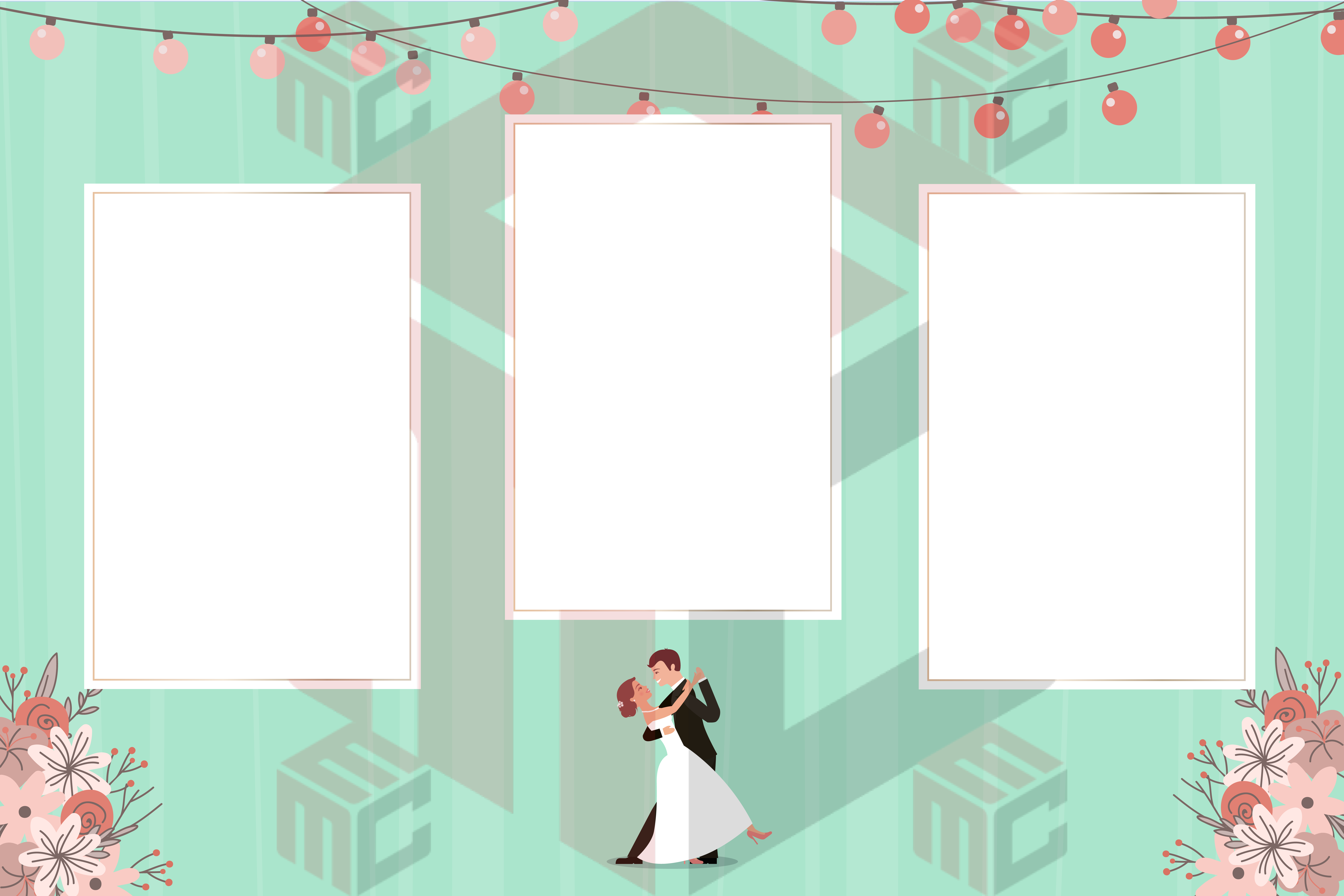
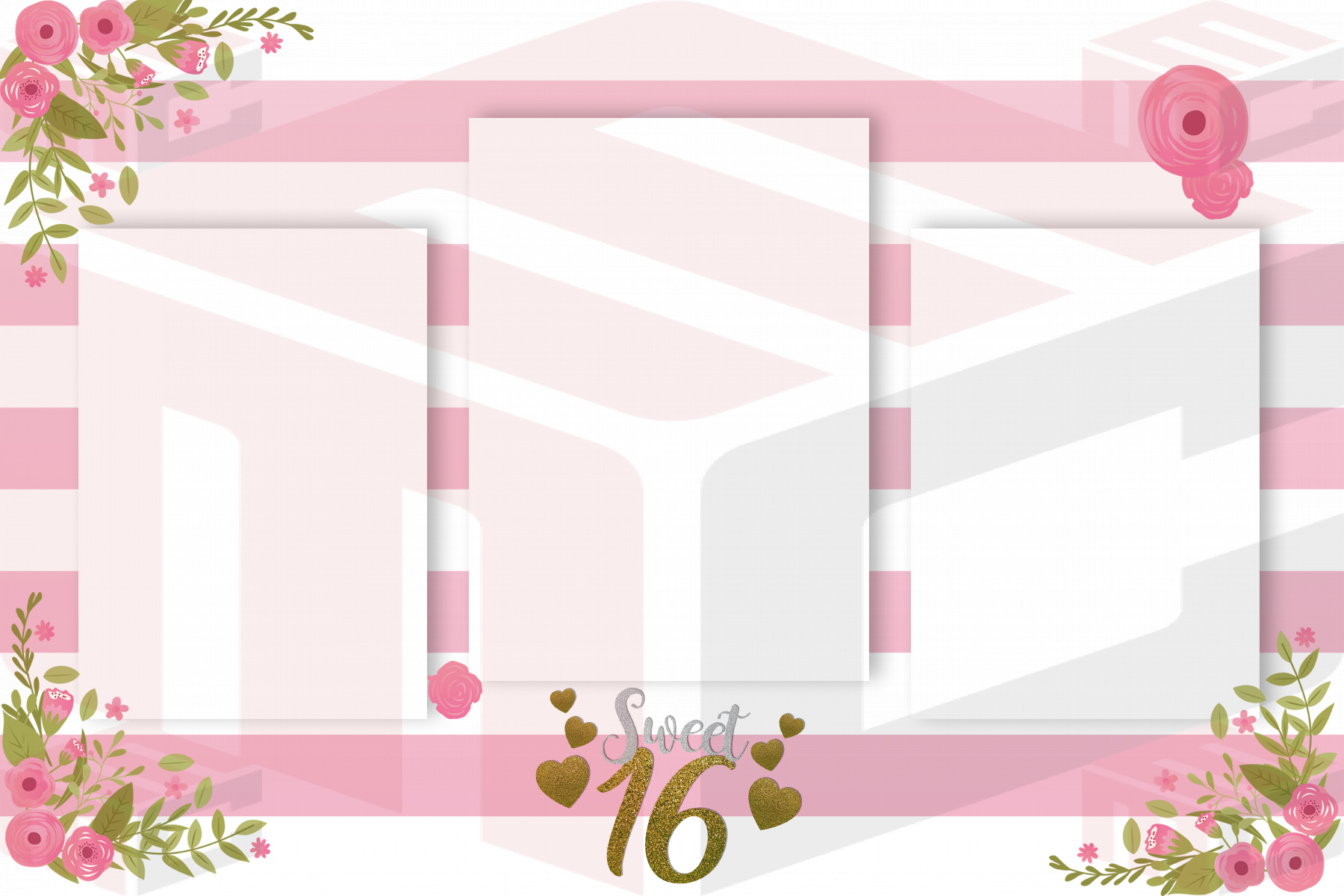
These are actual designs from the MyMirrorClub template library, shown here so you can see how the ideas in this guide translate into real event artwork.
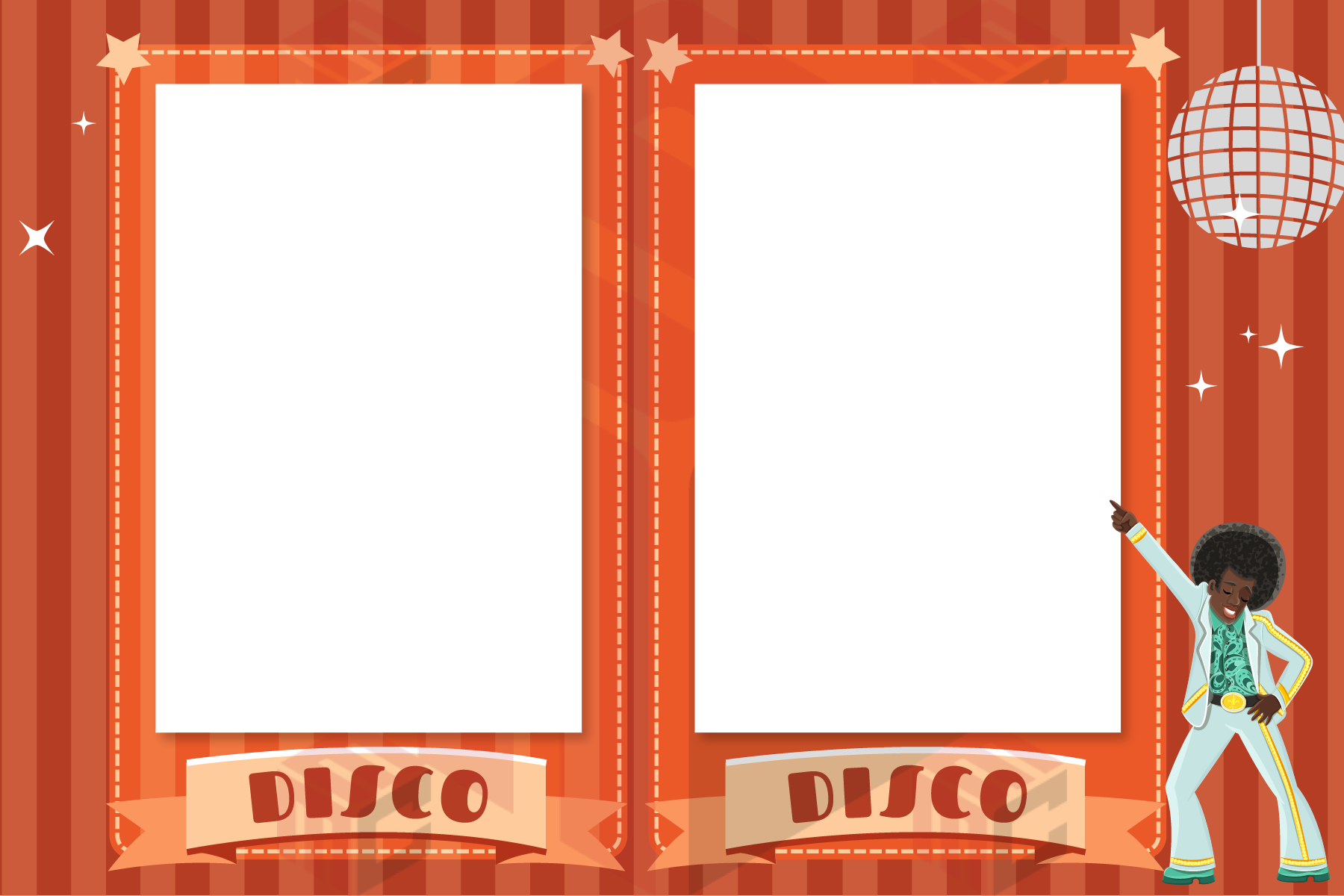
If you are comparing 360 photo booth overlays, focus on the final event output and the client experience first. MyMirrorClub keeps the design workflow connected to the relevant event and asset collection, so operators can move from search intent to an editable design instead of starting from a blank canvas.
Start with the final video dimensions
The overlay should match the capture resolution instead of being resized after the event. Portrait social clips commonly use a 9:16 canvas, while landscape experiences use a wide 16:9 frame.
Build the overlay at the final pixel dimensions and export with transparency where the video must remain visible. Testing the exact file in the booth software is more reliable than judging it only in a graphics program.
Keep branding away from faces and feet
A 360 platform captures full-body movement, so logos and sponsor marks placed too close to the center can cover guests.
Use corners, top bars or lower thirds for branding, and keep the main action area open. Watch a sample clip from beginning to end to make sure spinning guests do not repeatedly collide with the design.
Design for a phone screen first
Most 360 clips are viewed on phones. Small sponsor logos, long URLs and thin typography can disappear once the video is compressed and displayed vertically.
Use short text, strong contrast and fewer elements. If a message is important, it should still be readable when the video is viewed at normal social-media size.
Coordinate the overlay with intro and outro assets
A polished 360 experience can use the same colors and visual system across the overlay, welcome screen, intro and outro.
Consistency makes the activation feel branded without requiring every asset to contain a large logo. Repeating a border style, color palette or event mark is often enough.
Practical checklist before the event
- Match the overlay to the exact video dimensions
- Keep the central movement area clear
- Use transparent PNG where required
- Test on a phone before the event
- Coordinate colors with the event brand
For a related workflow example, see this MyMirrorClub guide. Internal links between event ideas, technical guides and the matching template or business-tool pages make it easier to move from research to a usable event setup.
FAQ: What file format should a 360 photo booth overlay use?
A transparent PNG is the common choice because the guest video must remain visible through the open area of the overlay.
FAQ: Should a 360 overlay include a large logo?
Usually no. A smaller, high-contrast logo placed outside the main movement area is easier to watch and less likely to cover guests.
Build the next event from an editable starting point
Explore 360 photo booth overlays and matching 360 booth templates inside MyMirrorClub.