Birthday photo booth templates are not one-size-fits-all. A child's colorful celebration, a milestone birthday and a formal evening party can all call for different artwork, type and photo arrangements. Instead of starting with a long list of decorations, decide what the birthday guest and their friends should take home.
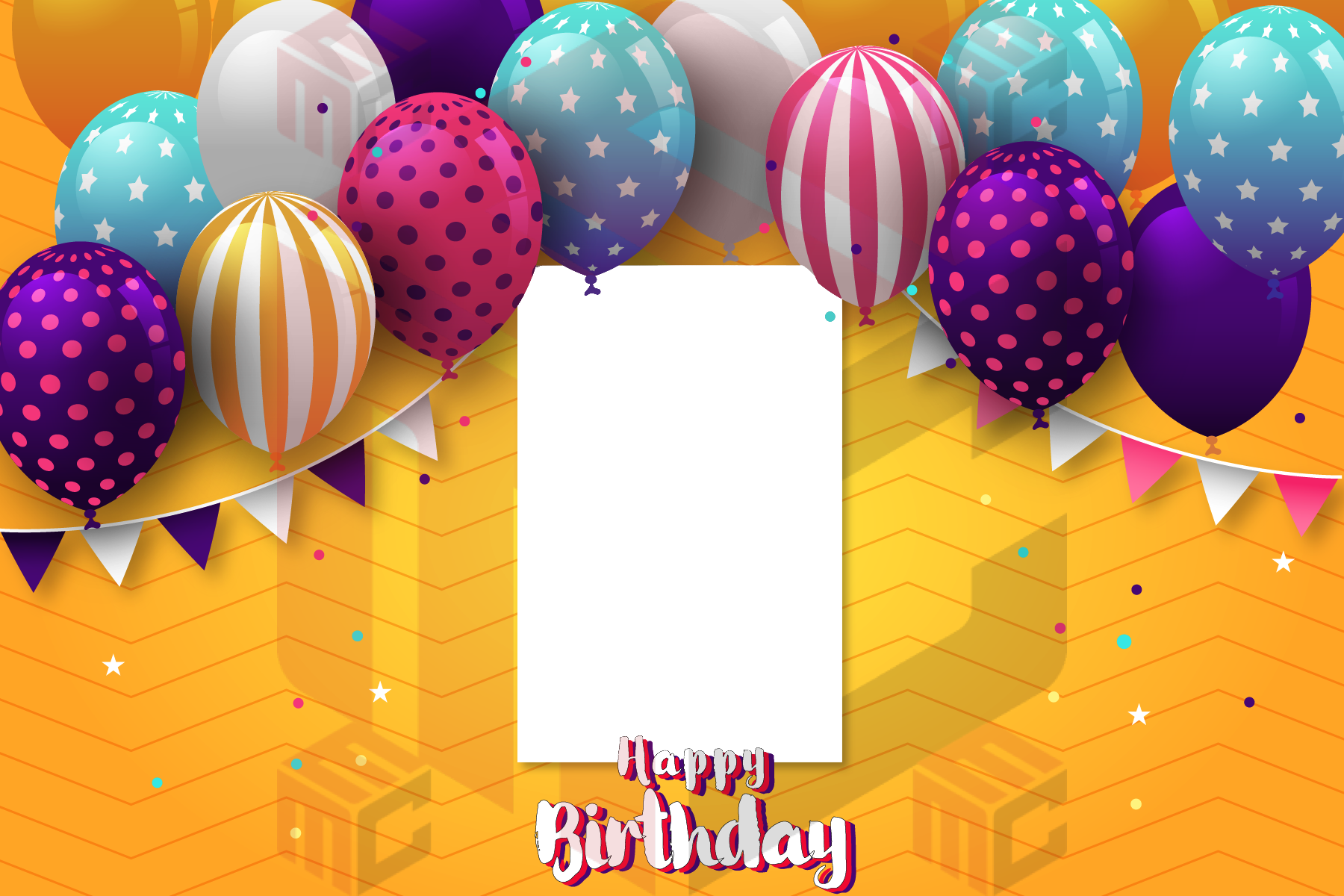
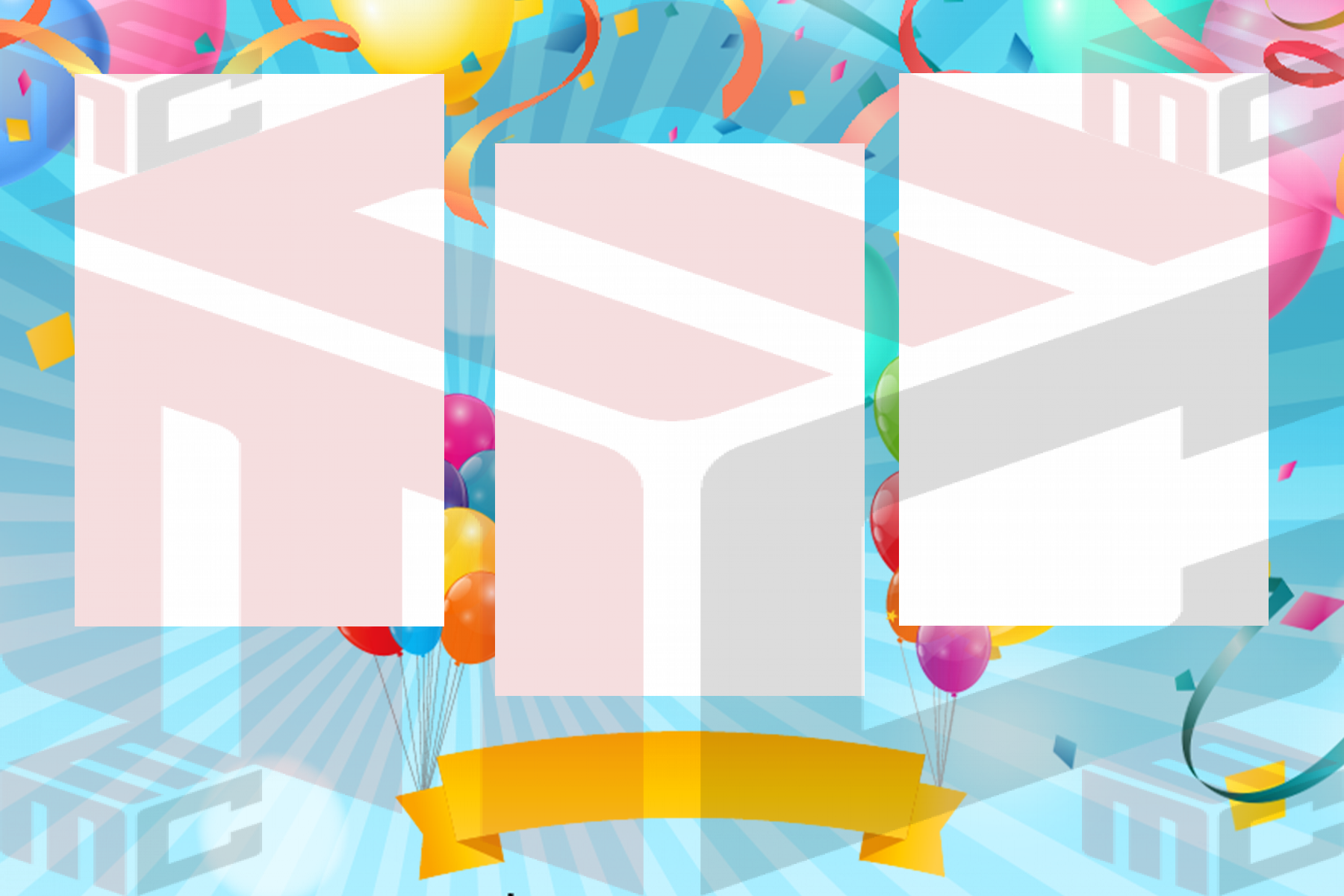
Match the design to the party atmosphere
Bold color and playful shapes can work for a lively children's party. A milestone celebration may suit a prominent age or year; a formal dinner may call for a cleaner layout with fewer decorative elements. Whichever direction you choose, keep the person's name and the photos prominent. The template should be easy to recognize at a glance, even after it is printed at a small size.
Pick a format guests will enjoy using
Choose a strip if guests want several quick poses together; use a landscape layout if groups need more photographic room; consider a portrait for a single large image. Check the booth's capture count and output settings before settling on the design. A print strip with three openings cannot automatically replace a wide two-photo layout without changing the camera and print workflow. Browse birthday photo booth templates and compare photo strip layouts before making the final choice.
Use personal details with restraint
Names, a short celebration message and the date can make the result personal. But tiny text, a crowded frame or an oversized number may take attention away from the photos. Decide which details are essential, set them in a readable typeface, and place them where they will not interfere with faces. For a surprise party, confirm the spelling and age with the organizer privately before finalizing the artwork.
Coordinate with decorations, not just invitations
The booth backdrop, lighting and print layout will appear together in the final photograph. A bright patterned frame against a similarly busy backdrop can look chaotic; a simpler border may bring the composition together. Test the template with an actual image from the booth and under event lighting. If the backdrop is dark, check that the frame still has enough contrast to define the photograph.
Prepare a repeatable event setup
- Choose the template orientation and number of photos required by the booth.
- Confirm the guest of honor's details and event date.
- Check the finished text size and keep important artwork inside safe margins.
- Print a proof using the final camera and printer settings.
- Store the approved result and its editable source as separate files.
Explore real birthday photo booth designs in the MyMirrorClub library. For other event themes, start with the broader photo booth template gallery and choose a layout suited to the event and its print output.