Mirror booth animations do more than decorate a screen. They guide guests through the experience, explain what to do next and give the booth a visual personality before the final photo is captured.
Real MyMirrorClub design examples
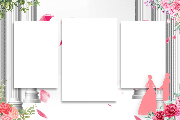
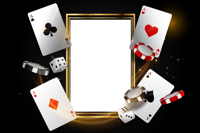
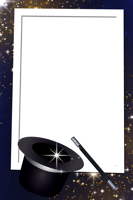
These are actual designs from the MyMirrorClub template library, shown here so you can see how the ideas in this guide translate into real event artwork.
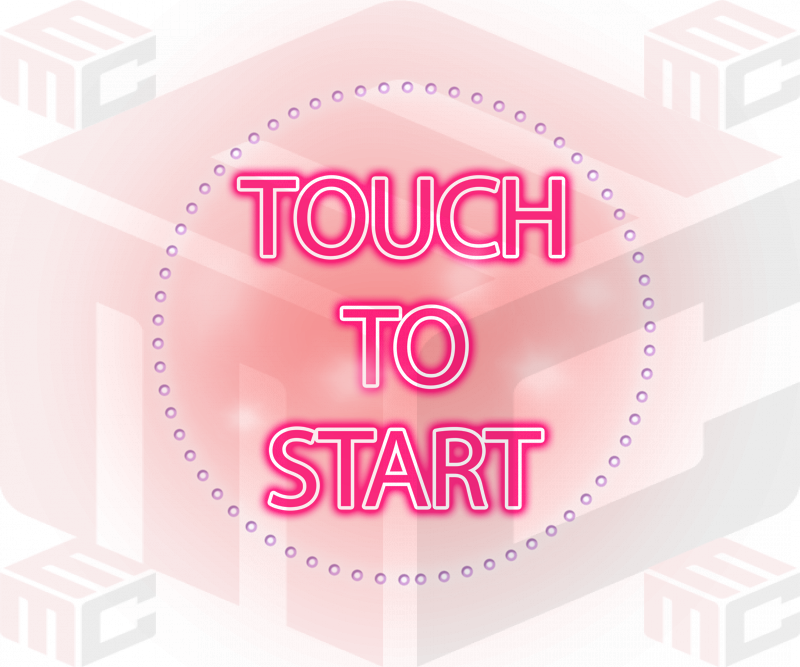
If you are comparing mirror booth animations, focus on the final event output and the client experience first. MyMirrorClub keeps the design workflow connected to the relevant event and asset collection, so operators can move from search intent to an editable design instead of starting from a blank canvas.
Think of animations as a guest journey
A mirror booth has multiple moments: attract, touch to start, pose, countdown, compliment, retake or approval, sharing and goodbye.
Designing these screens as one connected sequence creates a smoother experience than choosing unrelated animations one at a time.
Make the start screen impossible to misunderstand
The attract or start screen should make the booth look active and clearly invite interaction.
Use a short prompt, strong contrast and motion that supports the call to action. Avoid placing the most important words where reflections or decorative graphics make them hard to read.
Keep prompts short during the session
Guests are usually standing at the booth with friends and props, so they will not read paragraphs.
Use direct instructions such as “Touch to Start,” “Get Ready” or “Choose Your Photo.” Motion can add energy, but the instruction still needs to be obvious at a glance.
Match the animations to the print design
Using the same colors, fonts or decorative style across the mirror workflow and final print makes the whole booth feel intentionally designed.
The screens do not need to be identical to the template. A shared palette and a few repeated visual elements are usually enough.
Practical checklist before the event
- Map the full guest workflow
- Use a clear touch-to-start message
- Keep prompts readable from standing distance
- Test loops and timing on the actual display
- Match the visual theme to the event
For a related workflow example, see this MyMirrorClub guide. Internal links between event ideas, technical guides and the matching template or business-tool pages make it easier to move from research to a usable event setup.
FAQ: What is a mirror booth start screen?
It is the screen guests see before beginning the session, usually with a short prompt such as Touch to Start and an animated visual that attracts attention.
FAQ: Do mirror booth animations need to match the print template?
They do not have to match exactly, but coordinated colors and styling make the experience look more professional.
Build the next event from an editable starting point
Browse mirror booth animations and mirror booth templates to build a coordinated event workflow.