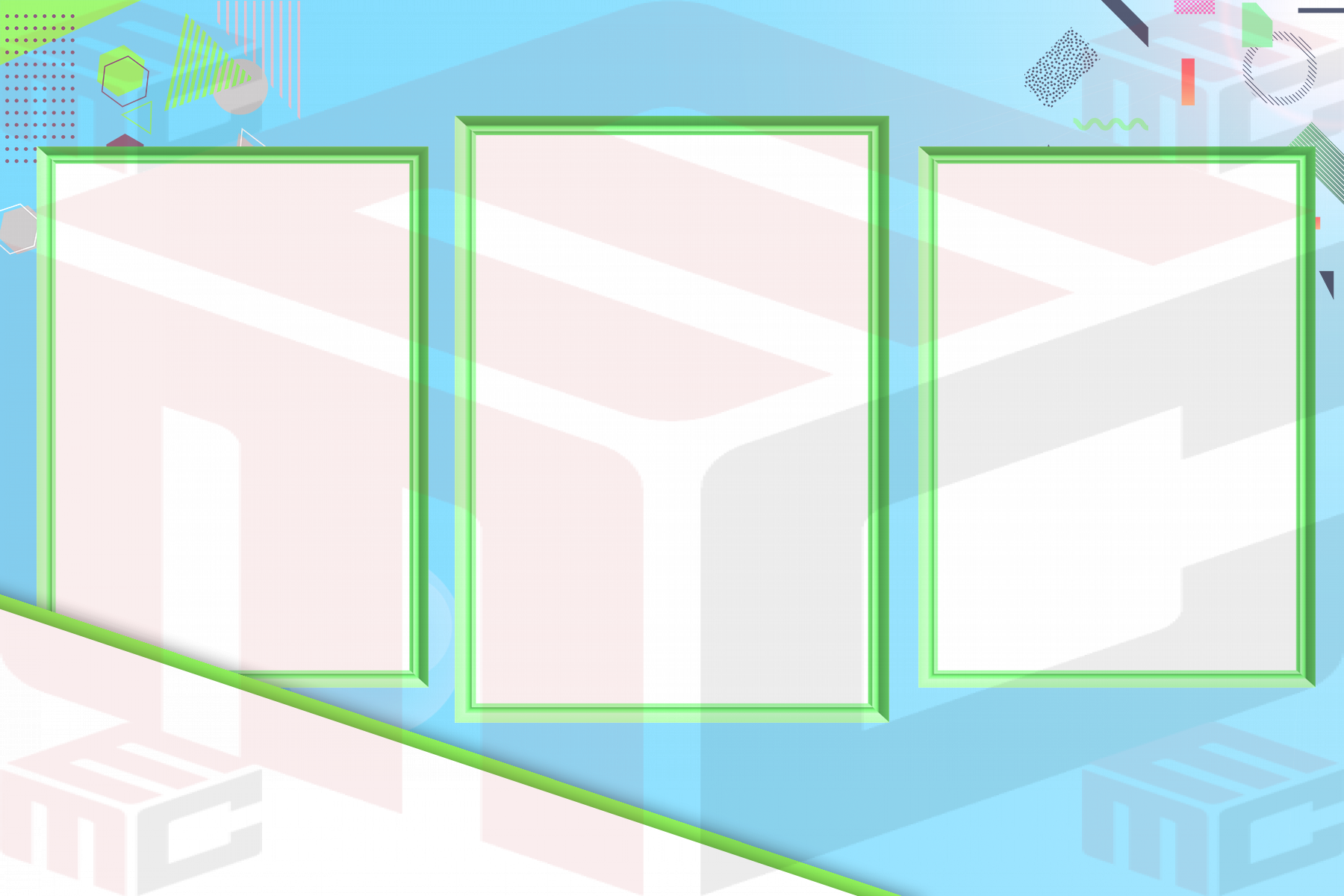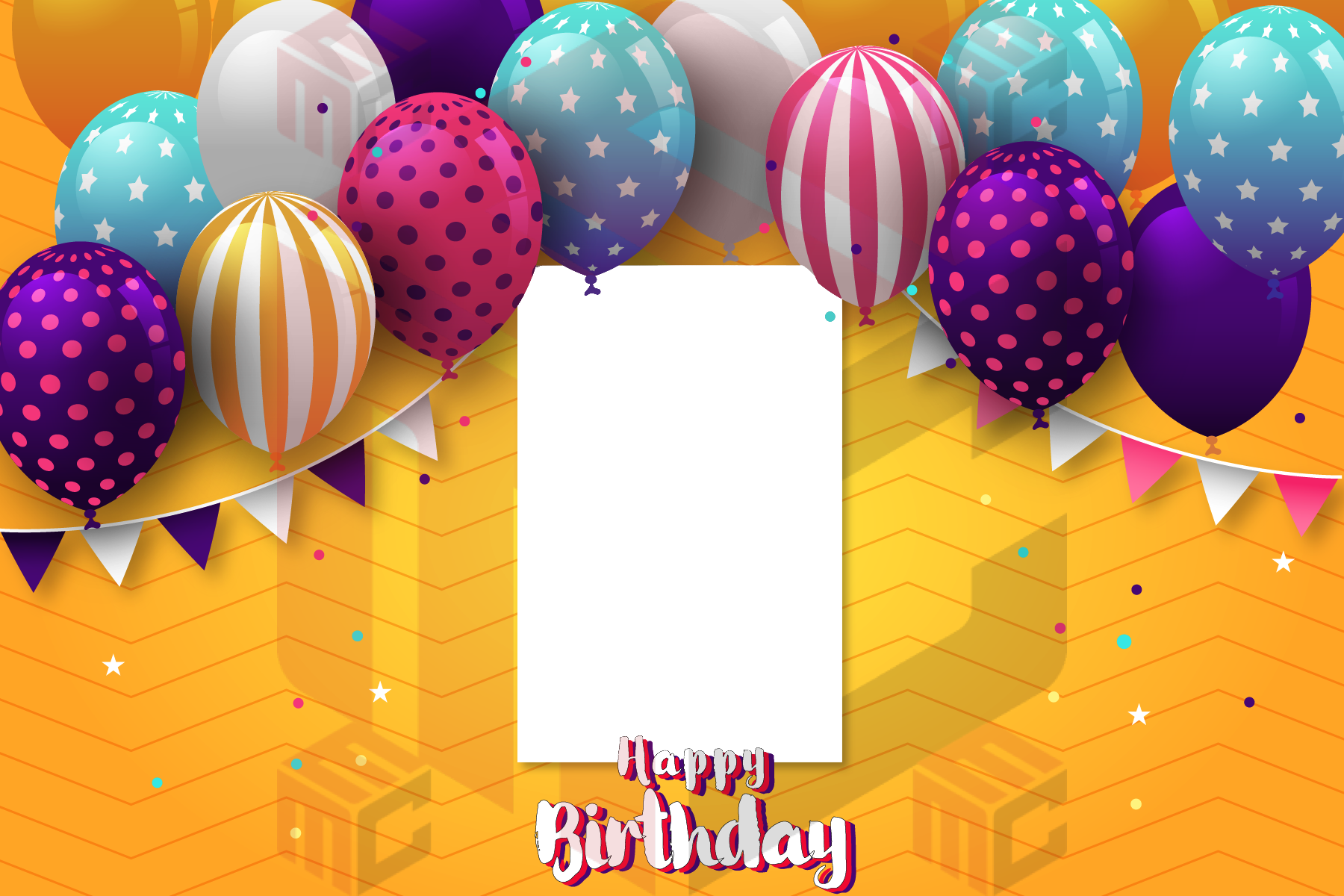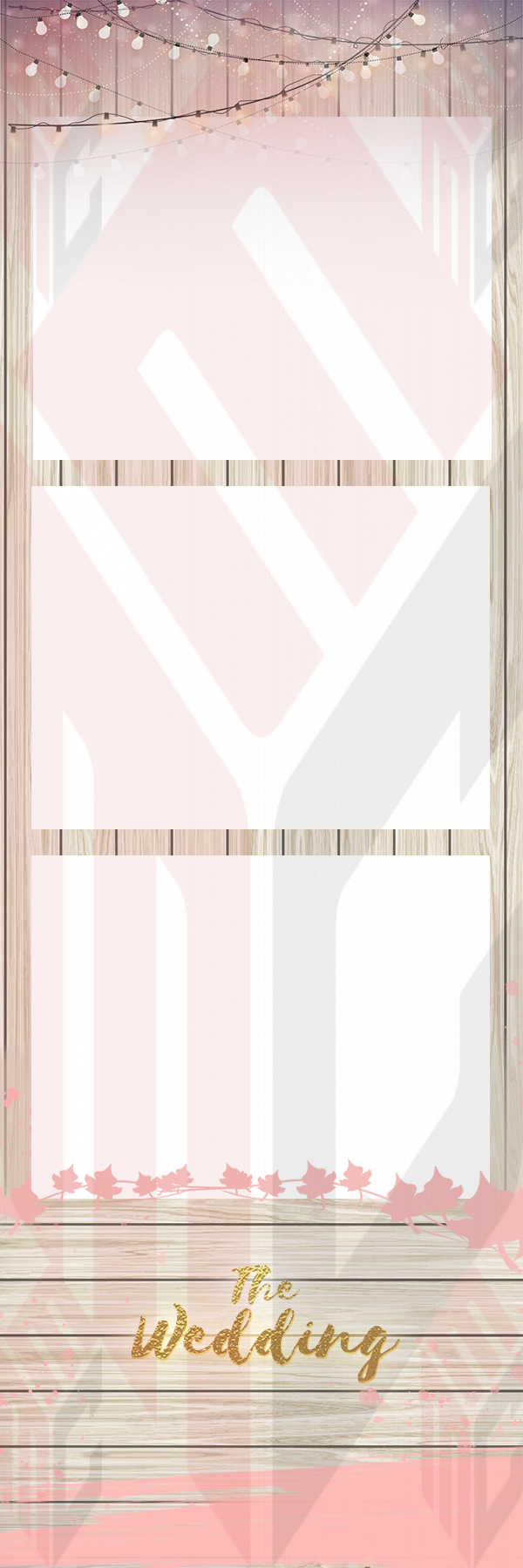
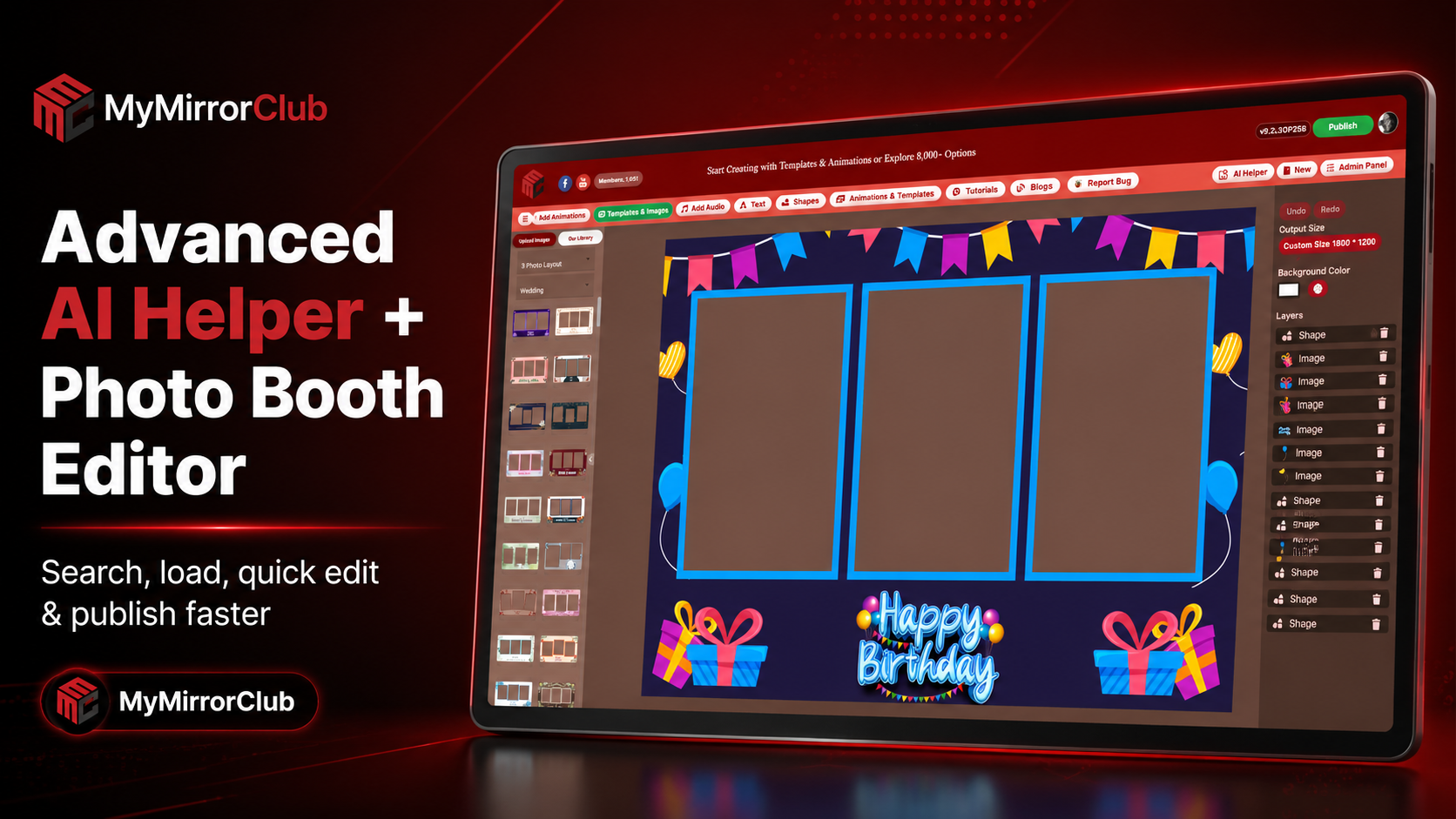
Photo booth owners often need to create event designs quickly. One client may need a wedding template, another may need a birthday animation, and another may need a branded corporate overlay. Searching manually can take time, especially when a platform has thousands of creative assets.
MyMirrorClub Advanced AI Helper was built to make that workflow faster. Instead of scrolling through every option, booth owners can search by event, style, booth type or keyword, then load a matching template or animation into the editor and start customizing.
Why the editor workflow matters
A photo booth editor should help owners move from idea to finished design without rebuilding everything from scratch. The fastest workflow is usually:
- search for the closest template, animation, overlay or design style
- load the design into the editor
- change text, names, dates, photos, colors and event details
- save, export or publish through the member workflow when the design is ready
This is the reason we created a dedicated Photo Booth Editor page. It explains how MyMirrorClub connects search, AI Helper and browser editing for photo booth businesses.
Advanced AI Helper searches the library for you
MyMirrorClub includes thousands of photo booth templates, animations, overlays, backgrounds and design assets. Advanced AI Helper helps turn that large library into a faster working tool.
For example, a booth owner can search for ideas like:
- wedding photo booth template
- birthday animation
- corporate booth overlay
- graduation photo booth design
- Gatsby mirror booth animation
- baby shower booth template
- holiday photo booth graphic
The goal is not just to show results. The goal is to help the owner find a strong starting point and move faster into editing.
Templates and animations can open inside the editor
Once a design is selected, the user can load it into the MyMirrorClub editor. That is where the real customization happens. Instead of downloading a flat file and trying to fix everything somewhere else, the owner can work directly inside the browser.
The editor can be used to adjust practical event details such as:
- client names
- event dates
- birthday ages
- wedding wording
- logo areas
- background colors
- photos and graphic layers
- template size and output direction
This makes the editor useful for both quick edits and deeper customization.
Visitors can try the editor before becoming members
One useful part of the MyMirrorClub workflow is that visitors can open the editor and try how it works. They can search, load designs and understand the editing experience before committing to the full member workflow.
Saving, publishing, exporting and account-based features are still protected through the login and membership flow. That gives new users a real preview while keeping final production features connected to the member account.
Why this helps photo booth companies
Speed matters in the photo booth business. Clients often ask for changes close to the event date. A company may need to adjust a name, change a color, add a logo, update a date or prepare a matching animation quickly.
Advanced AI Helper and the editor help reduce that friction. Booth owners can search the library, load a close match and edit from there instead of starting from a blank canvas.
Use AI Helper with the right page
Different MyMirrorClub pages help different parts of the workflow:
- Photo Booth Templates — start here for editable template layouts and event designs.
- Photo Booth Animations — use this when the booth needs motion screens, countdowns or animated starts.
- Search Library — search broadly across templates, animations, overlays and backgrounds.
- Photo Booth Editor — learn how the editing workflow works and open the editor.
- Photo booth template size guide — understand output sizes and common booth formats.
Quick edit and publish path
The strongest workflow is simple: find the design, load it, edit it, then use the member workflow when it is time to save, export or publish. That keeps the process fast for everyday jobs and protected for final production.
This is especially helpful for owners who handle many event types. One week may bring a wedding, baby shower and school event. The next week may bring a corporate activation or branded party. AI Helper makes it easier to start from the right design each time.
FAQ: Can AI Helper search both templates and animations?
Yes. Advanced AI Helper can help search across MyMirrorClub creative assets, including templates and animations, depending on what the user is trying to create.
FAQ: Can I use the editor without logging in?
Visitors can try the editor and load designs to understand the workflow. Saving, publishing and final production features use the login and membership flow.
FAQ: Does this replace manual searching?
No. Manual searching is still useful, especially when you know exactly what category you want. AI Helper is another way to search faster when you want the system to help narrow the library.
FAQ: Do I need Photoshop?
No. The MyMirrorClub editor is built for browser-based editing so booth owners can make practical changes without using Photoshop for every event.
FAQ: Where should I start?
Start with the Photo Booth Editor page, then open the editor or Search Library. If you are focused on final print designs, browse photo booth templates. If you need motion screens, browse photo booth animations.
Bottom line: Advanced AI Helper helps photo booth owners search faster, load better starting points and edit designs more efficiently inside MyMirrorClub.