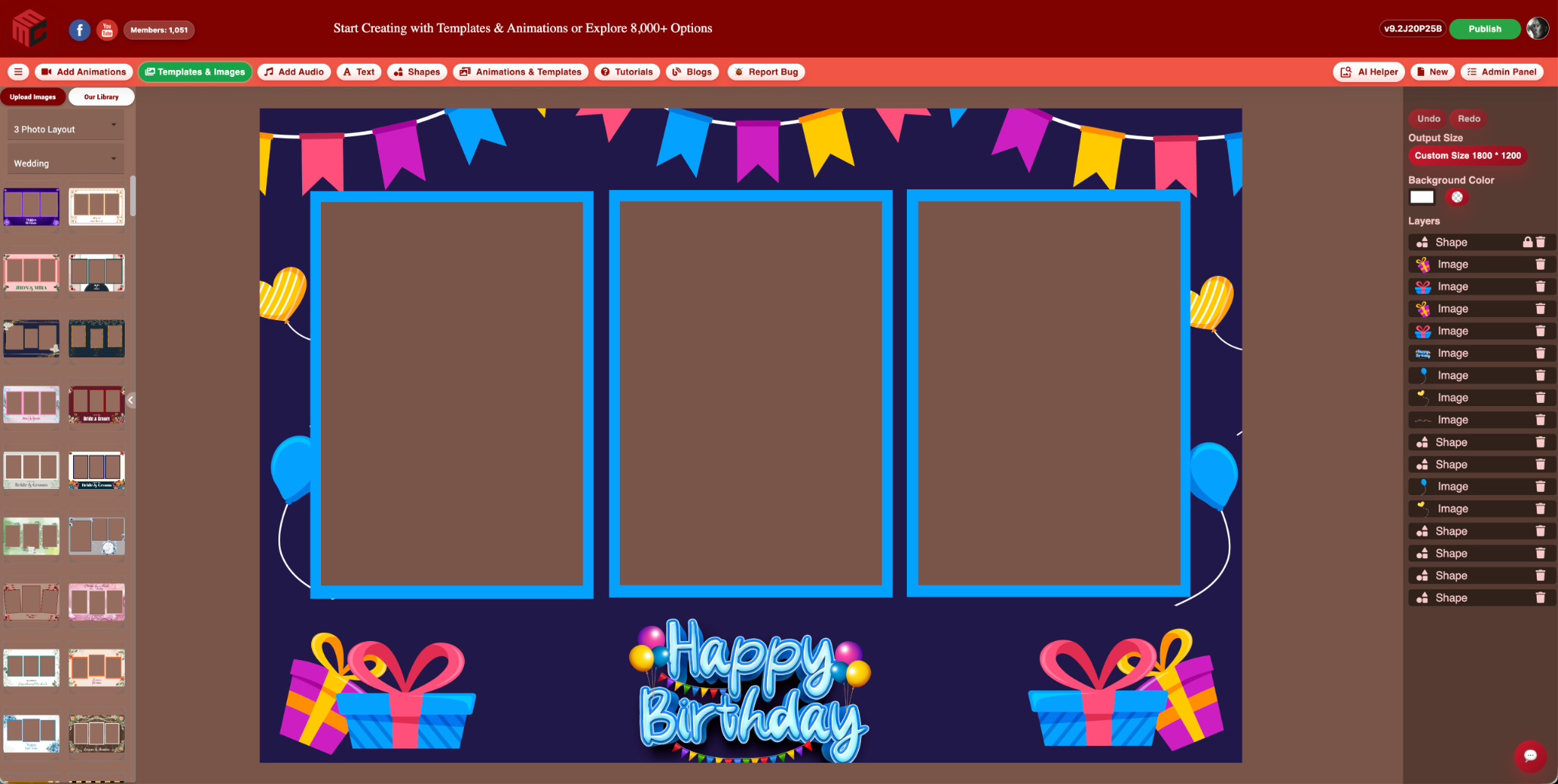
Many photo booth owners use Canva because it is familiar, easy to open, and useful for general graphics. Canva can be great for flyers, social posts, business cards, thumbnails, and basic design work.
But photo booth templates are not just general graphics. Booth owners often need a very specific kind of editor. They need transparent photo boxes, booth-safe output sizes, overlay positioning, animation workflows, layer control, event-ready layouts, and a way to move quickly from search to edit to publish.
That is where MyMirrorClub is different. It is not trying to be a general design platform for everything. It is built around photo booth owners and the daily problems they run into when creating templates, overlays, animations, and business assets.
Canva is general. Photo booth editing is specific.
A general design tool can help create a nice-looking graphic, but photo booth owners usually need more than a pretty image. The design has to work inside booth software, fit the right print or screen size, keep photo areas transparent, and export in a way that makes sense for events.
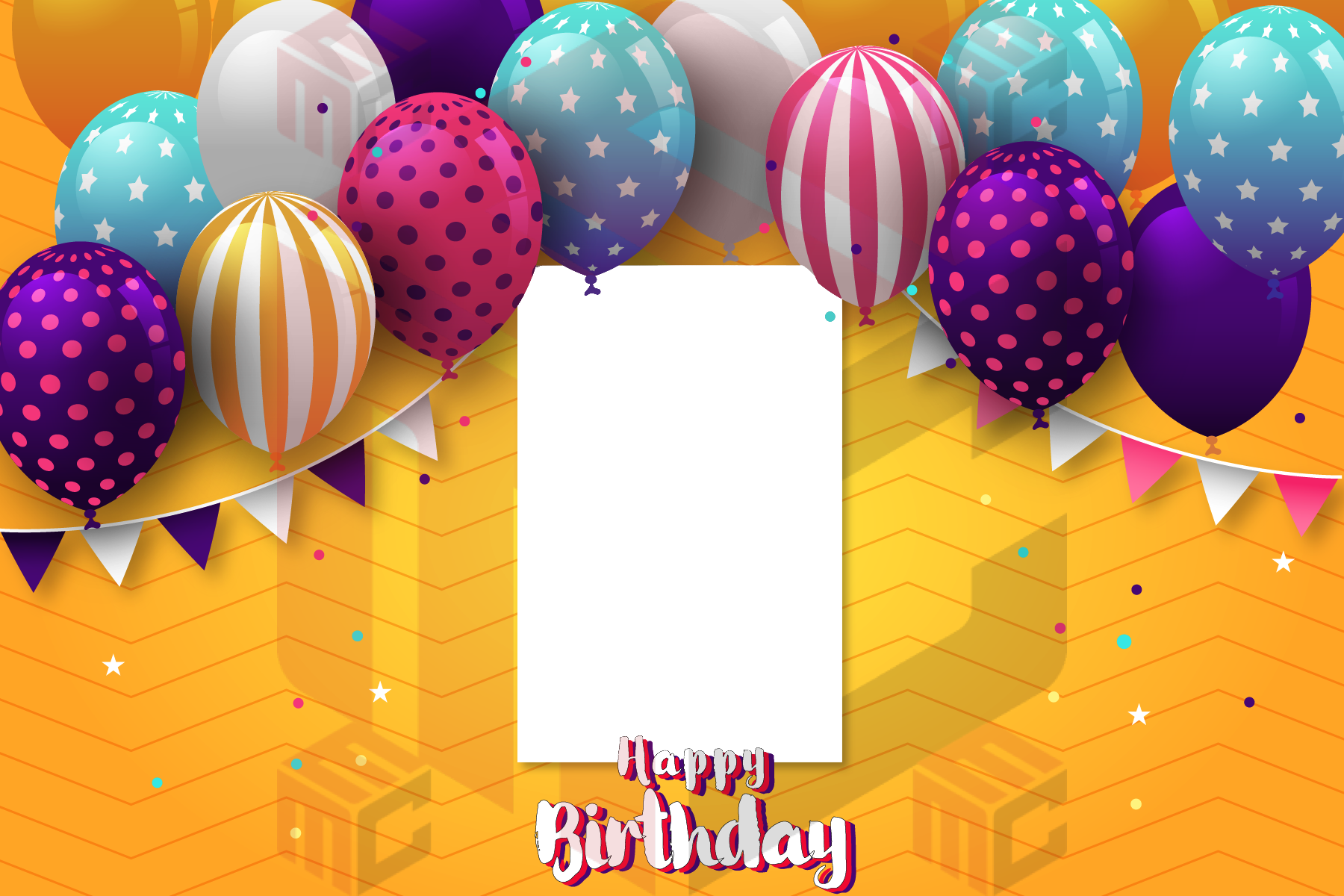
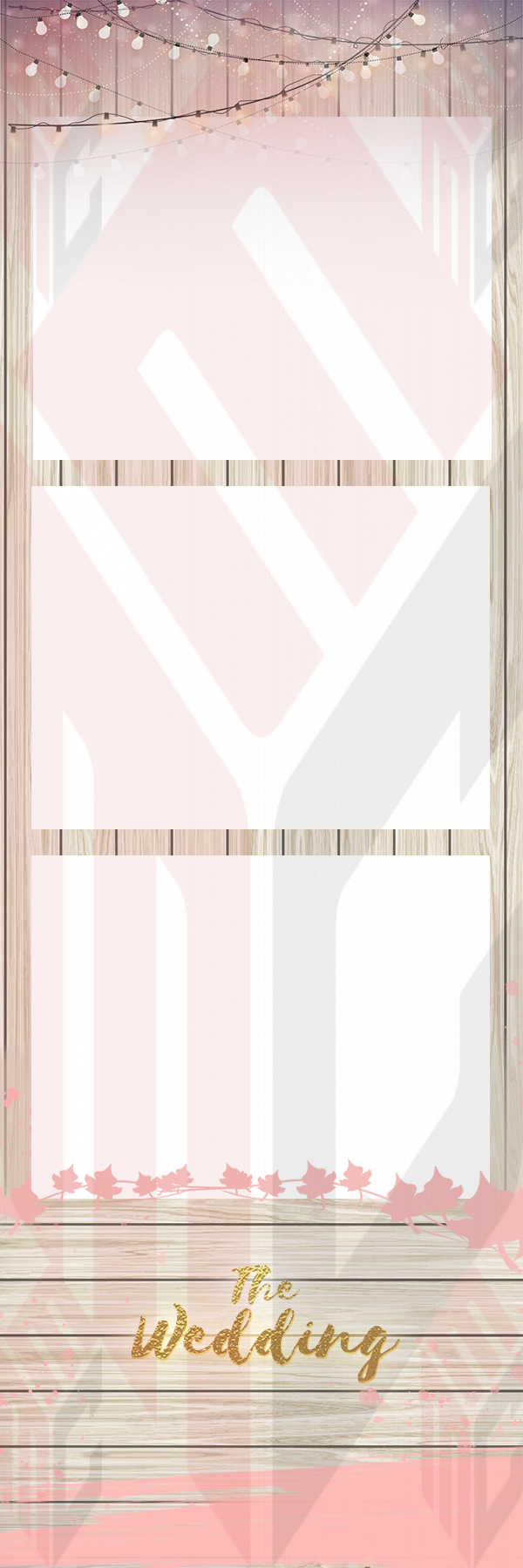
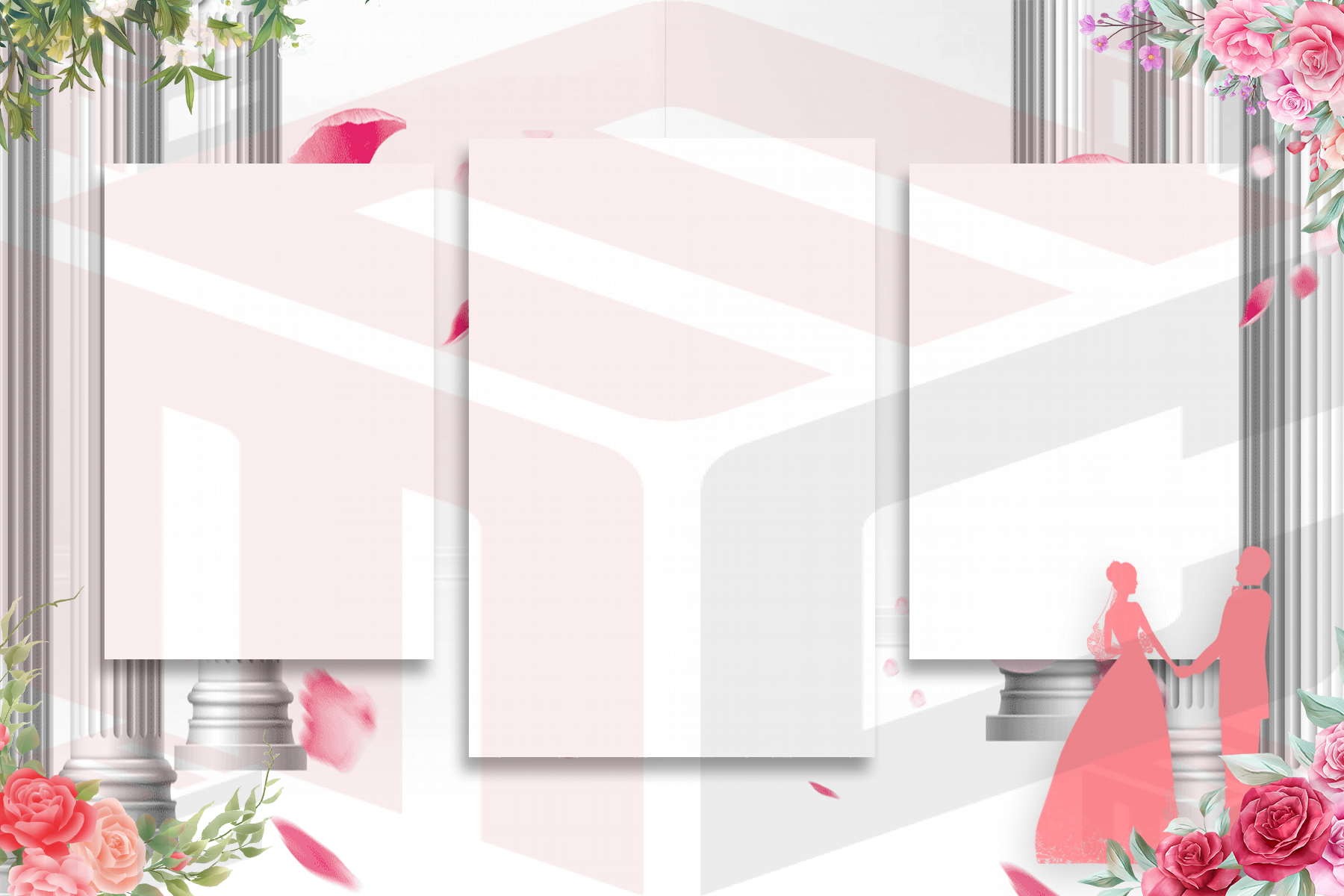
That difference is important. A birthday flyer, Instagram post, or invitation can be designed almost anywhere. A photo booth template has to hold real guest photos in the correct places, often inside shaped or transparent openings. It may also need to match a booth layout such as 2x6, 4x6, mirror booth, 360 overlay, horizontal screen, vertical template, or animated experience.
The transparent box problem
One of the biggest struggles booth owners talk about is the transparent photo area. A photo booth template is not always a flat design. It often needs photo placeholders or cutout windows where the booth software places the captured images.
If those areas are not handled correctly, the design may look good on screen but fail when used in the booth workflow. Photo boxes can cover the wrong area, layers can sit above the guest photo, or the finished template may not export the way the booth owner expects.
MyMirrorClub was built with those booth-specific details in mind, so owners can work closer to the way photo booth templates actually need to function.
Booth sizes matter
Photo booth owners are not only designing one random canvas size. They deal with common booth formats and event needs. A 2x6 photo strip is different from a 4x6 print. A mirror booth template is different from a 360 overlay. A video animation screen is different from a static print layout.
That is why MyMirrorClub focuses on photo booth templates, animations, overlays, backgrounds, and editing tools made for those workflows. Instead of starting from a blank design and guessing the format, booth owners can start from assets already created for photo booth use.
AI Helper makes the editor faster
Another big difference is the Advanced AI Helper. Booth owners can search the MyMirrorClub library by event, style, booth type, keyword, or format, then load a matching template or animation into the editor.
That means users do not have to scroll endlessly through thousands of designs. They can search for things like wedding, birthday, graduation, corporate, Christmas, Gatsby, casino, baby shower, mirror booth, 360 overlay, or animation, and get closer to what they need faster.
Once a design is loaded, the user can quickly edit names, dates, colors, images, layers, text and event details. Members can then use the proper save, publish and export workflow from their account.
Try the editor before logging in
MyMirrorClub also lets visitors open the photo booth editor and try the workflow before logging in. Visitors can search, load assets, and get a feel for how the editor works. Member features protect the full save, publish, and final workflow.
This is useful because new users can see the difference for themselves. They can test how a booth-specific editor feels compared to trying to force a general design tool into a photo booth workflow.
What booth owners need from an editor
A real photo booth editor should help with the things booth owners actually deal with:
- transparent photo cutout areas
- photo placeholders and overlay-safe design
- 2x6 and 4x6 print formats
- horizontal and vertical layouts
- mirror booth templates
- 360 photo booth overlays
- photo booth animations and motion screens
- easy text and event detail editing
- quick search by event or style
- browser editing without needing Photoshop for every small change
Canva can still be useful
This is not about saying Canva is bad. Canva is useful for many things. A photo booth business can still use it for social media posts, price list graphics, ads, flyers, and general marketing content.
The point is that photo booth template editing is a specialized workflow. When a booth owner needs transparent photo areas, booth-ready layouts, animations, and template publishing, a photo booth-specific editor can save time and reduce frustration.
MyMirrorClub is built for the booth business workflow
MyMirrorClub brings together editable templates, animations, backgrounds, overlays, AI Helper search, an online editor, business tools, Website Builder 2.0, and photo booth resources. That makes it more than a design canvas. It becomes a workflow built around the business of running a photo booth company.
That is the real difference. Booth owners do not just need to design something. They need to create event-ready assets quickly, edit them easily, and move on to the next booking.
FAQ: Is MyMirrorClub a replacement for Canva?
For general design, many owners may still use Canva. For photo booth templates, overlays, animations, and booth-specific editing, MyMirrorClub is built for a more focused workflow.
FAQ: Can I try the MyMirrorClub editor without logging in?
Yes. Visitors can open the photo booth editor, search templates or animations, load assets, and explore the editing workflow. Saving, publishing, and final account features use the member login flow.
FAQ: Why are transparent photo areas important?
Transparent photo areas allow the guest photos from booth software to appear in the correct places. If the template is not built correctly, the final booth output may not work as expected.
FAQ: Does MyMirrorClub include animations too?
Yes. MyMirrorClub includes photo booth animations along with templates and other assets. The editor and AI Helper workflow can help users find and load both static and animated starting points.
FAQ: Where should I start?
Start with the Photo Booth Editor, browse photo booth templates, or read how the Advanced AI Helper loads designs into the editor.
Bottom line: Canva is great for general design, but photo booth owners often need a real photo booth editor. MyMirrorClub is built around that need: transparent photo areas, booth-ready sizes, templates, animations, AI Helper search, and a faster path from design to event-ready output.