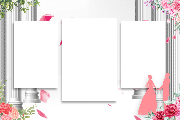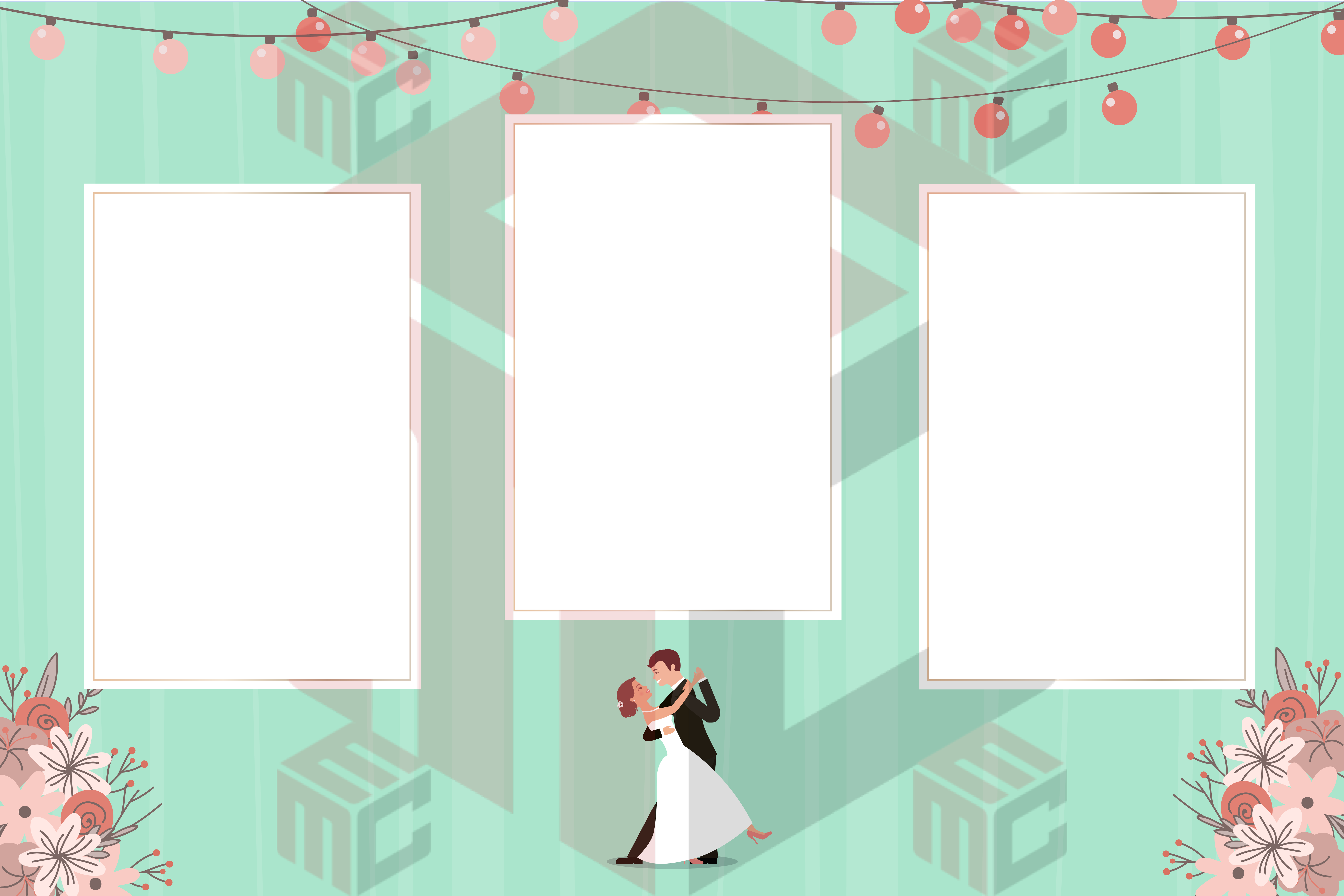
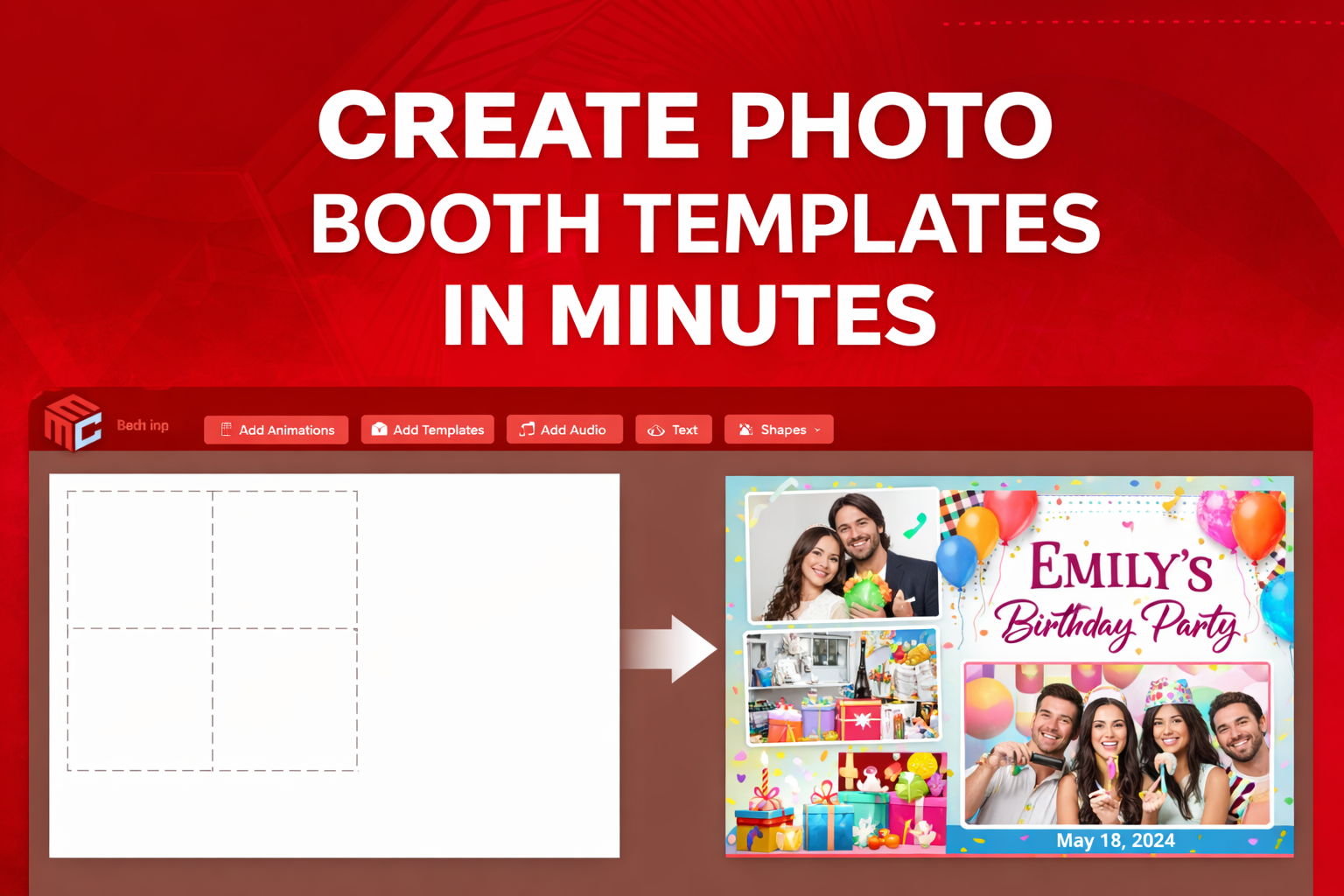
Creating professional photo booth templates no longer requires advanced design skills or expensive software. With MyMirrorClub, you can design fully customizable templates directly in your browser and have them ready for your next event in just minutes.
Whether you’re working on weddings, birthdays, corporate events, or themed parties, having the ability to quickly create and customize templates gives your business a major advantage.
Why Custom Photo Booth Templates Matter
Custom templates are more than just a visual element — they are part of the client experience.
A well-designed template helps:
- Reinforce your client’s event theme
- Create a premium and professional look
- Increase social sharing and brand visibility
- Justify higher pricing for your services
- Set your business apart from competitors
With MyMirrorClub, you don’t need to start from scratch or rely on a designer. Everything is built to be fast, flexible, and easy to use.
Step 1: Choose a Template or Start from Scratch
Inside MyMirrorClub, you have access to 8,000+ ready-to-use photo booth templates.
You can:
- Browse and select a pre-designed template
- Start with a blank canvas
- Choose the exact size for your booth (Mirror, iPad, 360, etc.)
This flexibility allows you to match any event style instantly.
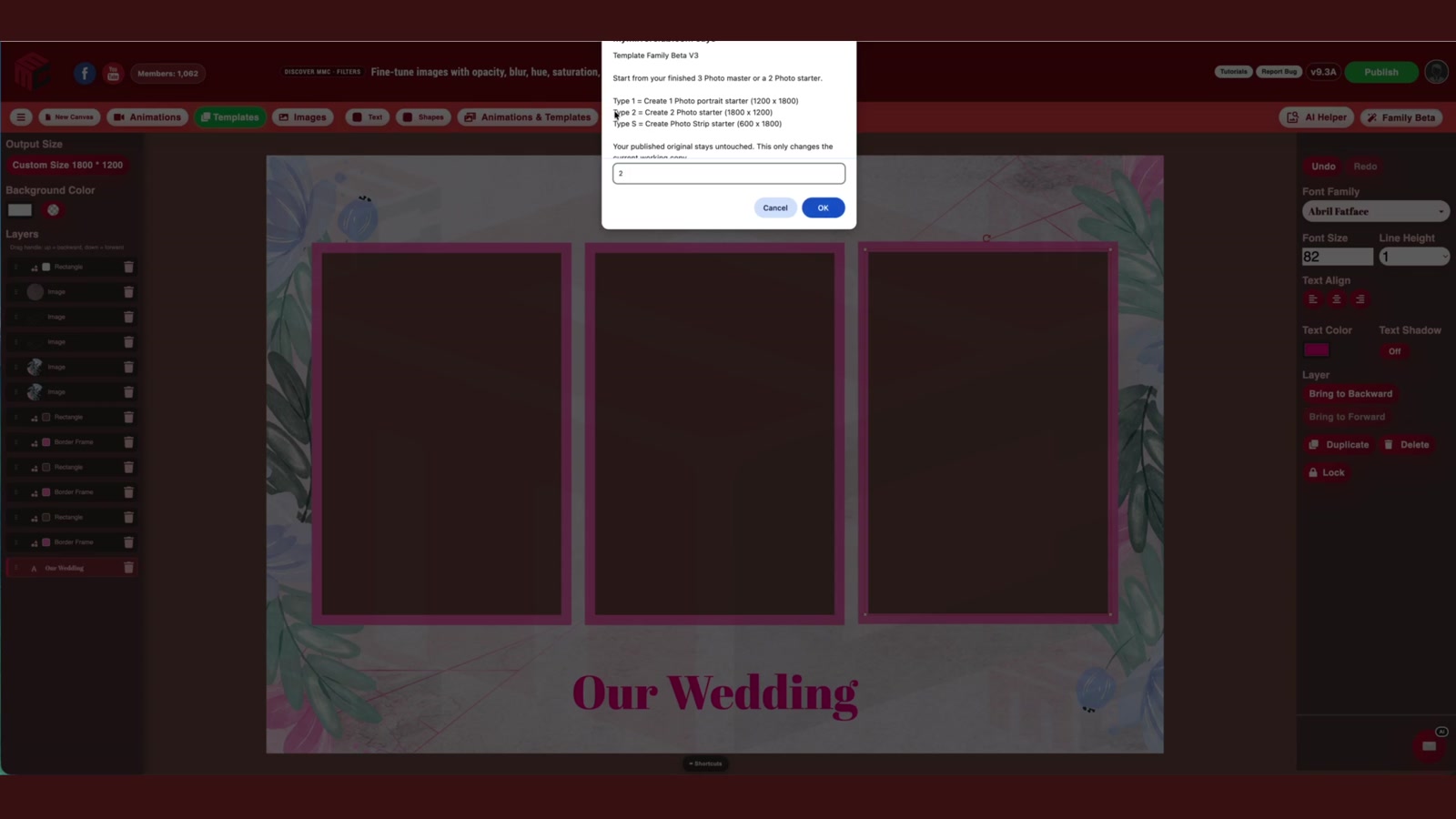
Step 2: Customize Your Design with Layers
The editor works with a layer-based system, similar to professional design tools — but much easier to use.
You can:
- Edit text (names, dates, event titles)
- Change colors to match branding
- Upload logos or images
- Add shapes, overlays, and effects
- Adjust positioning and layout
Everything is done visually, so you can see changes in real time.
Step 3: Add Graphics, Elements, and Branding
To make your templates stand out, you can enhance them with:
- Event-themed graphics
- Custom branding elements
- Backgrounds and overlays
- Decorative assets for weddings, birthdays, and corporate events
You can also upload your own assets or use elements from the MyMirrorClub library.
Step 4: Preview and Fine-Tune Your Template
Before publishing, you can preview your design and make final adjustments.
This ensures:
- Proper alignment
- Clean spacing
- Professional layout
- Perfect fit for your booth screen
Taking a minute to fine-tune your template can make a big difference in the final result.
Step 5: Publish and Use Instantly
Once your template is ready, you can:
- Export it for use immediately
- Load it into your photo booth software
- Deliver it to your client
- Save it for future edits
You can go from idea to finished template in minutes, which is perfect for last-minute events or quick client changes.
Create Faster, Deliver Better, and Grow Your Business
The ability to quickly create high-quality templates gives you a huge advantage as a photo booth business owner.
With MyMirrorClub, you can:
- Offer more design options to clients
- Turn around projects faster
- Reduce reliance on designers
- Increase your perceived value
- Deliver a better overall experience
Whether you’re new to the industry or scaling your business, having a fast and powerful design tool makes a real difference.
Start Creating Your Own Photo Booth Templates Today
You don’t need design experience or special software to create professional templates anymore.