Weddings create photo booth opportunities throughout the entire year. Spring garden weddings, summer receptions, autumn celebrations, winter weddings, destination events, engagement parties, bridal showers and anniversary celebrations all need designs that feel personal to the couple.
MyMirrorClub helps photo booth owners deliver those experiences with 8,000+ creative assets, including 6,000+ editable templates and 2,000+ ready animations. You can search the live library, purchase one design, choose a ready-made bundle, build your own 10, 15 or 20-item bundle, and customize supported text, names, dates, logos, colors and design layers in the online editor.
Ready to find a wedding design? Open the MyMirrorClub Search Library and search “wedding,” browse ready-made template and animation bundles, or use Build Your Own Bundle to select the exact assets your business needs.
Wedding photo booth designs for every style
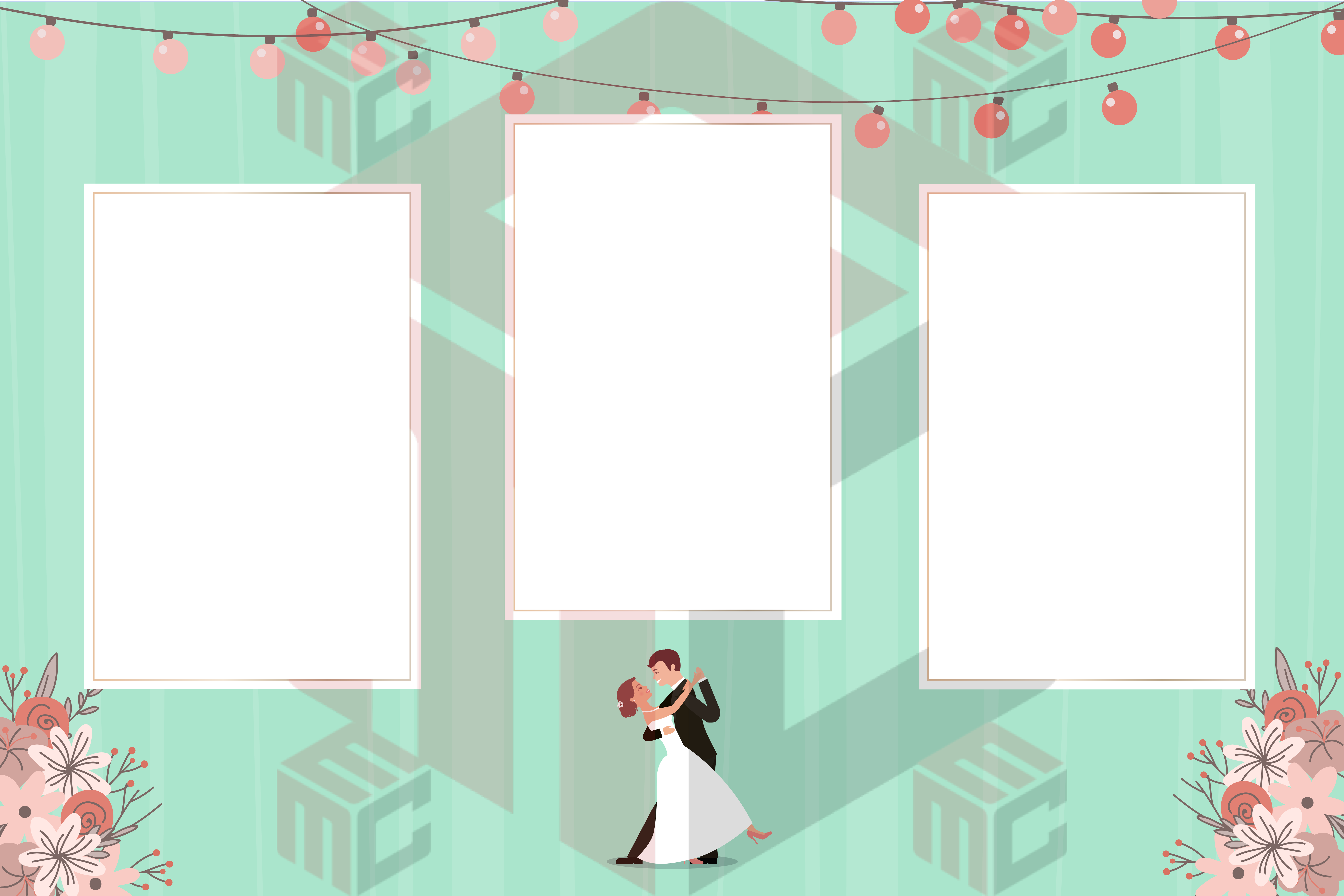
No two weddings are identical. A rustic barn reception needs a different visual direction than a luxury ballroom, a beach ceremony, a modern city wedding or a colorful cultural celebration. The strongest wedding collection gives photo booth owners enough variety to match the couple, venue and event theme.
Popular wedding design styles include:
- Elegant floral and romantic layouts
- Luxury black, white and gold designs
- Rustic wood, greenery and country themes
- Modern minimalist wedding templates
- Boho, botanical and garden styles
- Beach, tropical and destination wedding designs
- Vintage, art deco and classic themes
- Winter, holiday and New Year’s Eve weddings
- Bright, colorful and culturally inspired celebrations
- Clean branded layouts for venues and wedding professionals
Instead of presenting every client with the same layout, use the Search Library to quickly compare styles and show the couple options that fit their event.
Editable wedding photo booth templates
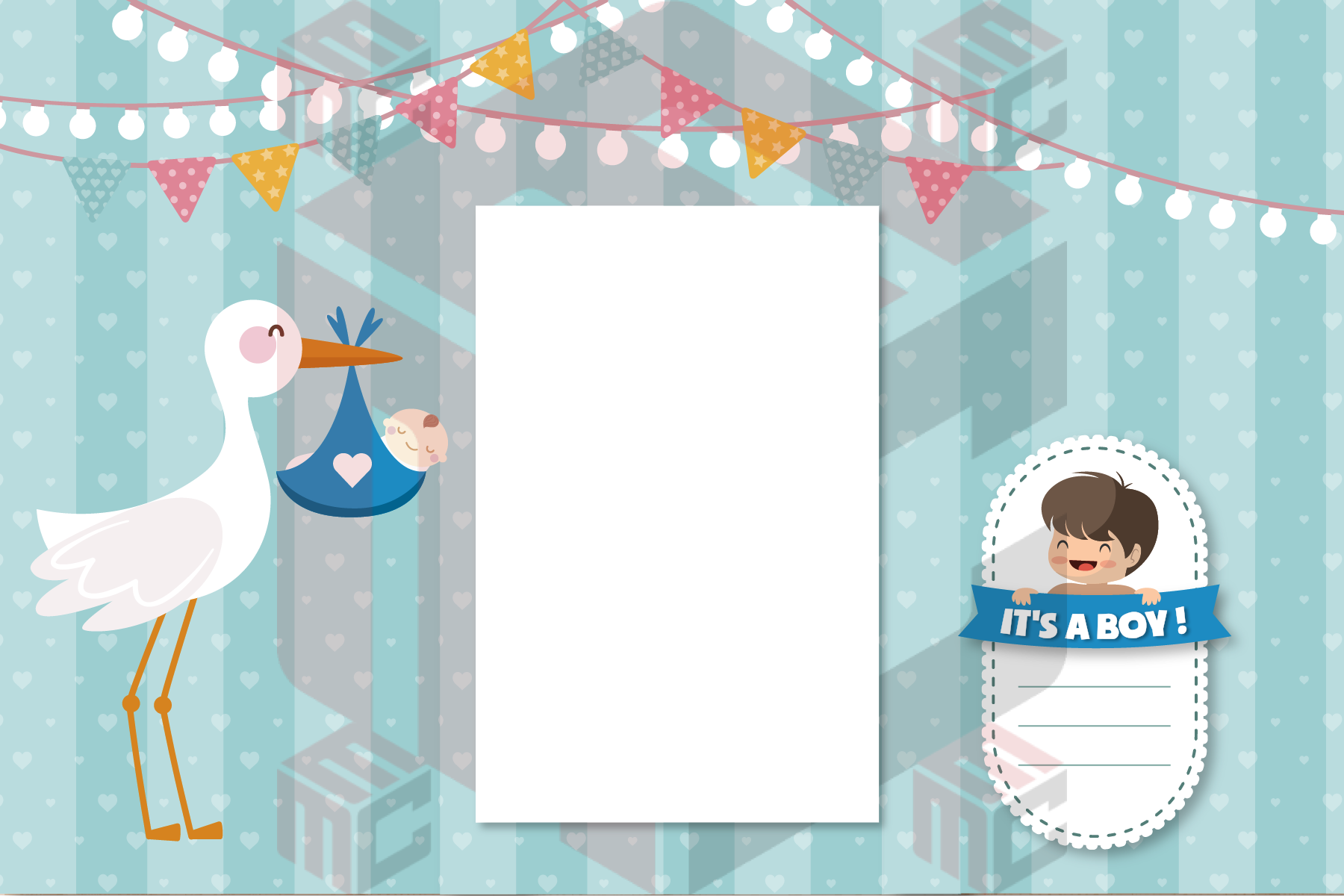
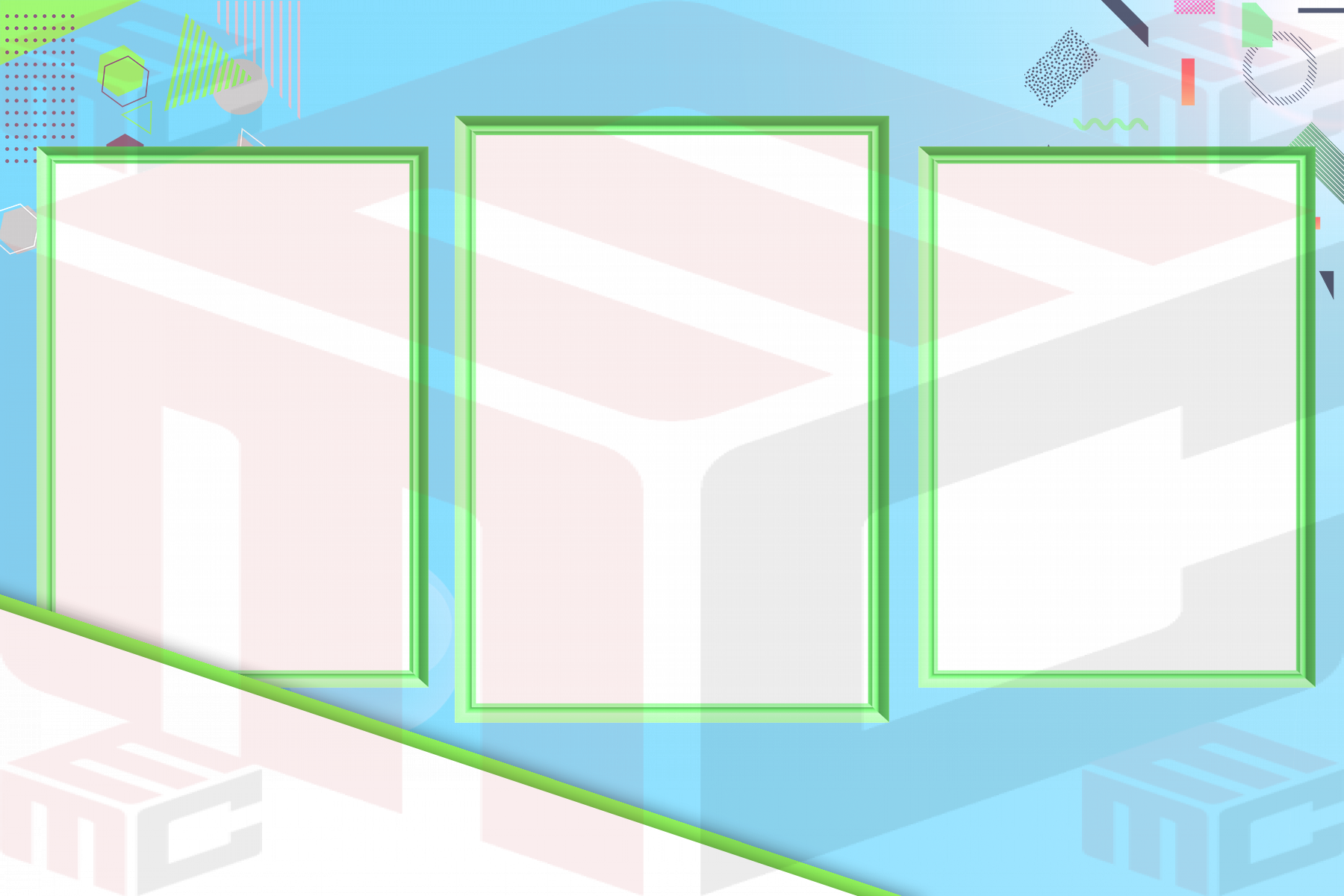
The wedding photo booth template collection includes designs for different output sizes, photo counts and booth workflows. You may find one-photo layouts, two-photo templates, three-photo compositions, vertical designs, horizontal layouts and photo strips.
MyMirrorClub templates are built to be customized. Depending on the selected design and its supported layers, you can personalize:
- The couple’s names
- The wedding date
- Venue or location details
- Monograms and initials
- Welcome messages and custom wording
- Text colors, fonts and supported styling
- Logos for venues, planners or sponsors
- Background colors and selected graphics
- Photo boxes and supported layout positions
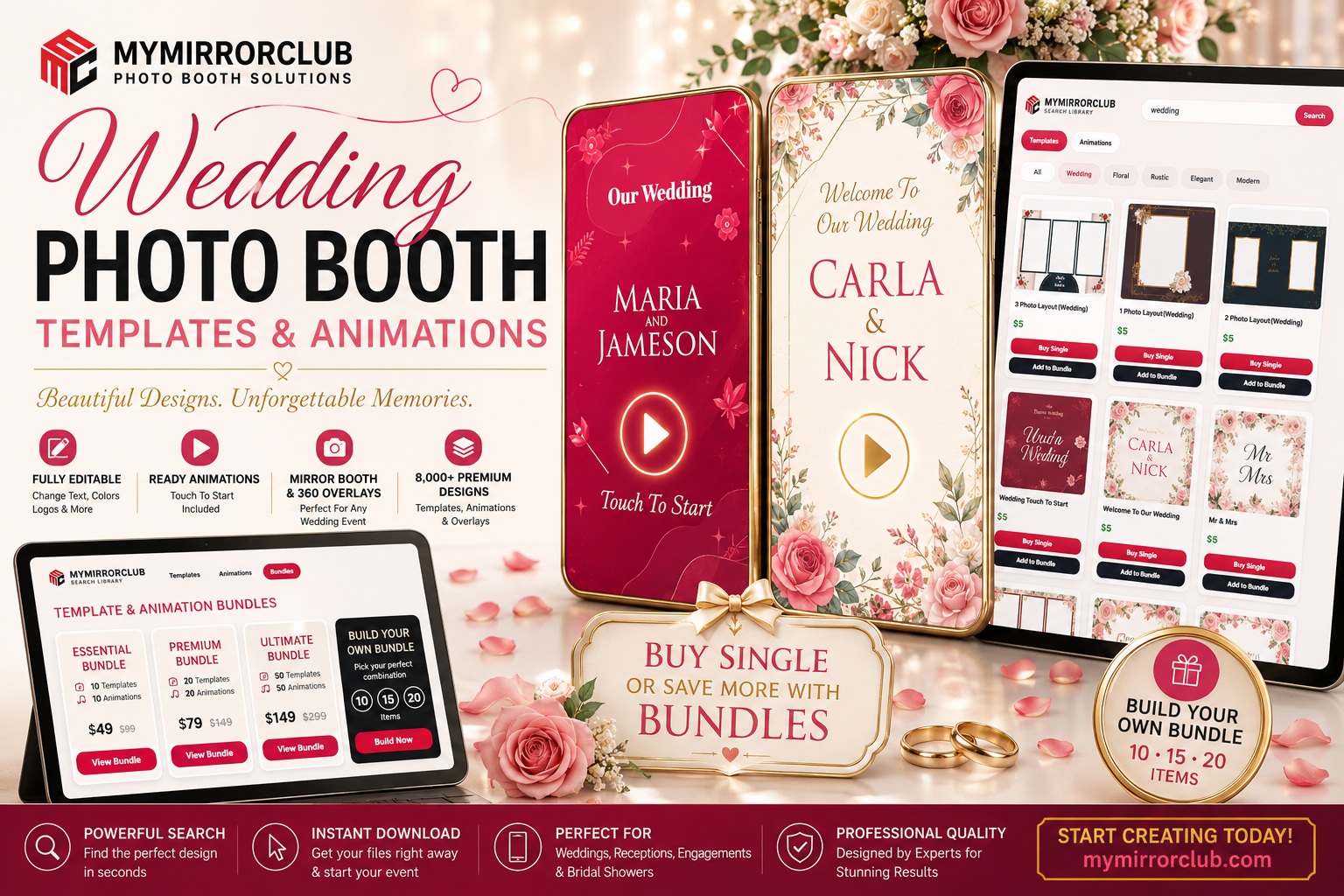
This is especially useful when a preview contains sample names such as “Carla & Nick” or a generic wedding date. Those details demonstrate the finished appearance; editable layers can be replaced with the real information for the client.
For a deeper explanation, read What Makes a Photo Booth Template Editable?
Search thousands of wedding designs quickly
Speed matters when a client asks for design choices. Instead of manually searching through old folders, open the MyMirrorClub Search Library, enter “wedding,” and browse the available templates and animations.
The Search Library helps photo booth owners:
- Compare several wedding layouts in one place
- Switch between templates and animations
- Find different photo counts and orientations
- Buy one item for a specific booking
- Add selected assets to a custom bundle
- Move from inspiration to purchase without leaving the library
For a last-minute wedding, use Buy Single. For businesses building a reusable wedding collection, use Add to Bundle and save selected designs for a larger purchase.
Buy one wedding template or animation
Sometimes one design is all you need. A couple may already know the exact colors and layout they want, or you may need one specific vertical template for an upcoming booking.
The Search Library includes a Buy Single option so you can purchase one wedding template or animation without buying a full collection.
This works well for:
- Last-minute bookings
- A unique wedding theme
- A specific output size
- One matching mirror booth animation
- A single 360 overlay
- A client requesting one exact design
Save more with ready-made wedding bundles
Ready-made bundles are useful when you want a coordinated set without selecting every item individually. Browse MyMirrorClub Bundles for template and animation packs prepared around events and design themes.
A wedding bundle can help you quickly expand your collection with several layouts or matching visual assets. It is a practical choice for new booth businesses, busy wedding seasons and operators who want several options ready before meeting clients.
The wedding blog image highlights both purchasing paths: Buy Single for one exact design and Bundles for broader value.
Build your own wedding bundle
Many photo booth owners already know which formats they use most. You may want a few elegant horizontal templates, several vertical mirror booth animations, a photo strip, one 360 overlay and a modern wedding layout.
Build Your Own Bundle lets you select the exact assets you want from the full Search Library. Available custom sizes include:
- 10 selected templates and animations
- 15 selected templates and animations
- 20 selected templates and animations
You can choose wedding templates only, animations only, or mix both. You can also include engagement, bridal shower, anniversary, corporate and seasonal assets if those better match your upcoming bookings.
A practical 10-item wedding bundle
A useful wedding collection should cover different clients and booth formats rather than repeating the same layout ten times.
A balanced 10-item custom bundle could include:
- One elegant floral horizontal template
- One luxury black-and-gold layout
- One rustic or greenery template
- One modern minimalist design
- One vertical wedding template
- One wedding photo strip
- Two mirror booth touch-to-start animations
- One 360 wedding overlay
- One engagement or bridal shower design
A 15 or 20-item bundle gives you more room for multiple color palettes, photo counts, cultures, venues and matching animations.
Wedding animations create a complete booth experience
Wedding animations help the booth feel coordinated before guests take the final photo. A touch-to-start screen, welcome animation, countdown or thank-you screen can carry the same colors, flowers, names and mood as the printed or digital layout.
Browse photo booth animations and mirror booth animations for motion assets that can support:
- Welcome to our wedding screens
- Touch-to-start prompts
- Bride and groom animations
- Names and monogram presentations
- Romantic floral motion graphics
- Countdown and pose prompts
- Thank-you and sharing screens
Animations should be easy to recognize in promotional artwork. That is why actual animation cards can use play buttons, while regular templates should be shown without a play icon.
Mirror booth wedding animations
Mirror booths are popular at weddings because guests interact with a large display. A personalized touch-to-start animation with the couple’s names can make the experience feel built specifically for the reception.
A coordinated mirror booth package may include:
- A welcome animation
- A touch-to-start screen
- A pose or countdown prompt
- A final thank-you message
- A matching editable photo template
When the screen animations and final image use the same visual style, the booth feels more polished and professional.
Wedding 360 booth overlays
360 video booths are used at receptions, after-parties, destination weddings and luxury events. A wedding overlay can frame the video with flowers, names, dates, monograms, elegant lines or sponsor branding while leaving the center clear for guests.
Browse 360 photo booth overlays and wedding photo booth overlays for additional styles.
A strong 360 wedding overlay should:
- Keep guests visible during movement
- Match the wedding colors
- Include the couple’s names or monogram when requested
- Look clean in vertical social video
- Support venue or sponsor branding where appropriate
Wedding photo strips and print layouts
Photo strips remain a favorite wedding keepsake. They work well for guest books, favors and printed memories guests can take home.
Visit photo strip templates for additional layout options. Wedding strips can use floral corners, monograms, elegant typography, venue colors or a simple date and name combination.
A complete wedding library should include both print-friendly and digital formats so you can support different packages and booth software.
Engagement parties and bridal showers
Wedding-related bookings begin before the reception. Engagement parties, bridal showers, bachelor and bachelorette events, rehearsal dinners and welcome parties can all use their own designs.
These events may need:
- Future Mr. and Mrs. wording
- Bride-to-be or groom-to-be designs
- Engagement dates and party hashtags
- Playful floral or luxury themes
- Matching touch-to-start animations
Including pre-wedding designs in your custom bundle gives you more opportunities to serve the same couple across several events.
Wedding receptions and after-parties
The reception is where photo booths usually receive the most activity. The template needs to look attractive while still giving guest photos enough space.
For high-energy after-parties, consider brighter colors, bold typography, animated prompts and 360 overlays. For formal receptions, use softer floral designs, elegant borders and refined names or monograms.
The Search Library helps you compare both directions quickly before showing choices to the client.
Luxury, rustic and modern weddings
Different venues call for different design decisions.
- Luxury wedding: black, white, champagne, gold, marble and elegant typography
- Rustic wedding: wood, greenery, wildflowers, warm neutrals and handwritten accents
- Modern wedding: simple lines, bold spacing, minimal decoration and clean fonts
- Garden wedding: roses, leaves, soft colors and botanical frames
- Destination wedding: beaches, tropical flowers, travel details and bright color
- Winter wedding: navy, silver, white, snow, lights and seasonal elegance
Branding for venues, planners and wedding professionals
Some events include a venue logo, sponsor, planner brand or entertainment company information. When the selected design supports image and logo layers, those elements can be added while preserving the couple’s wedding style.
Keep professional branding subtle unless the client requests a stronger sponsor presence. The couple and guest photos should remain the focus.
Use the editor to personalize the design
After selecting an editable asset, open it in the MyMirrorClub editor. Supported layers can be adjusted for the booking without requiring you to begin with a blank canvas.
The editor can help you:
- Replace sample names and dates
- Change supported text and colors
- Add client or venue logos
- Adjust supported image and design layers
- Prepare the final layout for the event
This saves time while still giving the client a personalized result.
How to present wedding options to a client
Too many random choices can overwhelm a couple. Instead, search the library and present a small group of designs that clearly match their preferences.
A useful workflow is:
- Ask for the wedding colors, venue and general style.
- Search “wedding” in the Search Library.
- Select three to five layouts with different strengths.
- Show one animation option if the booth uses an interactive screen.
- Confirm the names, date, wording and logo needs.
- Purchase one item or add selected designs to a bundle.
- Customize the chosen design in the editor.
FAQ: Are MyMirrorClub wedding templates editable?
Yes. MyMirrorClub offers 6,000+ editable templates. Supported text, names, dates, colors, logos, photo boxes and design layers can be personalized depending on the selected asset.
FAQ: Can I buy one wedding template?
Yes. Use Buy Single in the Search Library when you need one specific template or animation.
FAQ: Can I build a wedding-only bundle?
Yes. Use Add to Bundle while browsing wedding assets, then choose a 10, 15 or 20-item custom bundle. Your bundle can contain templates, animations or both.
FAQ: Does MyMirrorClub offer wedding animations?
Yes. The library includes ready animations for photo booth and mirror booth experiences, including welcome and touch-to-start designs.
FAQ: Can I add the couple’s names and wedding date?
When those details are editable layers in the selected template, they can be replaced inside the editor with the couple’s real names, date and event wording.
FAQ: Are there wedding photo strips and 360 overlays?
Yes. Browse photo strips, wedding overlays and 360 overlays for additional formats.
Start building a wedding collection that sells all year
Wedding photo booth templates and animations are evergreen assets because couples celebrate throughout the year. A varied collection helps your business serve elegant receptions, rustic weddings, modern events, destination celebrations, bridal showers and high-energy after-parties.
Start by searching wedding templates and animations, browse ready-made bundles, or build your own 10, 15 or 20-item bundle. Then open the selected editable design in the MyMirrorClub editor and personalize it for the couple.
Search the library, choose the exact design, buy one or save with a bundle, and turn every wedding booking into a polished custom experience.