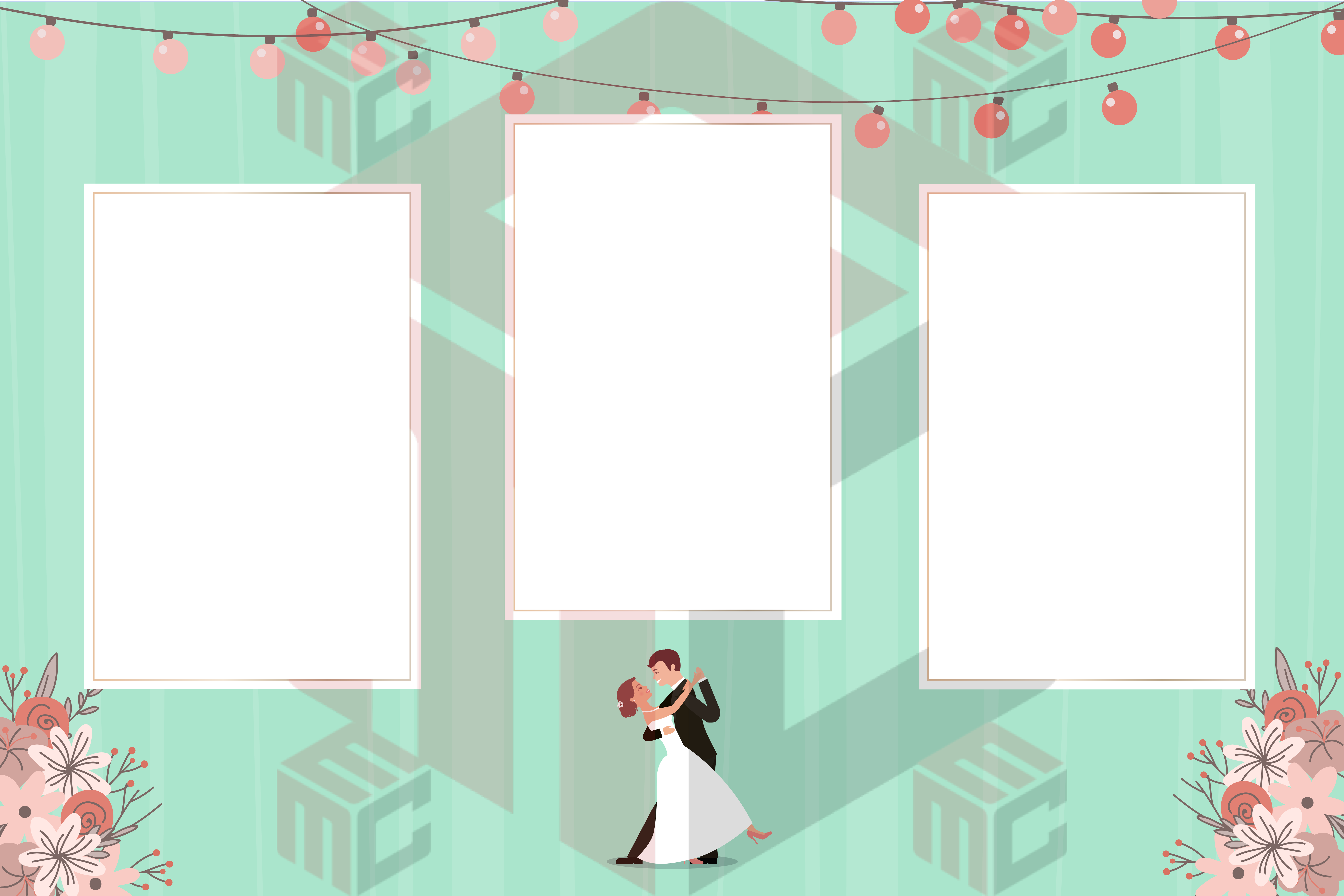
Wedding photo booth templates work best when they feel like part of the reception rather than a separate attraction. A coordinated layout can echo the invitation colors, use the couple's names and date, and still give guests enough room to be the stars of their photographs. Begin by selecting the print format your booth will deliver, then choose the aesthetic details.
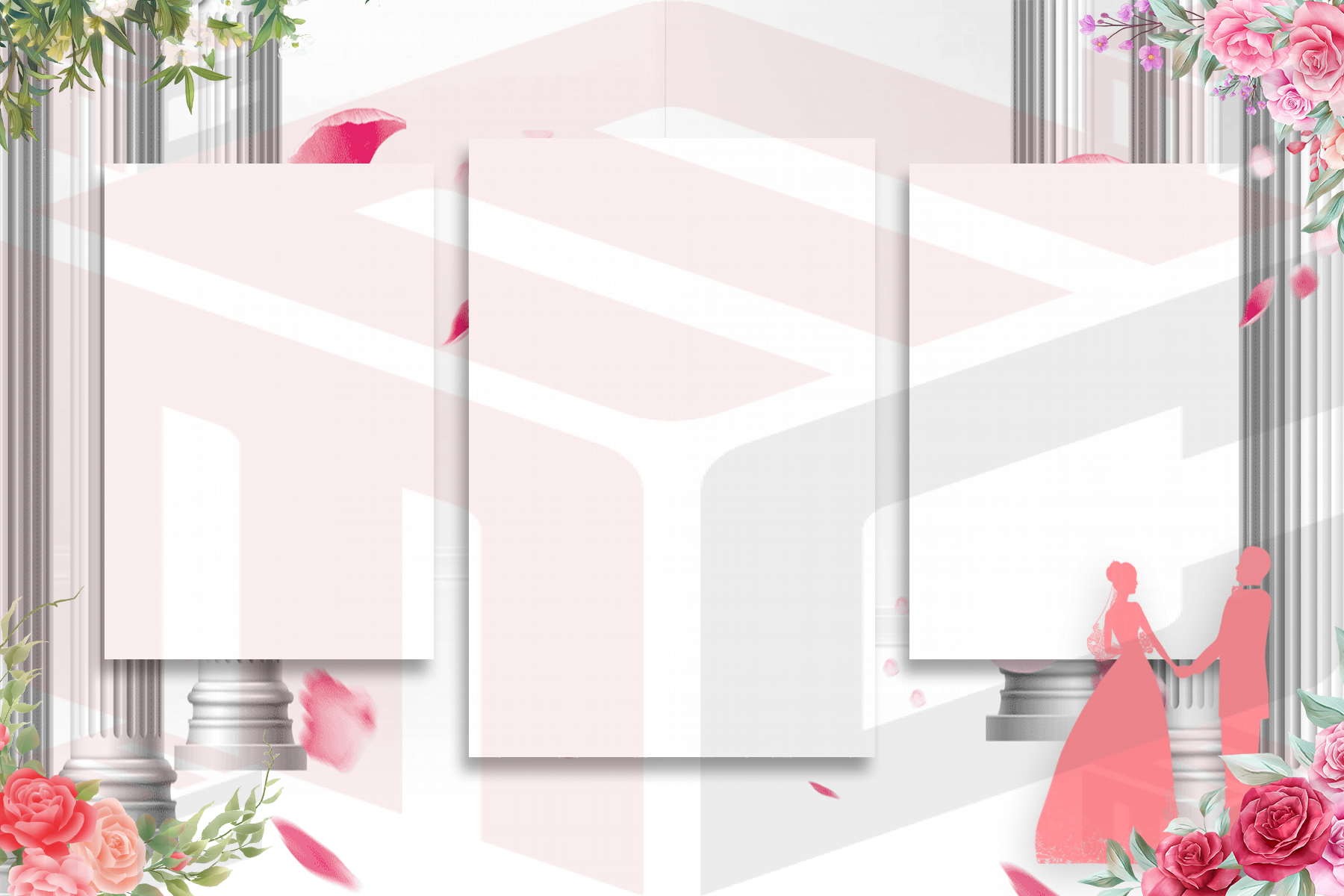
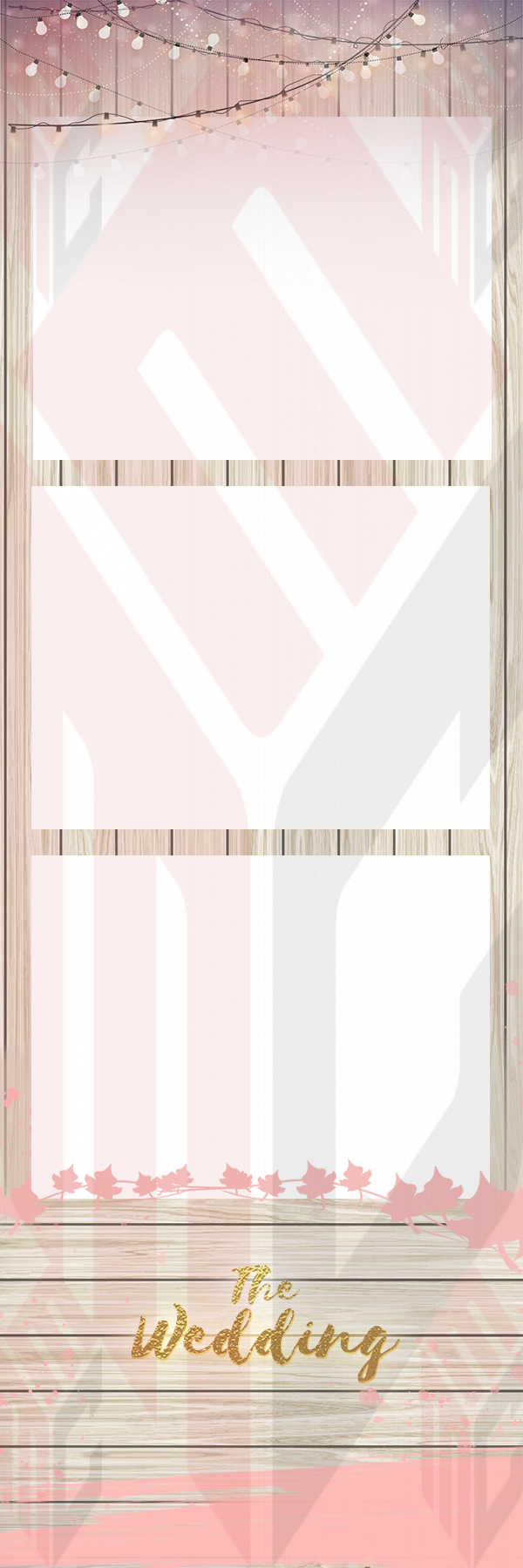
Compare landscape, portrait and photo-strip layouts
A landscape print often suits group photos and a design with a short message along the bottom. A portrait layout can make a single pose feel more prominent, while a multi-photo strip tells a short story through several expressions. These formats are not interchangeable: each needs matching photo openings, a sensible text area and the correct output settings. Explore the wedding photo booth template gallery alongside the dedicated photo strip templates to compare the results.
Keep the couple's details easy to read
Start with the names and the wedding date. Add a venue name or short phrase only if it improves the keepsake. A delicate script can be beautiful at large size but unreadable when printed small. Pair decorative type with a simpler face for the information guests should actually be able to read. Before printing, check the exact spelling, accents and date format with the couple.
Match the visual theme without overpowering the photos
Minimal designs suit many modern receptions; floral artwork may fit a garden celebration; a warm metallic accent can complement formal décor. The theme should frame the photos, not cover the guests or reduce contrast. If the wedding uses a specific palette, test whether that color remains legible against the printed background. Dark text on a pale area can be clearer than pale lettering on a busy image.
Plan for guest groups and the actual booth
A booth used mainly by families or groups of friends may benefit from wider photo areas. A strip with several narrow frames is ideal for quick individual or small-group poses, but can feel crowded with larger groups. Ask the operator how each photo is captured and cropped, and verify that faces remain comfortably inside every opening. A test with real guests is more useful than judging the empty layout alone.
Prepare a reception-ready proof
- Select the correct print format and photo count in the booth software.
- Confirm the couple's preferred spelling, names and date.
- Check that artwork and text do not crowd any photo opening.
- Print a physical proof with the event's final settings.
- Keep a backup of the approved design and a separate editable version.
Browse MyMirrorClub wedding photo booth templates for real layout examples. If the reception also needs a general design starting point, the main template gallery lets you compare styles beyond weddings.