Photo booth operators now have more ways to buy exactly what they need from MyMirrorClub. Instead of committing to a giant collection, you can browse the live Search Library, purchase a single design, build your own bundle from selected templates and animations, or use the MyMirrorClub Editor when you want to customize a project for a specific event.
This guide focuses on the buying workflow itself: how to move from browsing to download without losing the option to customize when a client needs something more personal.
Start with the live MyMirrorClub Search Library
The MyMirrorClub Search Library is the fastest way to browse the full catalog. It brings templates and animations into one searchable store so you can compare real designs instead of opening separate product pages one at a time.
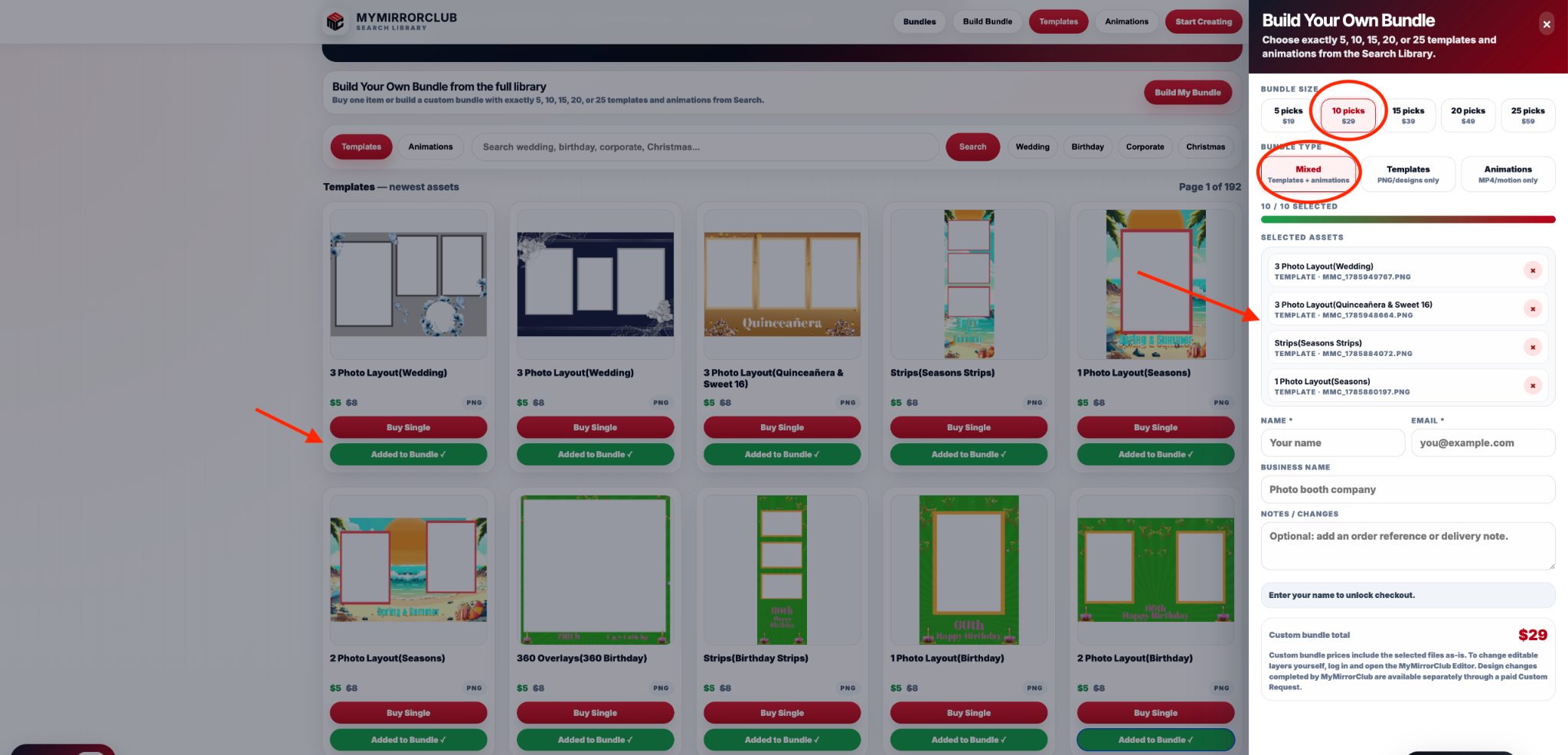
You can switch between Templates and Animations, search by event type, and use quick categories such as Wedding, Birthday, Corporate and Christmas. If one asset is all you need, use Buy Single. If you want several designs, use Add to Bundle.
Buy one design when one design is enough
Not every event needs a collection. A single wedding template, birthday layout or animation can be the right purchase when you already know exactly what the job requires.
Single-item purchases from Search are designed for quick delivery. After payment is confirmed, MyMirrorClub shows the file download on-screen and also sends the buyer the download information by email. That means you do not need to wait for a manual delivery step when you are buying the design as-is.
Build Your Own Bundle with exactly 5, 10, 15, 20 or 25 picks
When you need more than one design, the Build Your Own Bundle workflow lets you choose the exact assets instead of buying a large preset collection filled with files you may never use.
The current builder supports bundles of 5, 10, 15, 20 or 25 selections. You can also choose the bundle type:
- Mixed — combine templates and animations in one bundle.
- Templates — build a PNG/design-only selection.
- Animations — build an MP4/motion-only selection.
As you add products, the bundle panel keeps track of the selected assets and shows the live bundle total. When the required number of picks is reached, the checkout becomes available.
Your custom bundle is packaged for secure download
After a custom bundle payment is verified, MyMirrorClub packages the selected original assets into one ZIP file and creates a secure download link. The buyer sees that link immediately and receives it by email as well.
Current custom-bundle delivery uses a limited secure link so the files can be saved safely after purchase. The download details are also recorded in the MyMirrorClub purchase system for support if the buyer needs help later.
Choose the event styles that actually fit your business
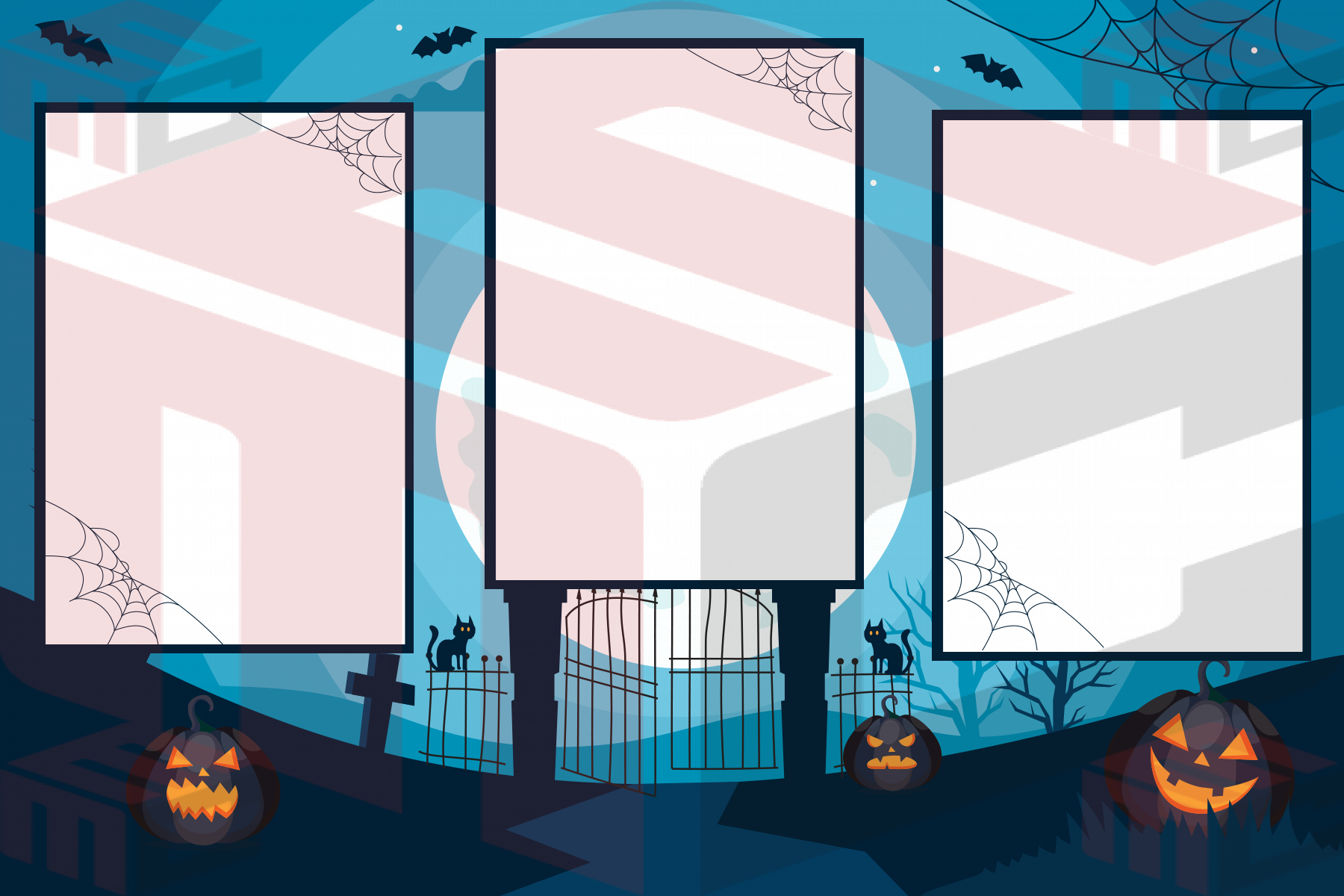
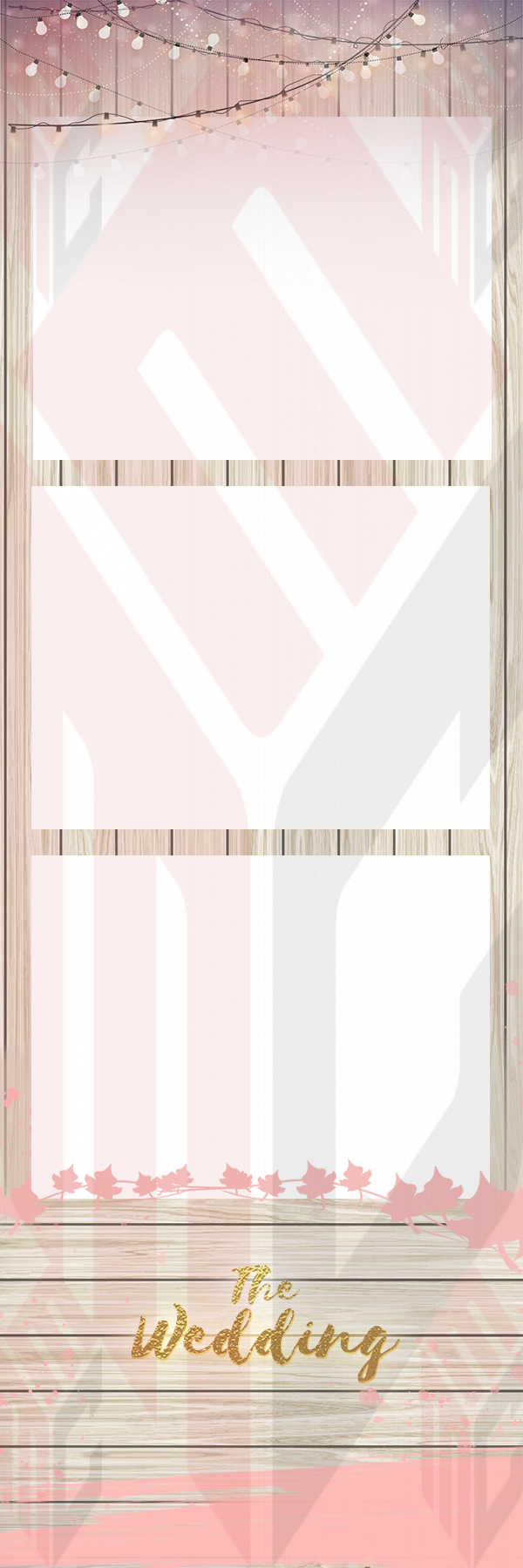
A useful photo booth library is usually a mix, not twenty versions of the same event. A custom bundle can include a wedding design for an upcoming reception, a Halloween layout for October, a birthday template, a clean modern design and an animation for a mirror booth attract screen.
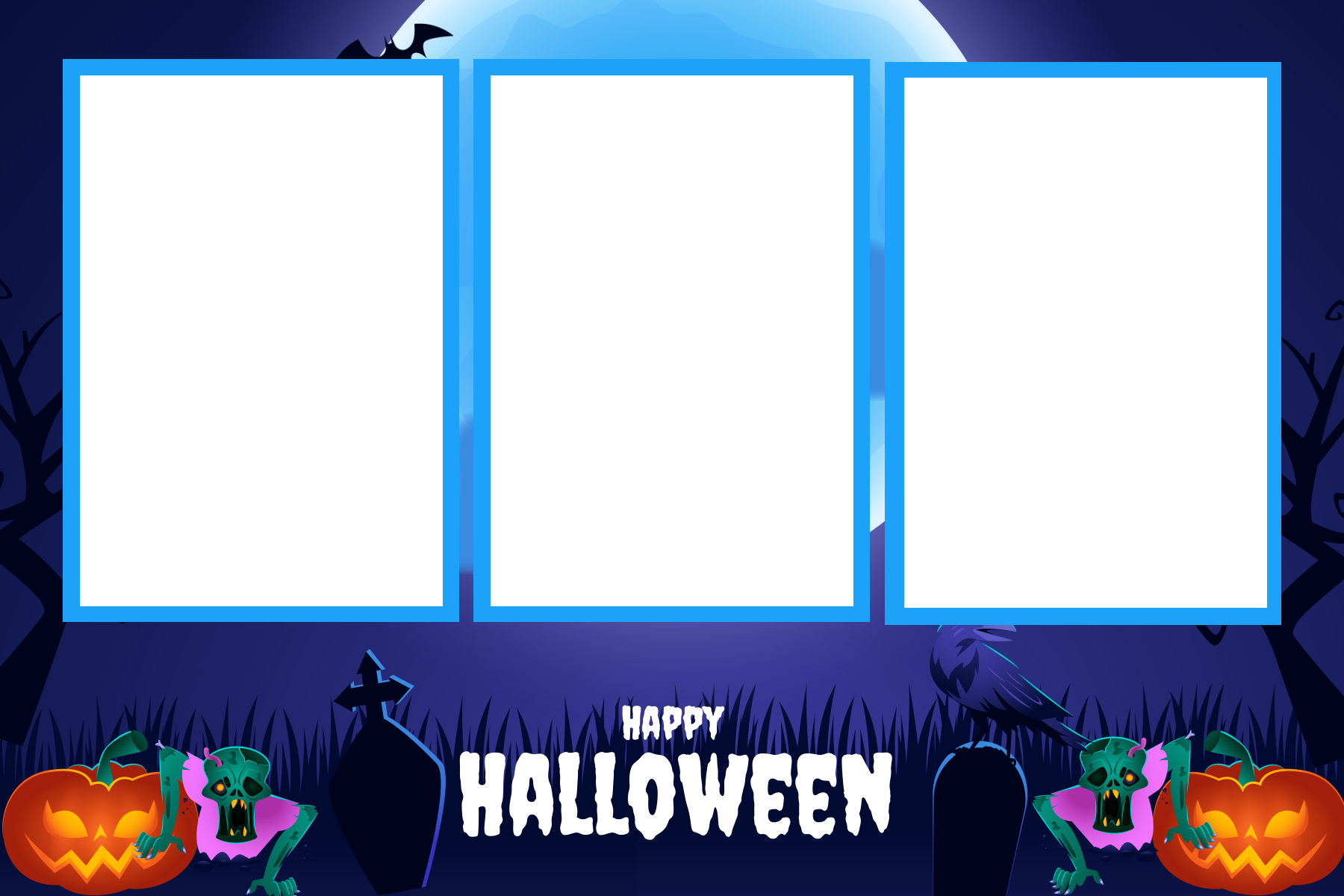
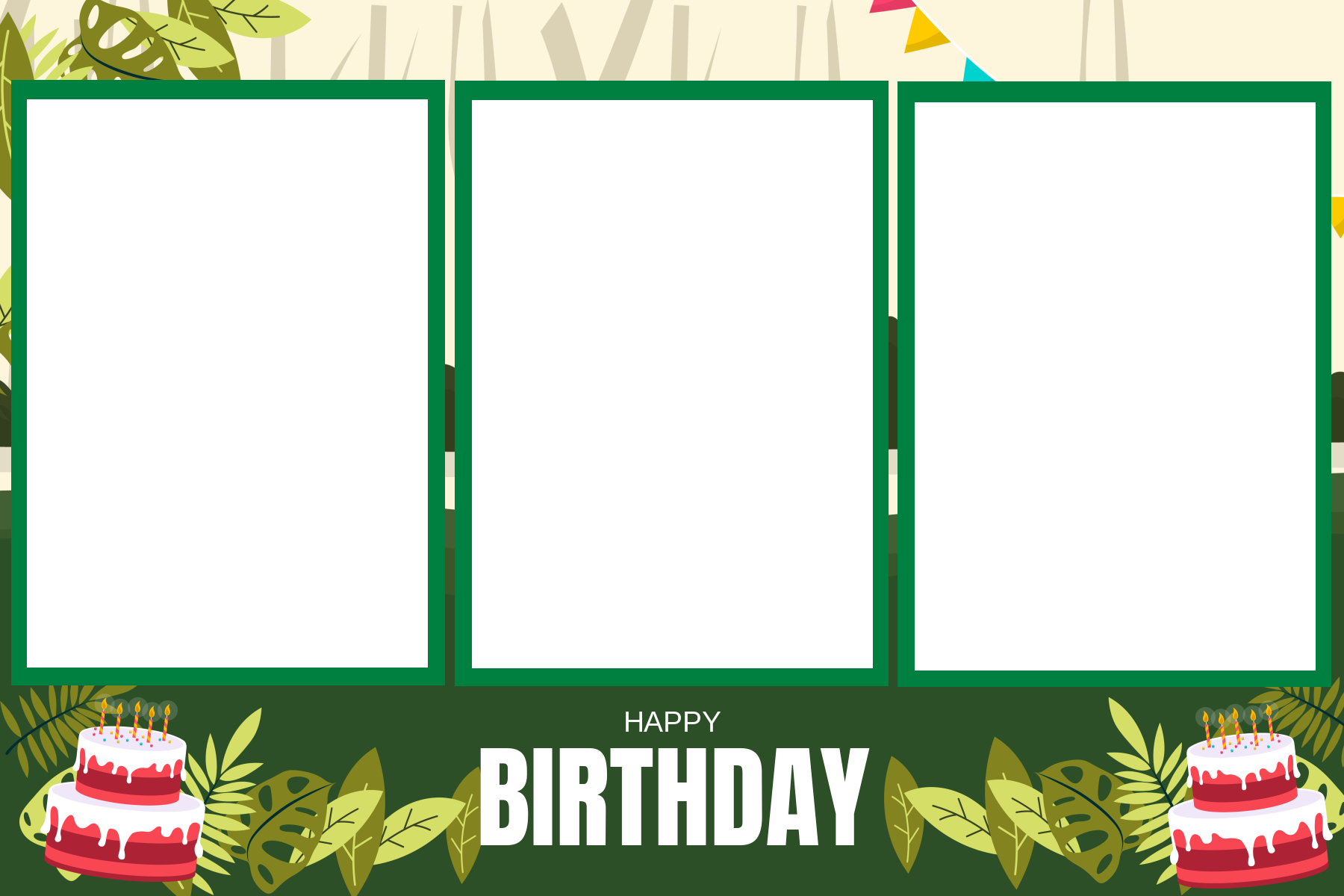
Templates can cover very different booth styles
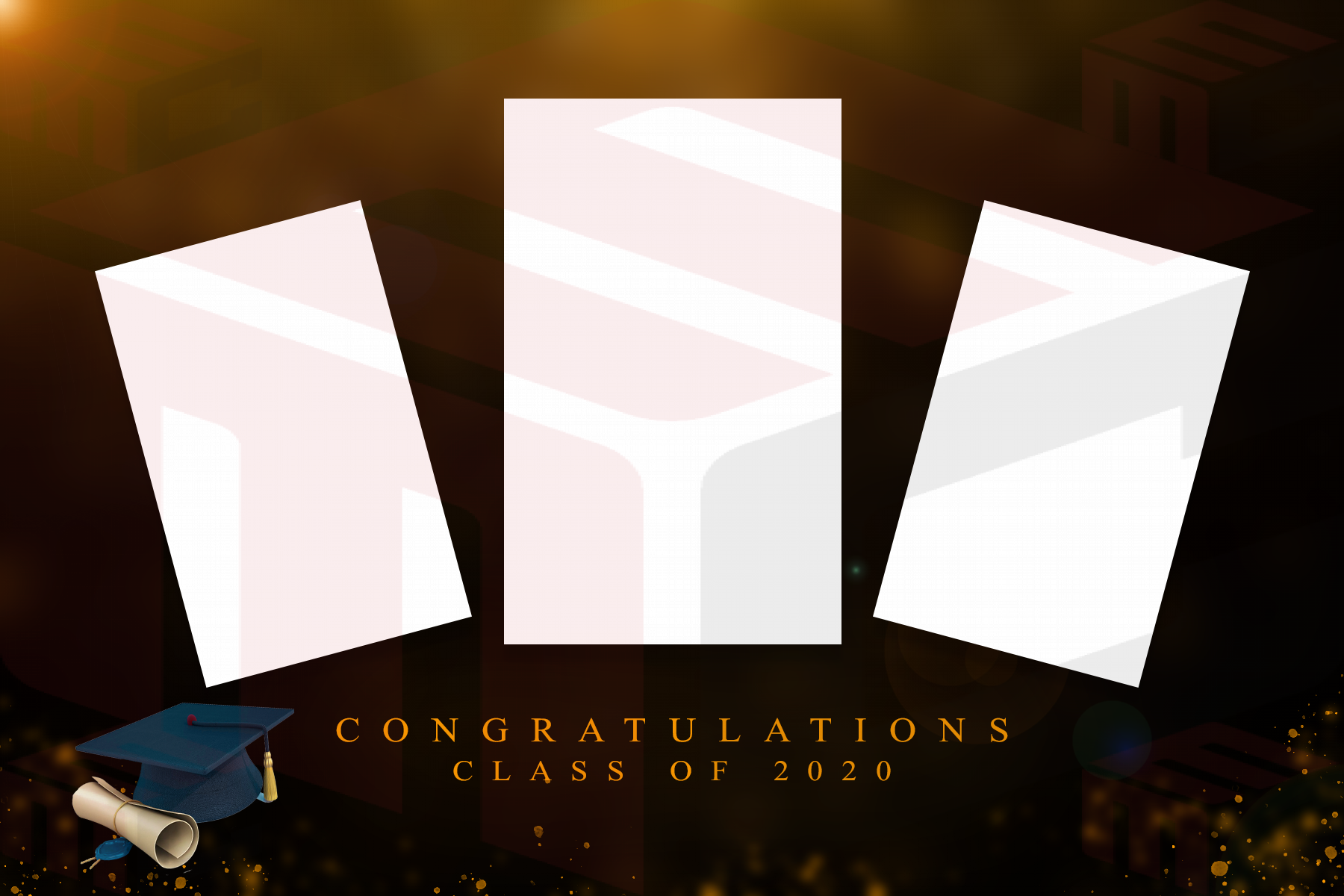
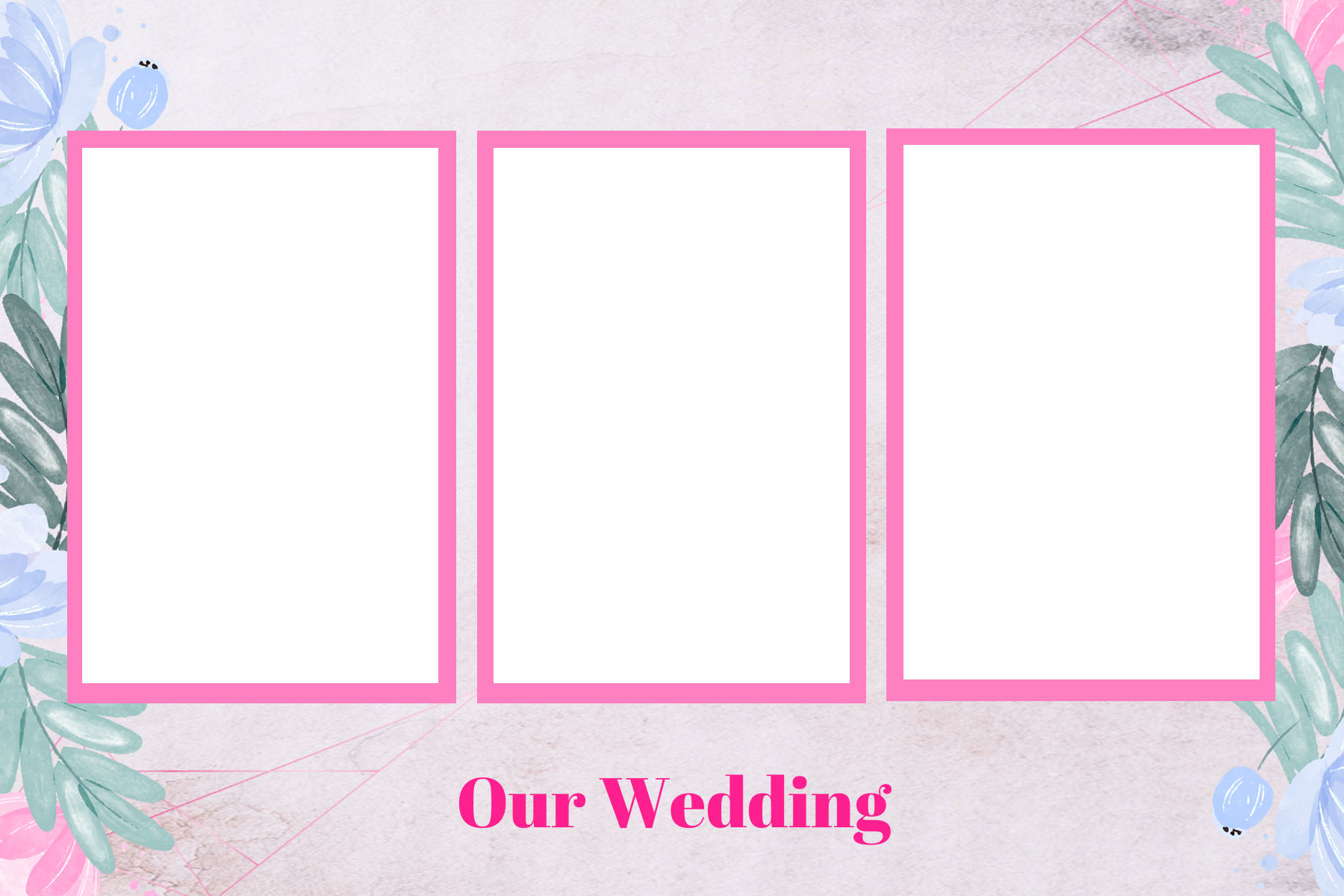
Photo booth businesses often work with more than one hardware format. The same library can contain horizontal DSLR layouts, vertical mirror booth designs, strip layouts, 360 overlays and event graphics built for different workflows.
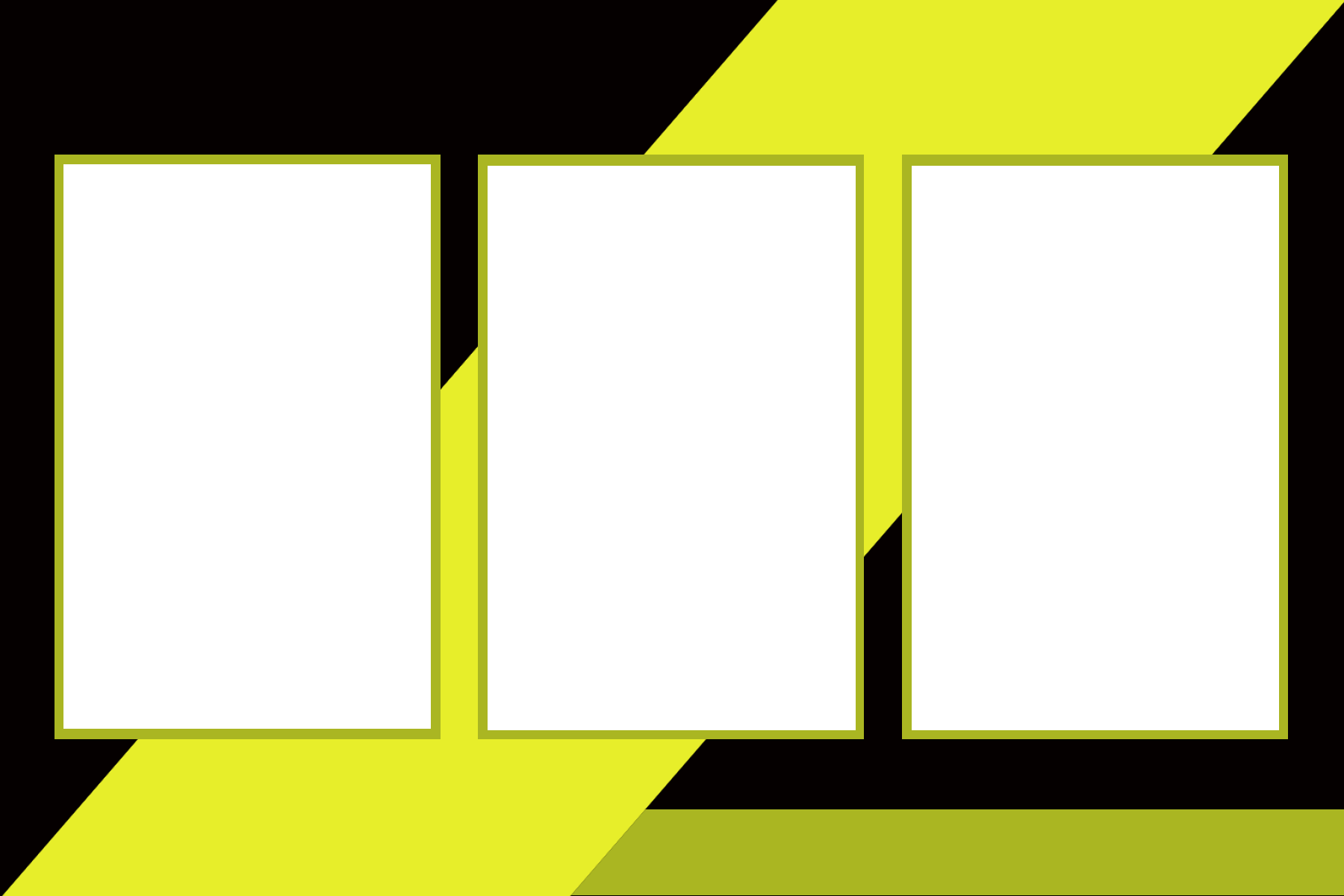
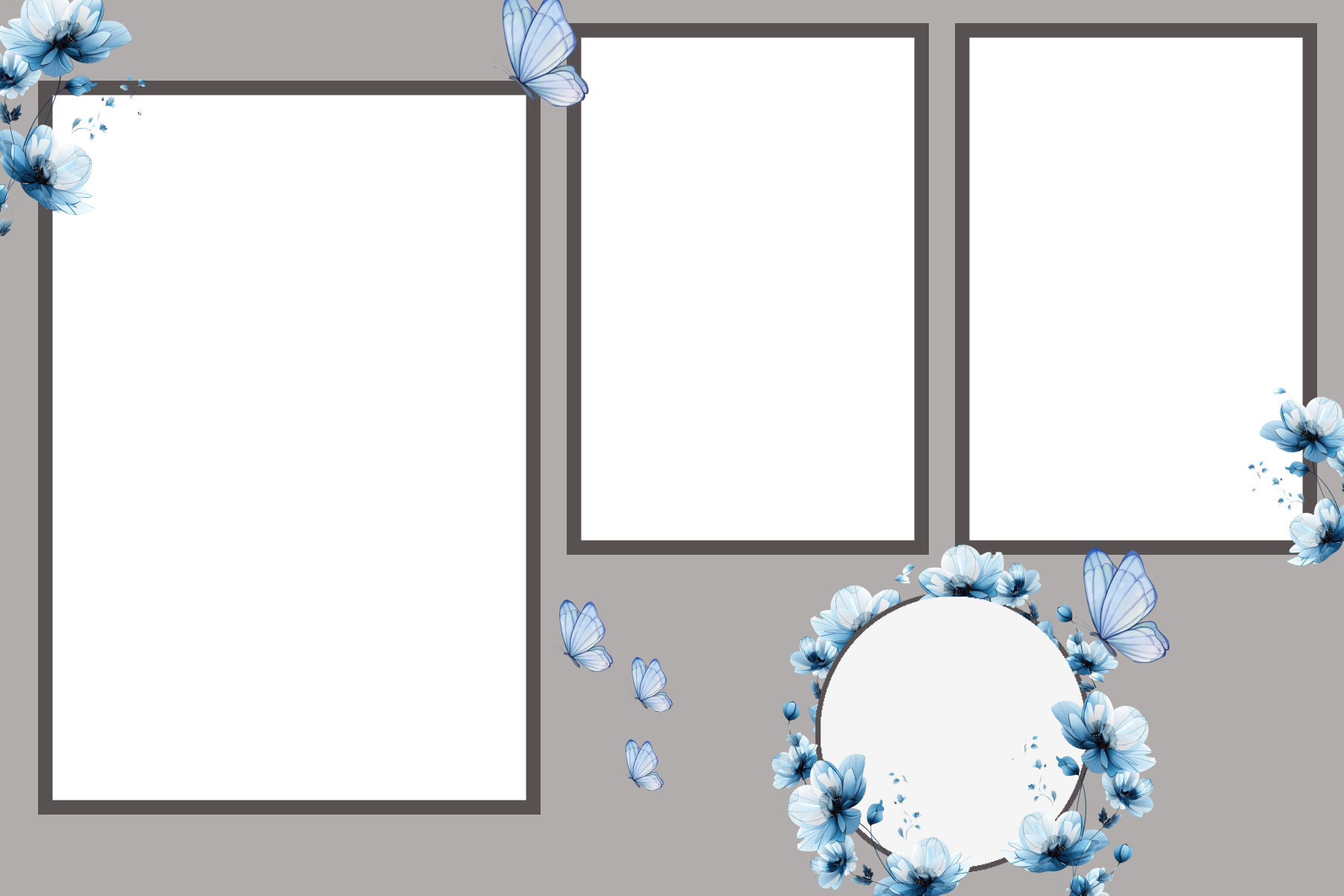
Want to change the design? Use the MyMirrorClub Editor
Bundle and single-product downloads are delivered as the selected files, but MyMirrorClub is more than a download store. Members can also use the online photo booth Editor and the MyMirrorClub asset library when they need editable text, images, layers, animation effects, Timeline timing and other project-level changes.
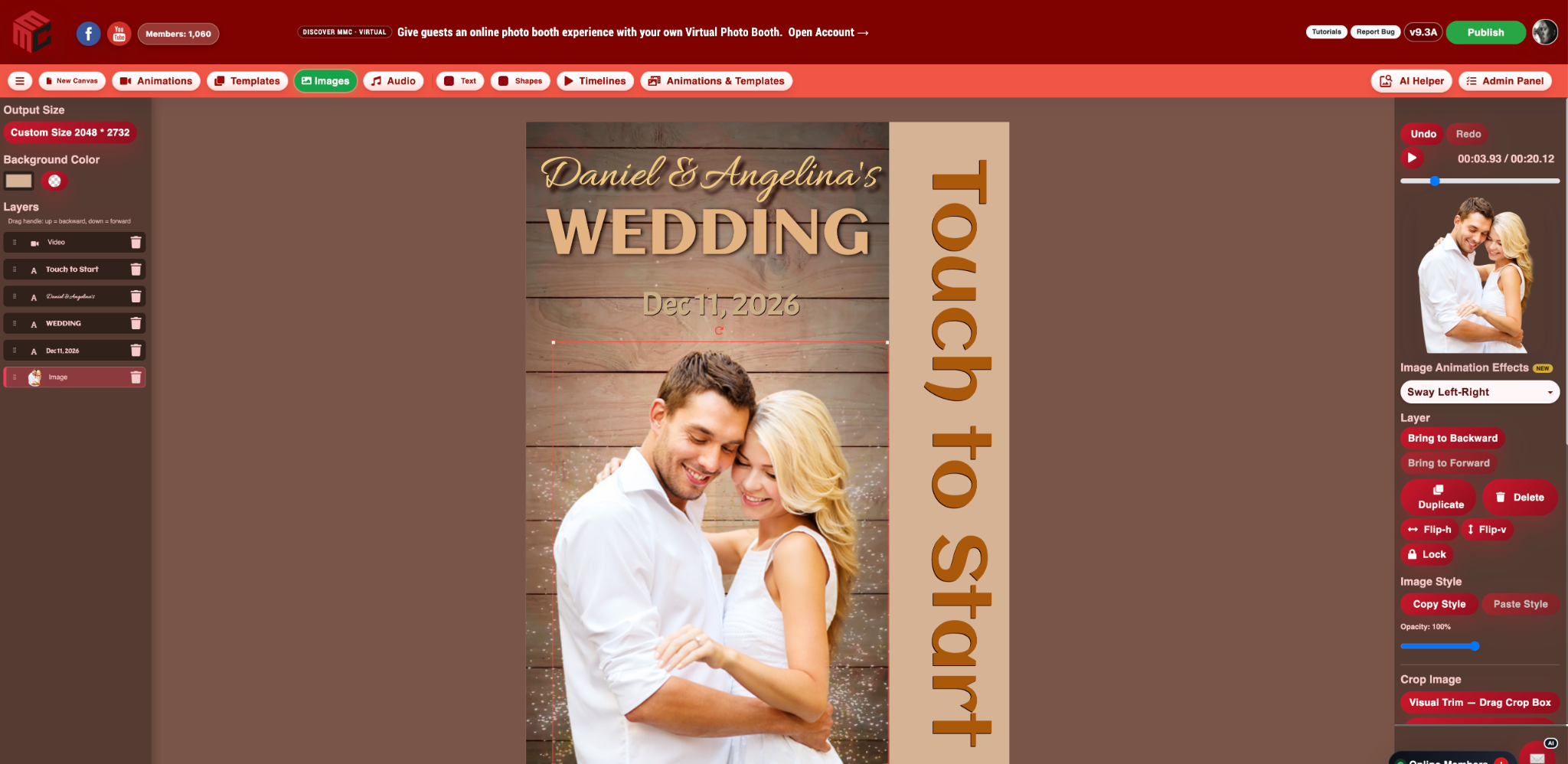
That gives operators three practical choices: buy the file as-is, build a discounted group of exact selections, or move into the Editor when the event calls for a more customized result.
Templates, animations and bundles should work together
A strong event setup can use both a print layout and a matching motion screen. Browse the dedicated Photo Booth Templates collection for layouts, the Photo Booth Animations collection for motion assets, or the Mirror Booth Animations page for attract-screen ideas.
For wedding-specific inventory, start with Wedding Photo Booth Templates. When you are ready to shop the live catalog, go straight to Search or open the Build Your Own Bundle workflow.
What is the difference between a ready-made Bundle and Build Your Own Bundle?
The Bundle Store contains ready-made collections assembled around a theme or event. Build Your Own Bundle starts from the full Search Library and lets you make the collection yourself. Use the ready-made Bundle Store when the whole set already fits the job; use the custom builder when you want exact control over every selected file.
When should I buy a single photo booth template?
Buy a single item when you only need one specific layout or animation for the current booking. It is the shortest path from Search to download.
When does a custom bundle make more sense?
A bundle makes more sense when several upcoming events need new designs or when you want a small reusable library across weddings, birthdays, holidays, corporate events and mirror booth animations. The important part is that you choose the files rather than accepting a fixed assortment.
Can I combine templates and animations in the same bundle?
Yes. Select the Mixed bundle type to combine templates and animations. You can also restrict the bundle to Templates only or Animations only.
Can I customize a purchased design?
The files in a single or custom bundle purchase are delivered as the selected assets. MyMirrorClub members can separately use the online Editor and available editable library projects when they want to change text, images, effects, layers or Timeline behavior. Design work completed by MyMirrorClub can also be requested separately through Custom Requests.
Build a photo booth design library around the work you actually book
The goal is simple: make it easier to find a useful design, pay for what you actually want and get the files without unnecessary steps. Start with one asset when that is enough. Build a 5–25 item collection when you need variety. Use the Editor when customization matters.
Browse Photo Booth Templates, explore Photo Booth Animations, or Build Your Own Bundle from the MyMirrorClub Search Library.
If you want a bundle-only walkthrough, you can also read Build Your Own Photo Booth Bundle From 8,000+ Creative Assets.