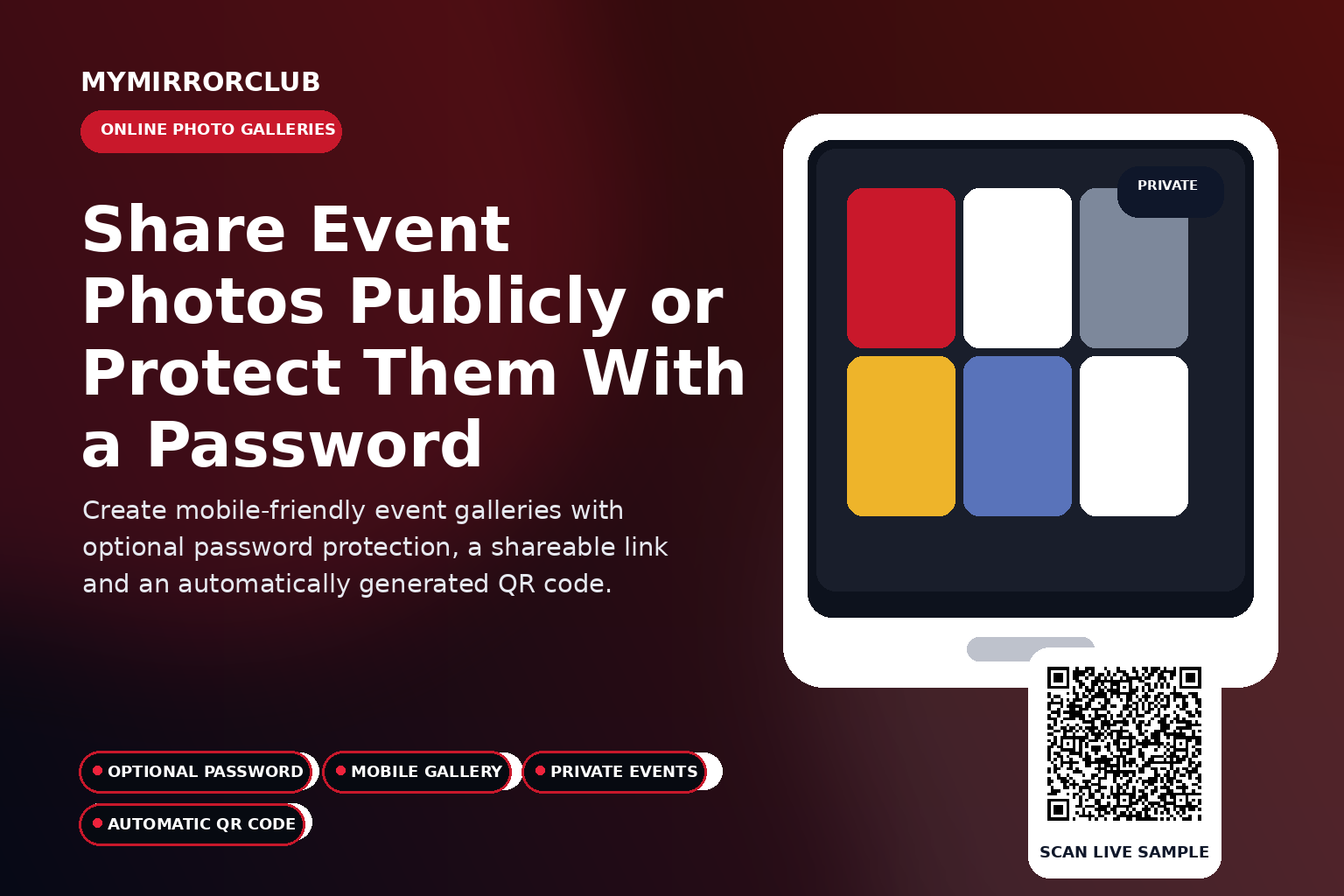
An Online Photo Gallery gives guests and clients one organized place to browse event images. For events that need more privacy, MyMirrorClub galleries can be password protected when the member chooses that option.
Open the live company-owned sample
This demonstration is operated by MyMirrorClub and is provided as a public example, not as a client event.
What is this feature?
The MyMirrorClub gallery experience combines a shareable event link, image browsing and an automatically generated QR code. The member decides whether the gallery remains open or requires a password.
How the guest experience works
- The member creates the event gallery and adds the selected images.
- The member chooses whether password protection is needed.
- The gallery receives its shareable link and automatically generated QR code.
- Guests open the gallery from a phone, tablet or computer.
- Protected galleries require the chosen password before visitors can view the images.
Why this feature can add value to an event package
- All event images are organized in one branded destination.
- Optional password protection adds control for private events.
- A QR code makes the gallery easy to open from printed materials.
- The gallery can be used during the event or as post-event delivery.
- A mobile-friendly experience helps guests browse without downloading an app.
Automatic QR-code access
MyMirrorClub automatically generates a QR code for this feature. Guests can scan it instead of typing the event URL. Members can use that QR code on:
- Welcome signs and entrance displays
- Table cards and printed inserts
- Invitations and reminder emails
- Digital displays and event websites
- Thank-you cards and post-event follow-up
Open gallery or password-protected gallery?
An open gallery is useful when easy public access is the priority. A password-protected gallery is better when the event includes private family photos, school attendees, internal company content or an invitation-only audience.
Password protection should be a deliberate choice
The member can choose the privacy level that fits the event. The QR code still provides convenient access, while the password creates an additional step before the images are displayed.
Events that fit this experience
- Private weddings and family events
- School functions
- Corporate events
- Fundraisers
- Youth sports and team events
- Public celebrations and festivals
Branding and presentation
The event title, visual assets and member presentation help the experience feel connected to the rest of the event. A consistent look across the booth, guest book, gallery and album can make separate digital tools feel like one complete package.
Practical setup tips
- Test the complete guest flow before sharing the QR code.
- Use a short instruction near the code so guests know what will open.
- Check the experience on both a phone and a desktop browser.
- Keep event branding readable on light and dark screens.
- Use a company-owned sample when demonstrating the feature publicly.
Frequently asked questions
Are galleries always password protected?
No. Password protection is optional and can be chosen when privacy is required.
Why use a password?
It helps limit access for private, school, corporate or invitation-only events.
Does the gallery receive a QR code?
Yes. The system automatically generates a QR code for the gallery.
How should the sample be used?
The linked example is a company-owned public demonstration, not a client gallery.
Explore the connected MyMirrorClub features
- All Five Interactive Features
- Virtual Photo Booth
- Online Video Guest Book
- Online Audio Guest Book
- Flip Book Photo Album
Offer a more complete online event experience
This feature can be offered alone or combined with the other MyMirrorClub experiences. A single event can include guest participation, collected messages, photo delivery, a private gallery and a digital album.