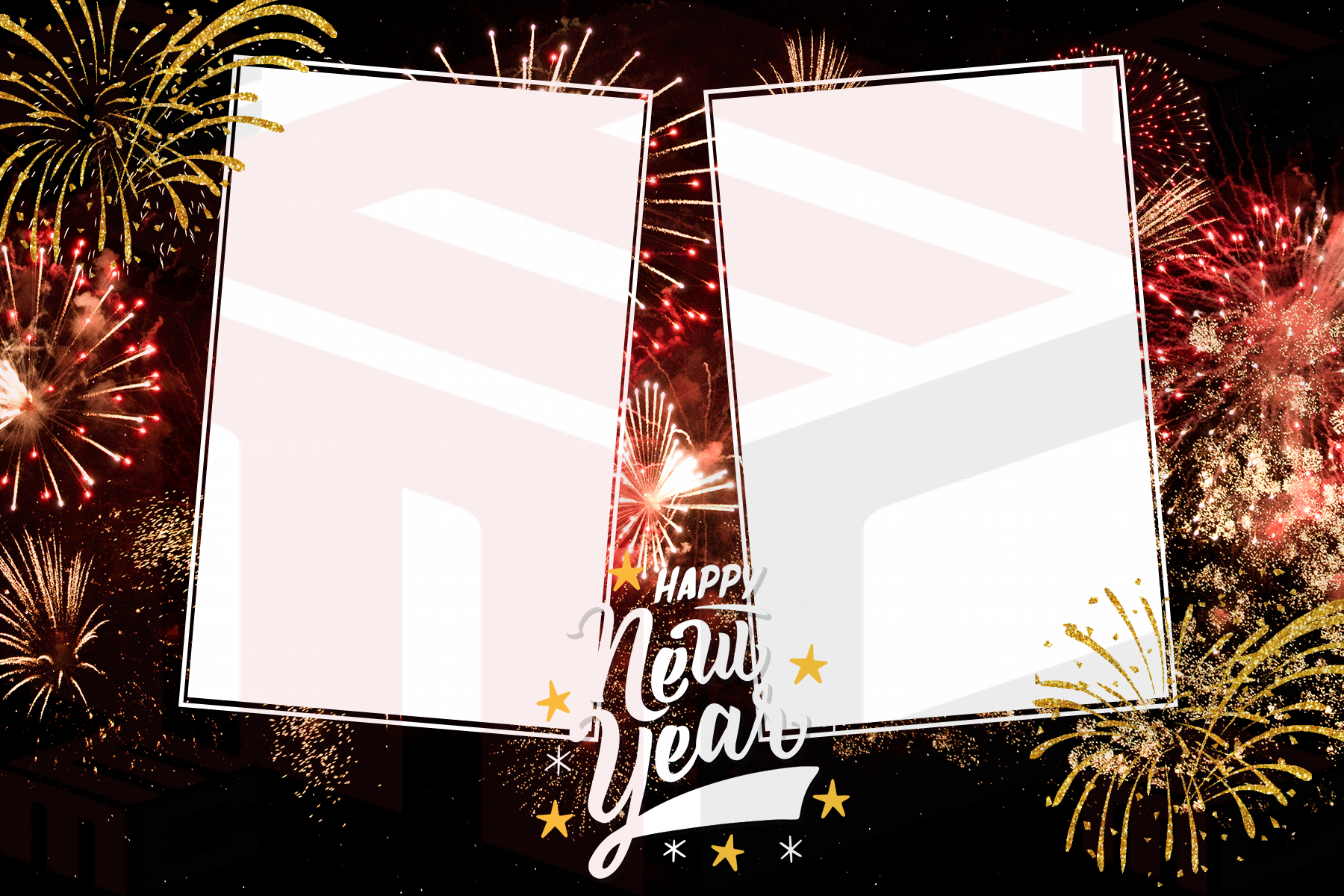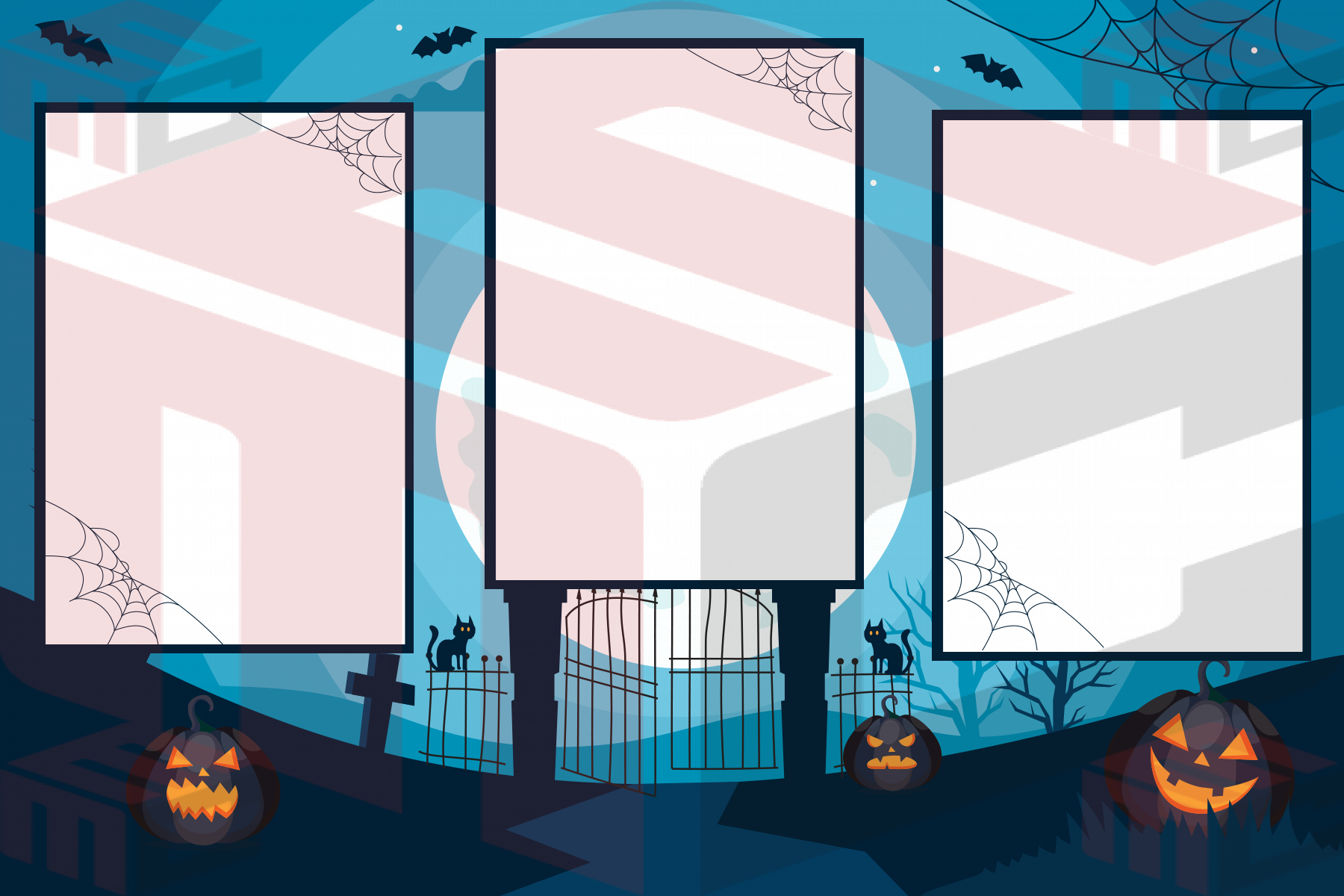
Creating polished photo booth layouts should feel fast, flexible and professional. That is why rounded corners are now live in the MyMirrorClub editor, giving photo booth owners more control over the look of photos, frames, shapes and transparent photo openings without leaving the platform.
The update is designed for real event-production work. Whether you are building a wedding layout, a modern corporate template, a birthday design, a mirror booth screen or a photo album page, you can now soften square edges and create a cleaner finished composition directly inside MyMirrorClub.
Rounded corners for the layers you use most
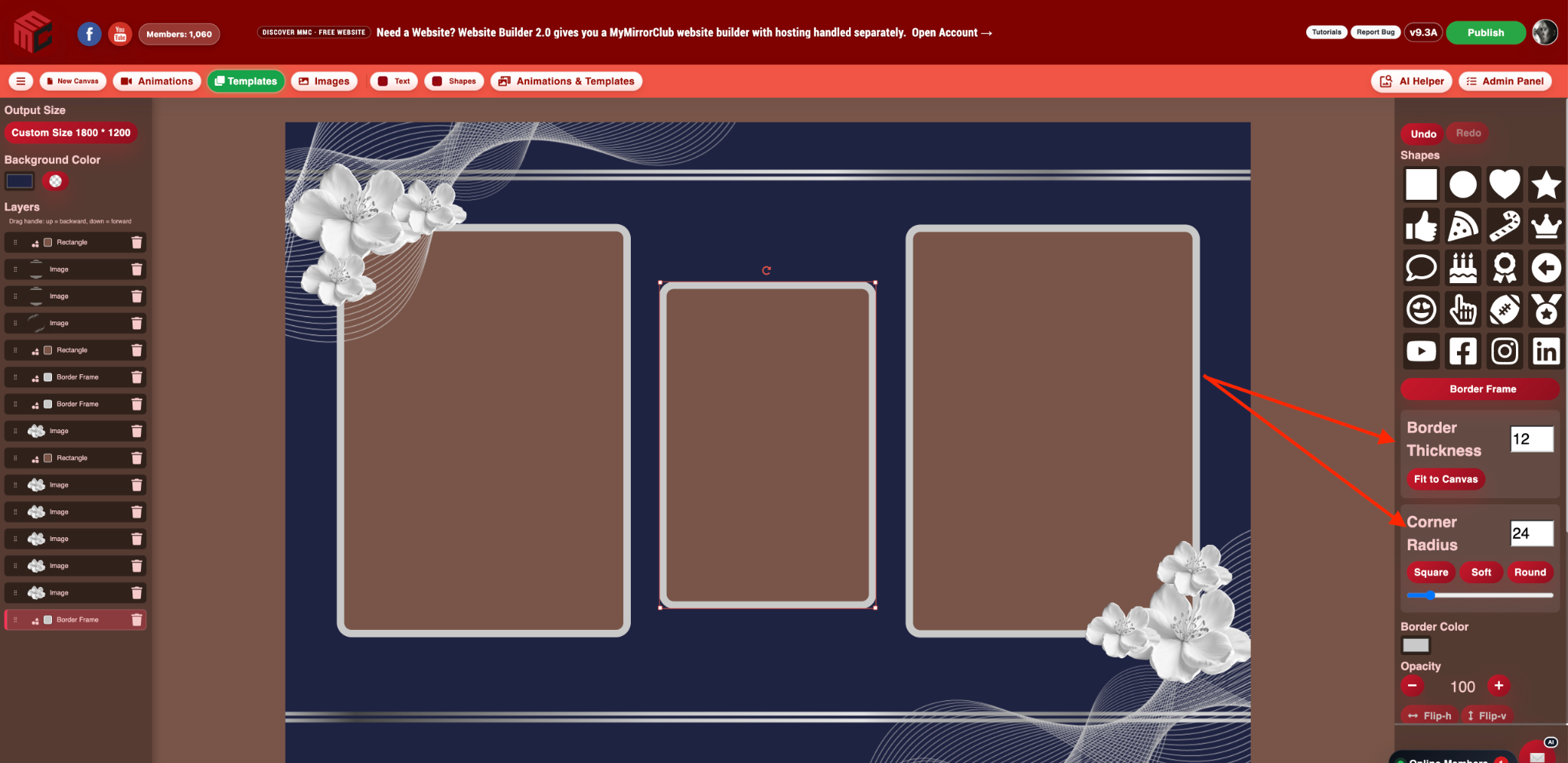
The new Corner Radius controls are available for images, rectangles, Border Frames and transparent photo boxes. You can keep a traditional square look, choose a softer radius, go more rounded, or use the manual radius control when you want a specific result.
- Square keeps the traditional sharp-corner look.
- Soft adds a subtle professional curve.
- Round creates a stronger rounded style.
- Manual Corner Radius gives you precise control with both a number field and slider.
The same rounded-corner workflow is available in the Main Editor and Flip Book Photo Album editor, so you can keep a consistent visual style whether you are building a booth layout or designing album pages.
This is especially useful when a design uses a rounded Border Frame around a photo opening. The transparent photo box can now use matching rounded corners too, so the opening follows the same shape instead of forcing you to position a square cut-out pixel-perfectly underneath the frame.
What you see in the editor is designed to carry through your workflow
Rounded corners are not meant to be a visual trick that disappears later. The radius is stored with the layer, so duplicated objects keep their rounded setting and saved projects retain it when reopened. The publishing workflow has also been updated so supported rounded layers and transparent photo openings carry the intended geometry into the finished output.
That means you can spend your time designing instead of repeatedly correcting the same corners or rebuilding a layout in another program.
A small control that makes a big visual difference
Rounded edges can instantly change the personality of a layout. A slight radius can make a wedding template feel softer and more elegant. A larger radius can give a corporate or modern booth layout a cleaner app-style presentation. Photo openings can feel more integrated with decorative frames, and repeated image blocks can look more consistent across the full design.
Why being part of MyMirrorClub keeps becoming more valuable
MyMirrorClub keeps growing around the day-to-day needs of photo booth owners. The goal is simple: give you more of the creative and business tools you need in one place so you do not have to jump between multiple platforms for every part of a job.
If there is a feature you need and you do not see it yet, send us a feedback or feature request. We actively use member feedback to decide what to improve and what to build next.
Try the new rounded-corner controls
Open a project, select an image, rectangle, Border Frame or transparent photo box, and look for the Corner Radius controls in the layer settings. Start with Square, Soft or Round, then fine-tune the radius manually when you want the frame and photo opening to match exactly.
Open the MyMirrorClub Editor →
FAQ: Can I add rounded corners to transparent photo boxes?
Yes. Transparent photo openings can now use the same Corner Radius controls, helping the opening follow a rounded Border Frame instead of remaining square.
FAQ: Will my rounded-corner setting stay when I save the project?
Yes. The corner radius is stored with the layer so it is retained when the project is saved and reopened, and duplicated layers keep their radius as well.
FAQ: Can I still make completely square photo boxes and frames?
Yes. Choose Square or set the Corner Radius to 0 whenever you want the original sharp-corner look.