Baby showers are among the sweetest events a photo booth company can serve. The details are personal, the guests are excited, and the finished photos often become keepsakes for the parents, family and friends.
The right baby shower photo booth template helps the entire experience feel coordinated. It can match the invitation, balloon wall, dessert table, event colors, baby theme and even the wording chosen by the family.
This guide covers baby shower template ideas for girls, boys, gender-neutral celebrations and gender reveals. It also explains the best photo booth sizes, which design layers should be editable, how animations can complete the experience, and whether it makes more sense to buy one asset, select a ready-made bundle or build your own collection.
Find baby shower templates and animations
Browse more than 8,000 creative assets in the MyMirrorClub Search Library, choose a ready-made collection, or open the Editor to customize supported layers yourself.
Why baby shower photo booth templates are valuable
Baby shower events naturally invite personalization. Families may want the honoree's name, the baby's name, the shower date, a special message, custom colors or a theme such as teddy bears, clouds, stars, florals, rainbows or balloons.
For photo booth owners, baby shower designs are useful beyond one single event type. A strong collection can support:
- Traditional baby showers
- Baby sprinkles
- Gender reveal parties
- Sip-and-see celebrations
- Maternity celebrations
- Welcome baby events
- First-birthday crossover themes
One well-built design family can be adapted for several bookings when its text, colors and decorative layers are editable.
Baby shower girl template ideas
Girl-themed baby shower templates often use blush pink, rose, peach, lilac, cream or soft rainbow colors. The design can be playful or elegant depending on the event.
Popular details include:
- Baby dresses and bows
- Bottles, rattles and prams
- Clouds, stars and rainbows
- Pink balloons and soft confetti
- Floral corners and watercolor elements
- Princess, crown or little-lady themes
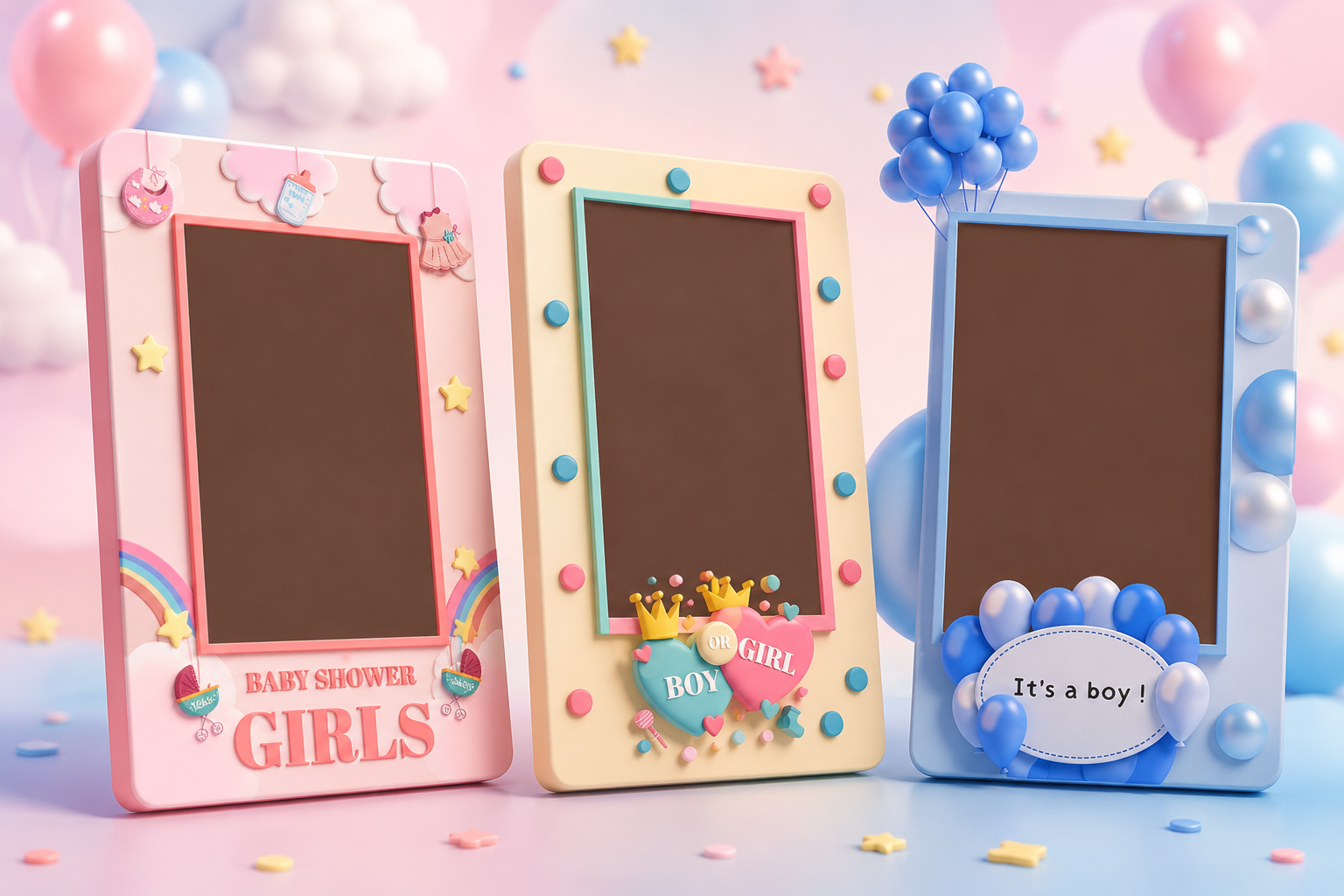
A cute "Baby Shower Girls" layout works well for a bright family celebration. A blush floral frame with elegant lettering can feel more upscale for a formal venue.
Baby shower boy template ideas
Boy-themed layouts commonly use powder blue, royal blue, white, silver, cream or soft gray. Balloon designs are especially effective because they connect easily with real event decor.
Useful design directions include:
- Blue balloon clusters
- Moon, stars and cloud themes
- Baby blocks and teddy bears
- Little prince or crown styling
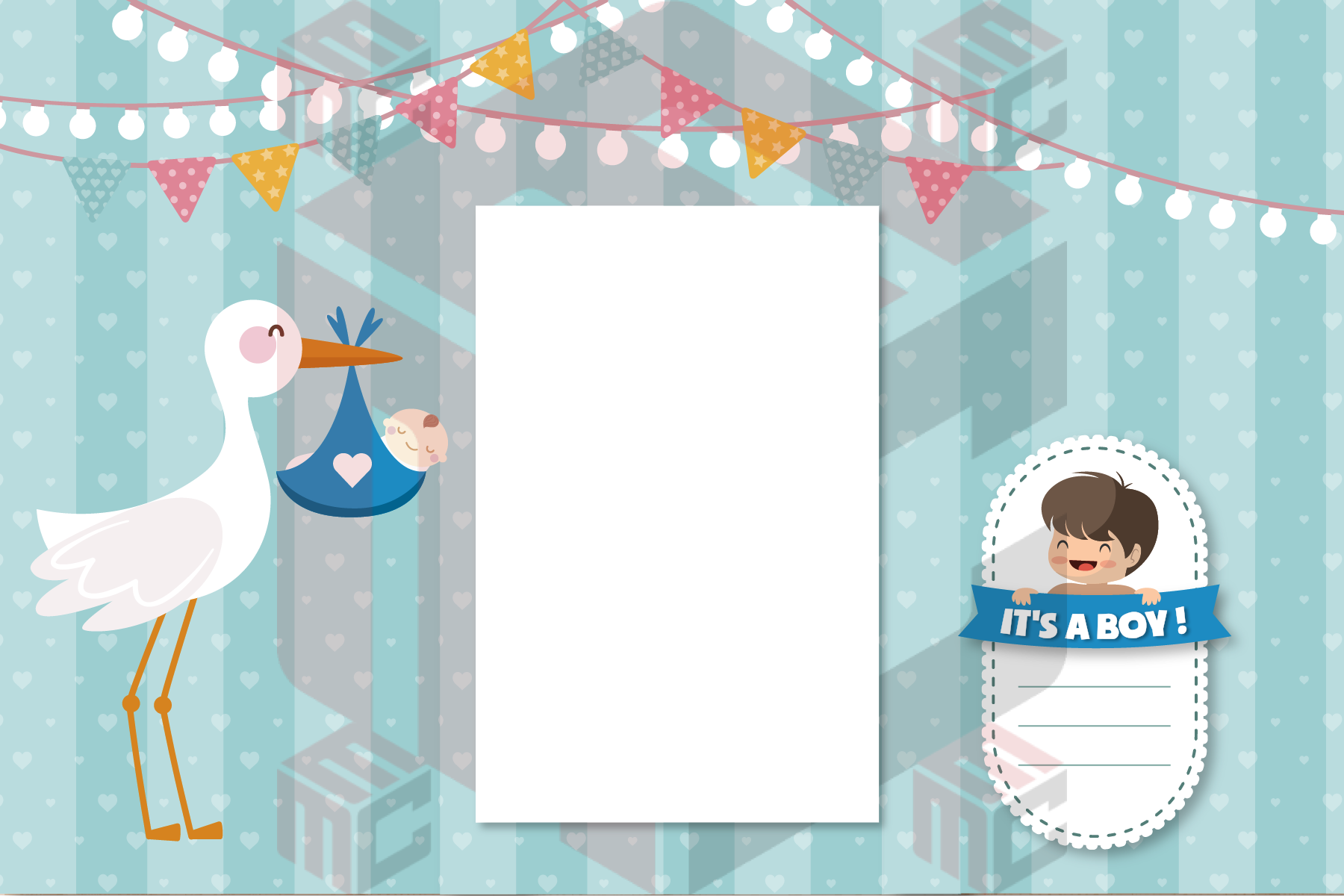
- "It's a Boy!" labels and badges
- Soft blue watercolor or glossy 3D elements
The strongest designs keep the photo area clear while using blue details around the border to establish the theme.
Boy or girl gender-reveal templates
A "Boy or Girl" design can serve both a baby shower and a gender reveal. Pink-and-blue layouts are instantly recognizable and can create a fun visual contrast in the final photo.
Ideas include split-color borders, pink and blue balloons, heart shapes, crowns, confetti, question marks, reveal wording and dual-color decorative layers.
These templates are especially practical for booth owners because the same starting design can be adapted for several client preferences.
Gender-neutral baby shower template ideas
Many modern clients prefer a neutral palette instead of traditional pink or blue. Gender-neutral themes can feel stylish, warm and timeless.
Popular directions include:
- Beige, ivory and cream
- Sage green and soft eucalyptus
- Teddy bear and woodland themes
- Moon, stars and celestial designs
- Boho rainbows and natural textures
- White, gold and champagne palettes
Neutral designs also give photo booth operators more flexibility because the same layout can support a baby shower, sprinkle, welcome baby event or first birthday.
Popular baby shower design themes
Soft pastel baby shower
Pastels create a gentle, cheerful atmosphere. Pink, blue, yellow, mint and lilac can be combined with clouds, stars and rounded shapes.
Elegant floral baby shower
Floral designs work well for venues, brunches and polished celebrations. Keep the flowers near the corners and leave enough open space around the guest photos.
Teddy bear baby shower
Teddy bears pair naturally with beige, cream, brown, sage and soft blue. This style works especially well for gender-neutral events.
Rainbow baby shower
Rainbows, clouds and stars create a happy, playful design. This can be used for girl-themed, neutral or rainbow-baby celebrations.
Balloon baby shower
Balloon details match one of the most common baby shower decorations. A template can mirror the real balloon colors used at the venue.
Moon and stars baby shower
Celestial designs are flexible and elegant. They can use navy and gold, soft blue and white, blush and gold, or neutral cream palettes.
Best photo booth template sizes for baby showers
The right design still needs the right output size. Before choosing a layout, confirm the booth software, printer, sharing workflow and the number of photos the client expects.
4x6 baby shower photo booth templates
A 4x6 photo booth template gives the design more room to breathe. It is an excellent choice when the client wants a premium printed keepsake or a larger digital layout.
A 4x6 design can comfortably include:
- One large portrait photo
- Two or three guest photos
- The honoree's or baby's name
- The event date
- A themed title or message
- Decorative balloons, florals, stars or clouds
4x6 layouts work especially well for open-air booths, mirror booths and modern social-sharing experiences.
2x6 baby shower photo strips
A 2x6 photo strip creates a classic photo booth experience. It is useful when guests want several poses and a fun takeaway print.
Strips normally use stacked photo areas with a smaller theme area at the top or bottom. Keep the wording short so it remains readable at print size.
Single-photo baby shower layouts
A single-photo layout can feel clean and modern. It works best when the border design is strong and the guest image should remain the main focus.
Multi-photo baby shower layouts
Two-photo and three-photo layouts give guests more chances to pose. They are ideal for lively celebrations with families, groups and children.
For broader size planning, review the photo booth template size guide.
What should be editable in a baby shower template?
Clients often request small but important changes. A layered template makes those updates faster than rebuilding the full design.
Useful editable elements include:
- Baby shower title and event wording
- Honoree or baby's name
- Event date
- Boy, girl or gender-neutral wording
- Colors and background tones
- Fonts, text size and text placement
- Logo or planner branding
- Decorative graphics and layer positions
Example wording may include "Oh Baby," "Welcome Baby," "It's a Boy," "It's a Girl," "Boy or Girl," "A Little Prince Is on the Way," or a fully personalized family message.
Sample names, dates and wording shown in previews are examples of editable layers. They are not meant to limit the design to one customer.
Use the MyMirrorClub Editor for self-service changes
When a supported template contains editable layers, members can log in and use the MyMirrorClub Editor to change text, names, dates, colors and other supported elements themselves.
The custom bundle price covers the selected assets as-is. Design work completed by MyMirrorClub is separate and can be ordered through a paid Custom Request.
For a deeper explanation of editable layers, read What Makes a Photo Booth Template Editable?
Matching baby shower animations
A print template is only one part of the booth experience. Matching animations can make the setup feel more complete from the moment a guest approaches the booth.
A baby shower creative set may include:
- Touch-to-start animation
- Welcome screen
- Countdown animation
- Pose or prompt screen
- Email or sharing screen
- Thank-you screen
- Mirror booth welcome and idle screens
A pink cloud-and-rainbow template can be paired with a soft pastel animation. An "It's a Boy!" balloon frame can use floating blue balloons and stars. A neutral teddy bear template can use warm cream and sage motion graphics.
Explore the broader photo booth animation collection to understand how movement can support the final print design.
Baby shower templates for mirror booths and 360 booths
Mirror booths often use full-screen welcome, idle, prompt and countdown graphics in addition to the final photo layout. Baby shower colors and wording should remain consistent across those screens.
For a 360 booth, the final output is video-first. A matching overlay should leave enough open space for the guests and movement while still showing the event name or theme.
The core idea is consistency: the print, screen and video elements should look like one coordinated package.
How to choose the best design for a client
Ask a few simple questions before selecting the template:
- Is the event for a girl, boy, gender-neutral celebration or gender reveal?
- What colors are used in the invitation and venue decor?
- Does the client prefer cute, modern, elegant, floral, boho or playful?
- Will the output be 4x6, 2x6, digital-only, mirror booth or 360 video?
- Which names, dates or messages need to be added?
- Does the client want matching animations or booth screens?
These answers narrow the search quickly and help avoid unnecessary revisions.
Buy one design, choose a ready-made bundle or build your own
Different bookings need different purchase options.
Buy Single
Use Buy Single in Search when you need one specific template or animation for an immediate event.
Ready-made bundles
Visit Template Bundles when you want a coordinated collection that has already been assembled.
Build Your Own Bundle
Build a custom collection when you want to choose every asset yourself. Current bundle sizes include:
- 5 selected assets for $19
- 10 selected assets for $29
- 15 selected assets for $39
- 20 selected assets for $49
- 25 selected assets for $59
You can mix baby shower templates with birthday layouts, wedding designs, corporate templates and matching animations based on the work your business actually books.
Tips for designing better baby shower templates
Keep the guest photo dominant
The decorations should support the photo instead of competing with faces.
Use readable contrast
Pastel text can disappear on light backgrounds. Use enough contrast for both printing and phone viewing.
Leave room for personalization
Plan space for names, dates and event wording so text does not feel squeezed into the design.
Think in coordinated sets
A template, welcome screen and matching animation create more value than one isolated design.
Offer several visual directions
A useful baby shower library should include girl, boy, gender-neutral, gender-reveal, modern and playful options.
Baby shower template product ideas
Photo booth owners building a stronger event library can consider:
- Baby Shower Girls 4x6 Template
- It's a Boy Balloon Photo Booth Template
- Boy or Girl Gender Reveal Frame
- Neutral Teddy Bear Baby Shower Layout
- Rainbow Baby Shower Photo Template
- Floral Baby Shower Print Design
- Baby Sprinkle Photo Booth Template
- Baby Shower Welcome Screen
- Baby Shower Animation Pack
- Editable Baby Shower Template Bundle
FAQ: What is the best size for a baby shower photo booth template?
4x6 is a strong choice for a premium keepsake with room for personalization and decorative elements. A 2x6 strip is ideal for a classic booth experience with multiple poses.
FAQ: Can I change the baby name, date and colors?
When those elements are editable layers in the selected template, members can log in and update them inside the MyMirrorClub Editor.
FAQ: Can a gender-reveal template also be used for a baby shower?
Yes. Boy-or-girl designs can work for a gender reveal or a baby shower, especially when the event uses both pink and blue decorations.
FAQ: Should I choose a baby shower template or a matching animation first?
Start with the main event style and color palette. Then select the print template and matching animation so both feel like one coordinated experience.
FAQ: Can I purchase only one baby shower design?
Yes. Search cards include a Buy Single option. You can also choose a ready-made bundle or create a custom 5, 10, 15, 20 or 25-item bundle.
FAQ: Are design changes included with a custom bundle?
Custom bundle pricing includes the selected assets as-is. Members can edit supported layers themselves in the Editor. Design work completed by MyMirrorClub is available separately through a paid Custom Request.
Create a beautiful baby shower photo booth experience
A successful baby shower template should feel personal, remain easy to read and give the guest photos enough space. The best collection combines multiple themes, useful sizes, editable layers and matching animations.
Start by browsing Search, explore ready-made Template Bundles, learn more about photo booth templates and the online photo booth editor, or open the MyMirrorClub Editor to customize a supported design.
Choose a sweet girl theme, a bold boy design, a flexible gender-reveal layout or a modern neutral style - and create a photo booth keepsake the family will remember.